Cómo instalar Proton para Steam en un sistema operativo Linux
 Por Admin
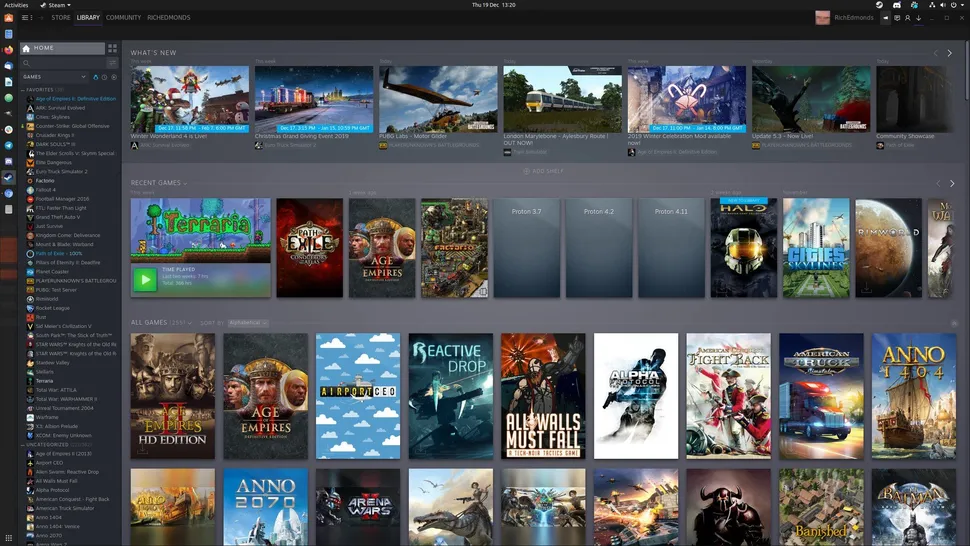
Steam ya te permite jugar tus juegos favoritos en el sistema operativo que posees, lo que brinda a los amantes de los videojuegos la libertad de elegir su sistema operativo y disfrutar de una excelente experiencia de juego. Hacer que Steam funcione en sistemas Linux usando Proton es un proceso extremadamente simple. ¿Qué es Proton para Steam en Linux? Lee también: 10 programas que debes descargar en el sistema operativo Linux Guía de instalación de Proton en Linux Primero: Instalación Haz clic en "steam" en la esquina superior izquierda y selecciona "settings".
Ve a las opciones "compatibility" y desde allí a la sección "steam play" y habilita "enable steam play for all other titles", luego selecciona la última versión de Proton en el menú desplegable y haz clic en "ok". Reinicia Steam. Tercero: .
¿Qué esperas? Debes instalar Proton ahora para disfrutar de una experiencia de juego excepcional en el sistema Linux. Lee también: 10 juegos gratuitos multijugador en línea para jugar con tus amigos Los 15 programas más importantes para gamers Las mejores tarjetas gráficas para juegos y renderizado
DROPIDEA
Esperamos que este artículo te haya aportado valor real. En DROPIDEA, siempre nos esforzamos por ofrecer contenido de alta calidad que te ayude a crecer y evolucionar en el espacio digital. Síguenos para más artículos y guías útiles.
Admin
DROPIDEA
Últimos artículos

Peak XV eleva el límite de sus inversiones semilla a 5 millones de dólares

Esperada cena entre el CEO de Anthropic y Donald Trump en medio de desacuerdos sobre la seguridad de la inteligencia artificial

Google prueba las compras directas de Flipkart a través de Gemini en la India

Crusoe cancela un acuerdo de 1.250 millones de dólares para turbinas de centros de datos