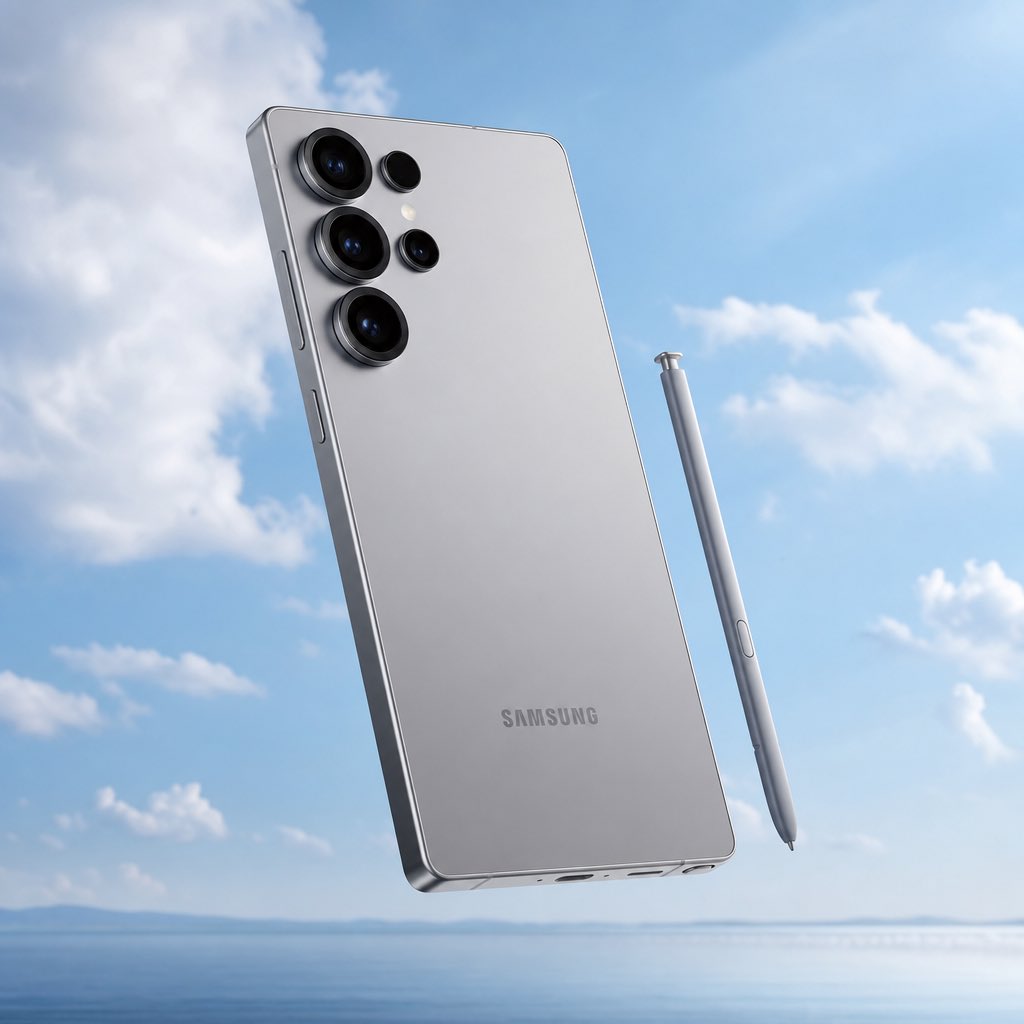
Result 1OpenAI
Template for generating a premium product image floating in a minimal forest green and premium white environment, with soft shadows, studio lighting, reflections, and hyper-realistic textures in a commercial advertising style.
These example images come from the original source. DROPIDEA has not independently tested these examples; results depend on the model and settings.

Replace the red variables with your information. Copy the full prompt and use it with your preferred agent.
[item]The product you want to photograph.
Replace [item] at the beginning of the template.
Example valueperfume bottle
[forest green and premium white]Color scheme of the surrounding environment.
Replace [forest green and premium white] inside the template.
Example valuenavy blue and gold
A 16:9 2x2 grid prompt that reinterprets items or dishes into avant-garde 1980s Memphis Group designer furniture in...
A comprehensive prompt for generating a luxury three-panel editorial fragrance campaign poster showcasing top, hear...
Editorial luxury perfume prompt uniting intimate cropped human presence, precision beveled glass flacon, and a tran...
A 5-second 16:9 commercial end card prompt featuring a rising and rotating beverage can against black, framed with...