Skip to content
ImagesFree

Negative Prompt for Crisps Can Imagery

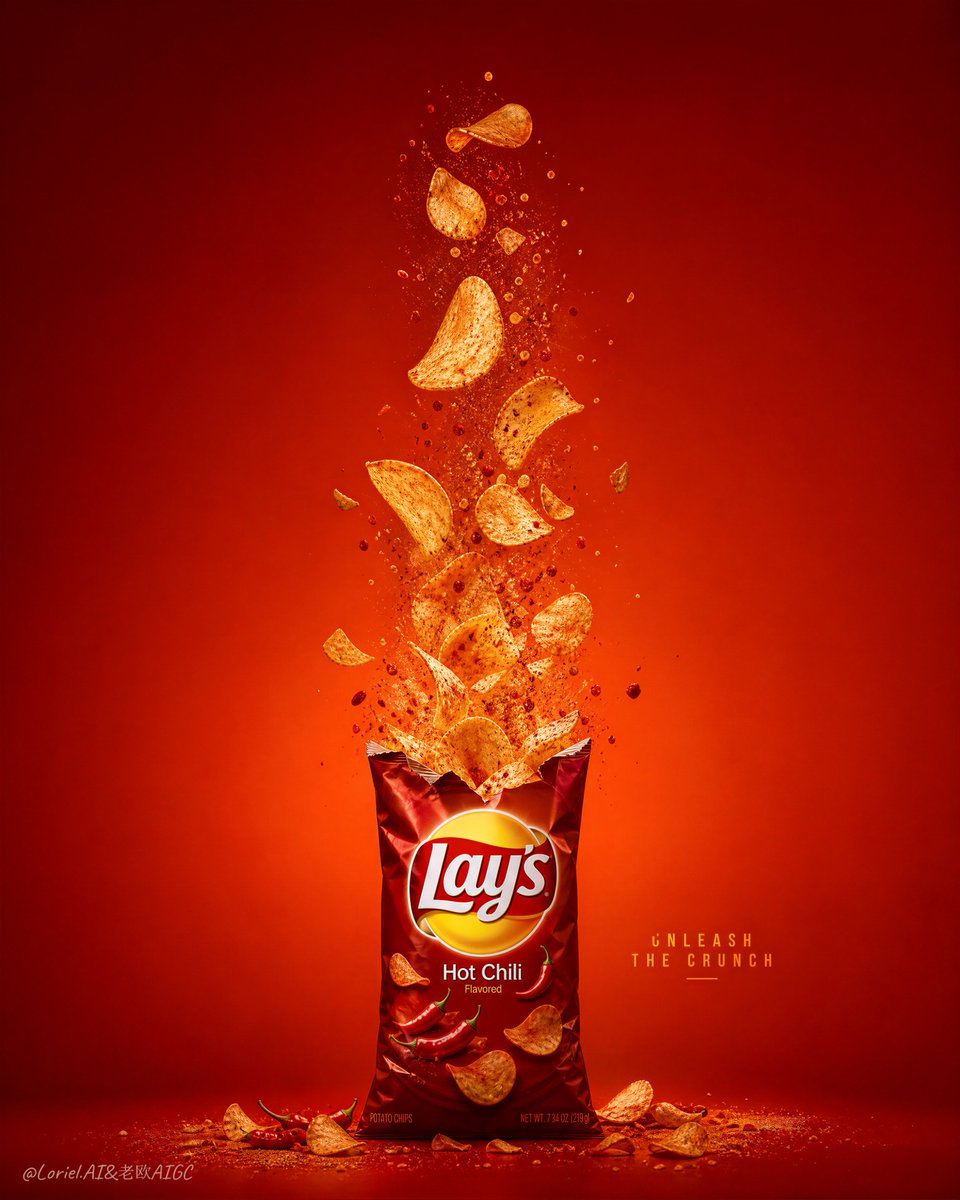
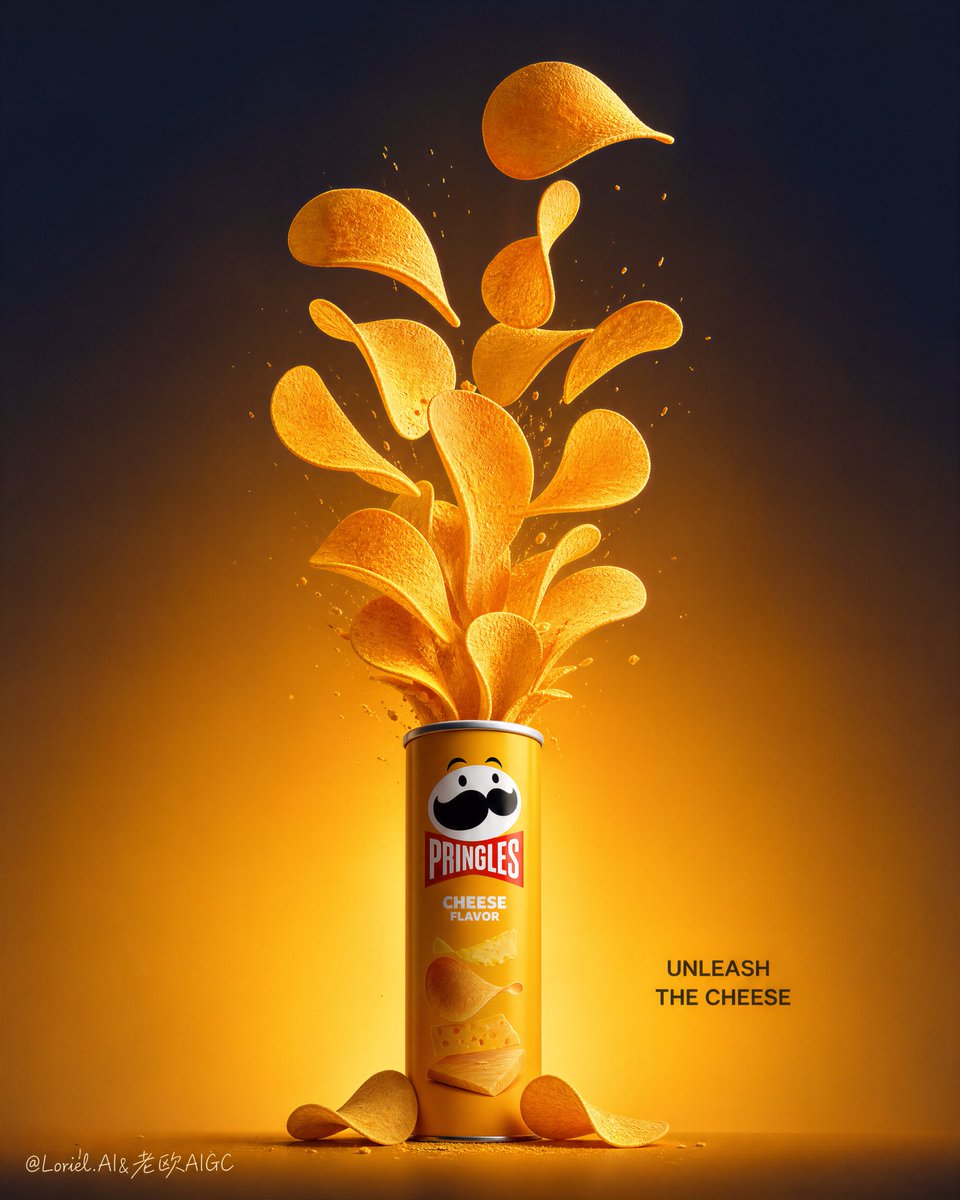
A negative prompt blocking crumbs, chaotic debris, blurry can and cheap flyer look, keeping product clean and brand visible.

OpenAI

Source previews

These example images come from the original source. DROPIDEA has not independently tested these examples; results depend on the model and settings.
Ready to personalize

Your prompt

English

Replace the red variables with your information. Copy the full prompt and use it with your preferred agent.

TXT MD English version
too many crumbs, too many broken chips, heavy debris field, chaotic fragments, cartoon explosion, fake crisps, blurry can, weak brand visibility, cluttered composition, cheap supermarket flyer style, low-detail chips, plastic-looking can, excessive text, cropped product, distorted logo, low-resolution texture, insufficient negative space
Preview results

Your prompt

too many crumbs, too many broken chips, heavy debris field, chaotic fragments, cartoon explosion, fake crisps, blurry can, weak brand visibility, cluttered composition, cheap supermarket flyer style, low-detail chips, plastic-looking can, excessive text, cropped product, distorted logo, low-resolution texture, insufficient negative space

What you get

  • An image free of crumbs and chaotic debris.
  • A sharp, detailed can without a cheap plastic look.
  • An organized composition with enough negative space to showcase the product.

Use cases

  • Food product advertising and packaging visuals.
  • Professional photography of potato crisps.
  • Marketing materials for snack brands.

How to use

  • Copy the negative prompt into the Negative Prompt field of your image generator.
  • Pair it with a positive prompt describing a clean, clearly branded crisps can.
  • Adjust the negative prompt weight if some artifacts still appear.
  • Generate the image and verify no crumbs, clutter or cheap look remain.
  • Retry with minor tweaks to the positive prompt until the composition is clean.

Related prompts