Skip to content
ImagesFree

Negative Prompt List for Professional Vacuum Ad

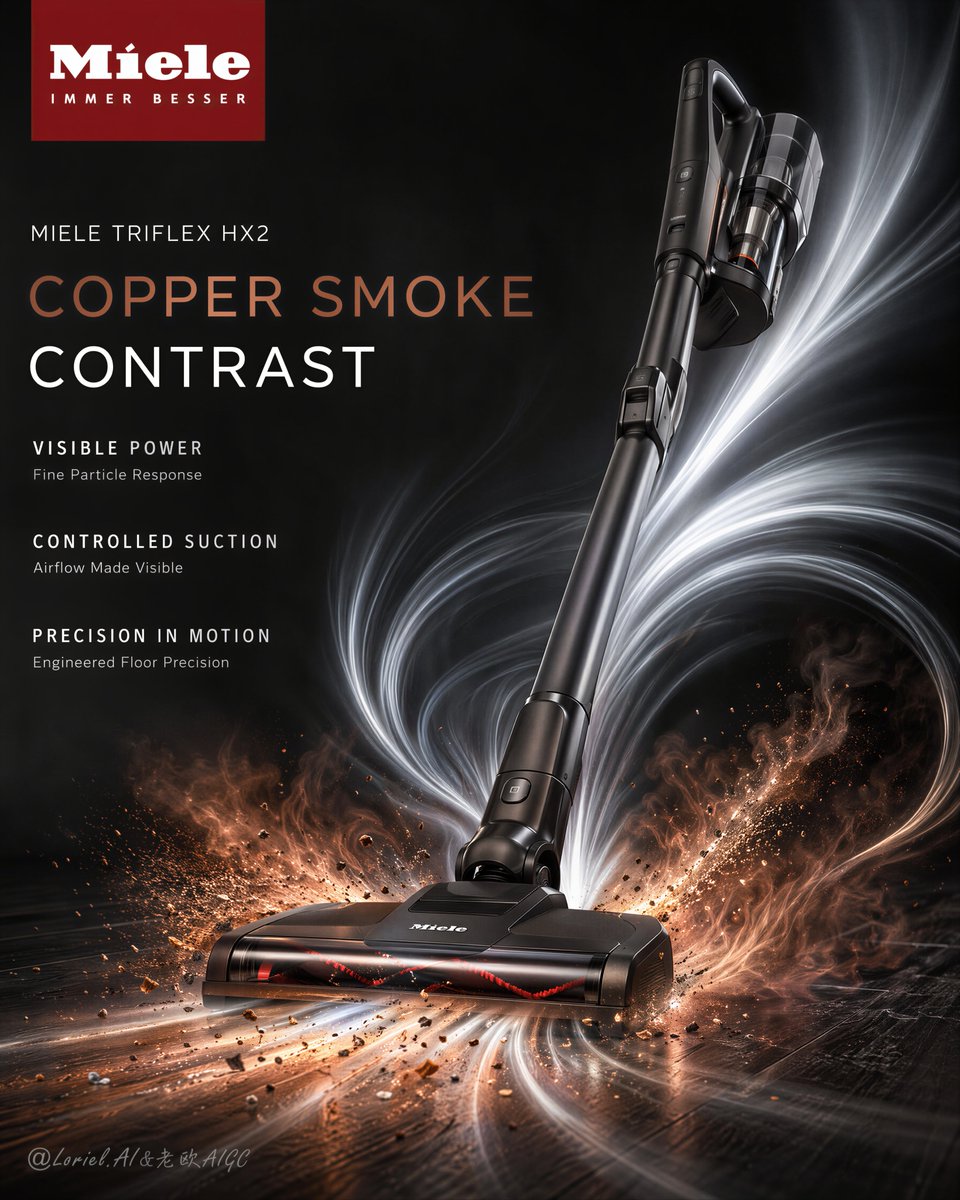
A negative prompt list excluding common vacuum advertisement flaws such as fake effects, wrong proportions, plastic looks, and oversaturated colors, for a realistic high-quality product image.

OpenAI

Source previews

These example images come from the original source. DROPIDEA has not independently tested these examples; results depend on the model and settings.

Ready to personalize

Your prompt

English

Replace the red variables with your information. Copy the full prompt and use it with your preferred agent.

TXT MD English version
generic appliance ad, fake CGI fantasy effects, cartoon airflow, fiery smoke, wrong vacuum proportions, plastic-looking materials, exaggerated debris explosion, cluttered background, cheap tech poster, oversaturated colors, low-detail floorhead, weak product focus, messy typography, unrealistic suction physics, gimmicky lighting, low-end retail flyer
Preview results

Your prompt

generic appliance ad, fake CGI fantasy effects, cartoon airflow, fiery smoke, wrong vacuum proportions, plastic-looking materials, exaggerated debris explosion, cluttered background, cheap tech poster, oversaturated colors, low-detail floorhead, weak product focus, messy typography, unrealistic suction physics, gimmicky lighting, low-end retail flyer

Variable guide

vacuum

The target product referenced in the negative list.

The phrase "wrong vacuum proportions" in the English negative prompt.

Example value

wrong upright vacuum proportions

What you get

  • An ad image free of plastic looks and fake effects.
  • Realistic floorhead detail and suction physics.
  • Balanced colors and a clean background that highlights the product.

Use cases

  • Vacuum and home appliance ads on social media.
  • Product images for e-commerce retail stores.
  • Design work for appliance-focused ad agencies.

How to use

  • Copy the full Arabic template into the Negative Prompt field of your image generation tool.
  • Replace the vacuum word with your actual product if different, keeping all other descriptors.
  • Generate the image alongside a clear positive prompt describing the product and lighting.
  • Review the result and regenerate if any listed flaws appear.
  • Use the final image in your marketing campaigns after verifying product quality.

Related prompts