Skip to content
ImagesFree

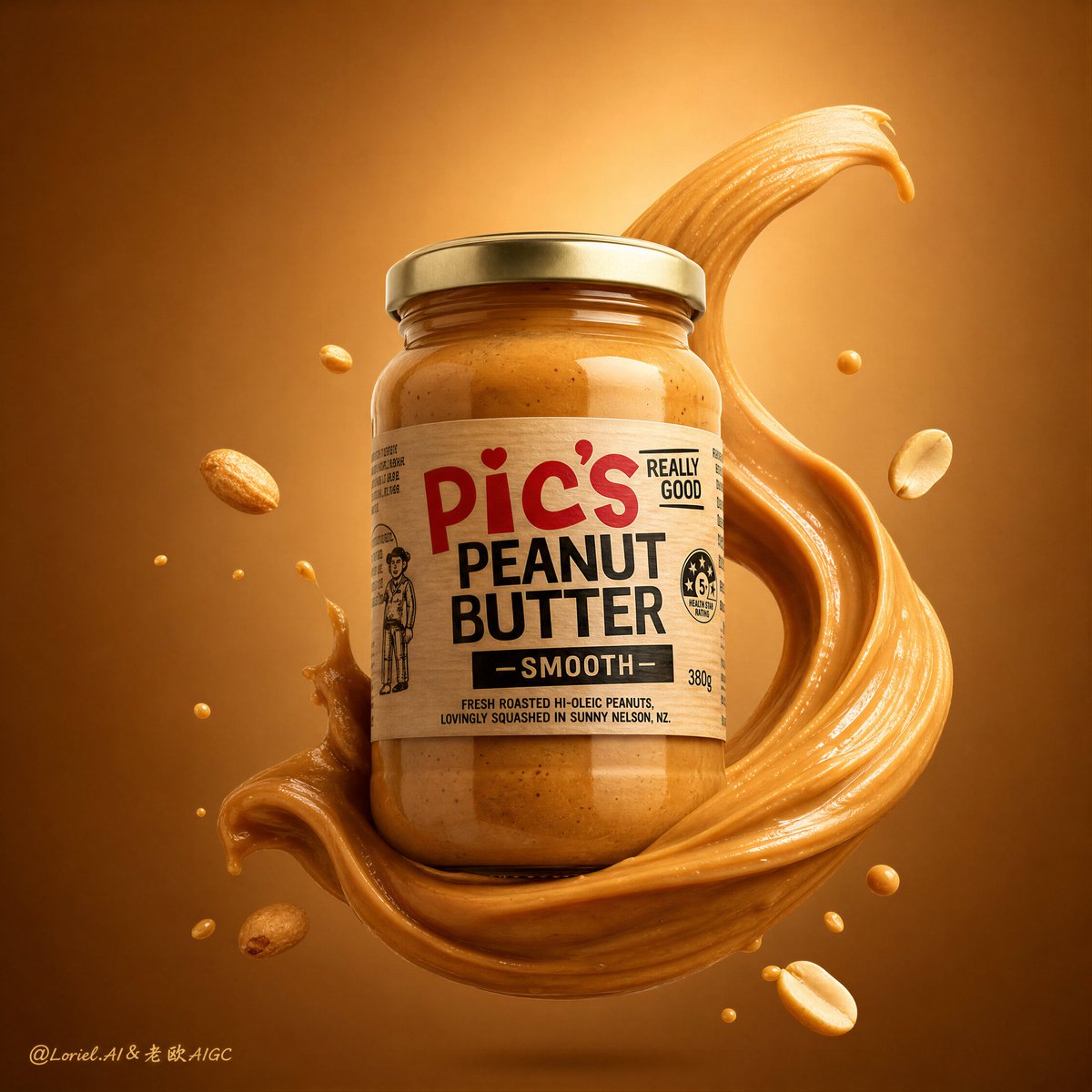
Chaotic splash and fake jar with cheap ad look

A negative prompt listing common flaws to exclude in peanut butter product photography: messy splashes, fake jars, wrong labels, muddy shadows, and cheap plastic textures.

OpenAI

Source previews

These example images come from the original source. DROPIDEA has not independently tested these examples; results depend on the model and settings.

Ready to personalize

Your prompt

English

Replace the red variables with your information. Copy the full prompt and use it with your preferred agent.

TXT MD English version
messy splash, chaotic liquid explosion, fake Pic’s jar, incorrect label, weak branding, cartoon peanut butter, low-detail fluid, cluttered background, excessive ingredients, muddy shadows, black blotches, noisy dark areas, cheap supermarket ad, rough typography, plastic-looking spread
Preview results

Your prompt

messy splash, chaotic liquid explosion, fake Pic’s jar, incorrect label, weak branding, cartoon peanut butter, low-detail fluid, cluttered background, excessive ingredients, muddy shadows, black blotches, noisy dark areas, cheap supermarket ad, rough typography, plastic-looking spread

What you get

  • Exclusion of messy splashes and chaotic liquid explosions from the output image.
  • Avoidance of fake jars, incorrect labels, and weak branding.
  • Reduction of muddy shadows, black blotches, and noisy dark areas.
  • Prevention of cartoon looks, cheap plastic textures, and rough-typography ads.

Use cases

  • Professional ad-quality peanut butter product photography.
  • Supermarket displays and packaging designs requiring a clean realistic look.
  • Social media food product advertisements.
  • Improving AI image quality when lighting or liquid-detail flaws appear.

How to use

  • Copy this text entirely into the Negative Prompt field of your image generation tool.
  • Pair it with a positive prompt describing a professional peanut butter product shot with an authentic Pic's jar.
  • Adjust the negative prompt strength or settings (e.g., CFG) for the best balance.
  • Generate the image and review the result; rerun with the same settings if dark blotches or wrong labels appear.
  • Remove any flaw description you don't need if it conflicts with your desired artistic style.

Related prompts