Result 1OpenAI
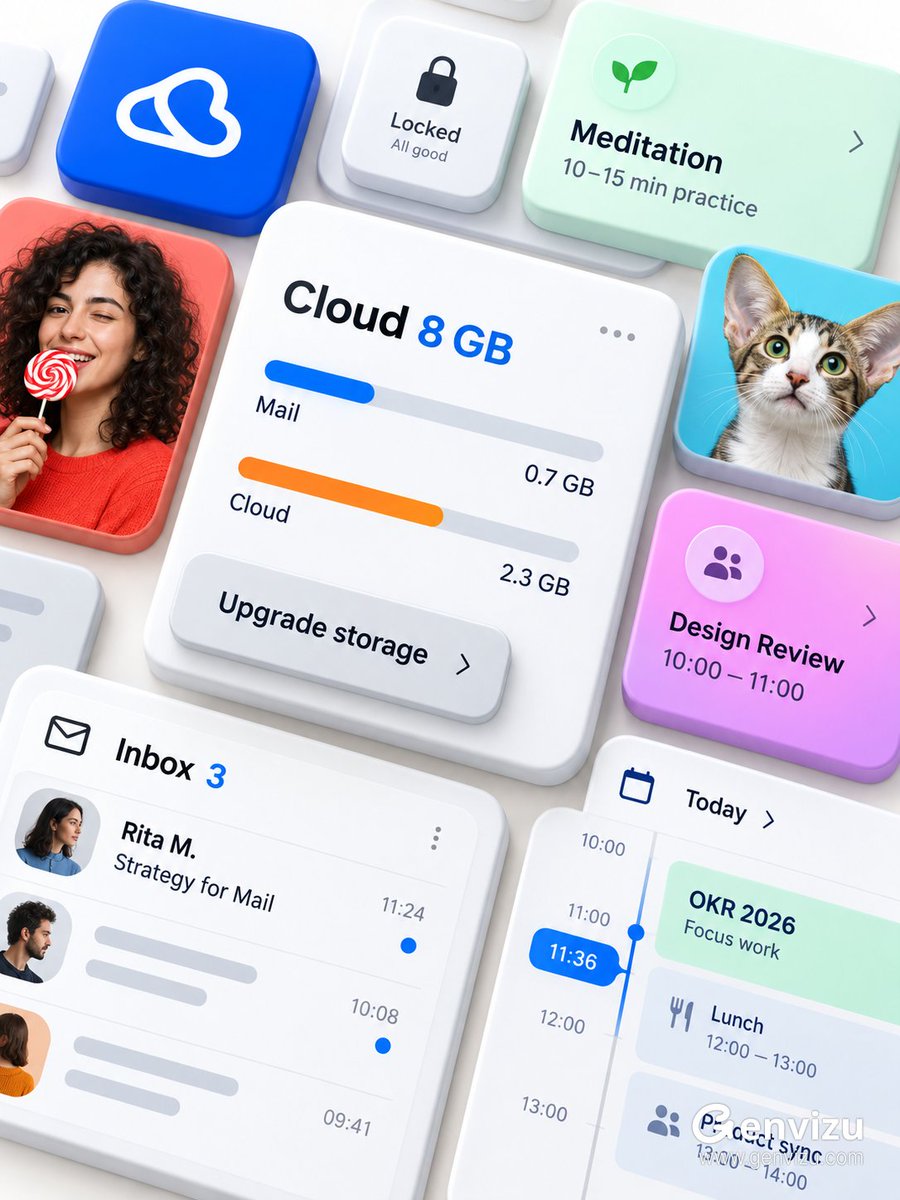
A 3:4 portrait prompt for a premium brandless modular productivity interface mockup: thick ceramic cards floating and overlapping on a warm-white opaque background, cobalt/coral/mint accents, fixed English UI labels that must appear verbatim, and strict no-logo, no-watermark, no-transparency constraints.
These example images come from the original source. DROPIDEA has not independently tested these examples; results depend on the model and settings.
Replace the red variables with your information. Copy the full prompt and use it with your preferred agent.
Rita M.The fictional recipient name shown on the inbox card; keep it fictional.
Inside the quoted string "Inbox 3 / Rita M. / Strategy for Mail" in the template; replace only "Rita M.".
Example valueSara K.
Strategy for MailThe mail item title; English text that must appear verbatim in the image.
Inside the quoted string "Inbox 3 / Rita M. / Strategy for Mail"; replace only "Strategy for Mail".
Example valuePlan for Cloud
Upgrade storageThe overlapping button label on the cloud-storage card; English text that must appear verbatim.
In the sentence about the overlapping button; replace only "Upgrade storage".
Example valueGet more space
warm-whiteThe solid opaque background color; a creative choice that must stay opaque and non-transparent.
In the opening background sentence; replace "warm-white".
Example valuelight gray
A detailed prompt for generating a premium brandless Microsoft 365 / Fluent-inspired email compose interface macro...
A visual system isn’t repetition. It’s a set of rules that survives a change of subject. 🧊 lock the upper-left mar...
One presentation board of four full-screen website hero slides for fictional brand AETHRA, sharing one elegant inte...
Instructions to generate a hero-section image for a global sea-freight and logistics company website: modern premiu...