Skip to content
ImagesFree

Negative Prompt List for Professional Oil Product Shots

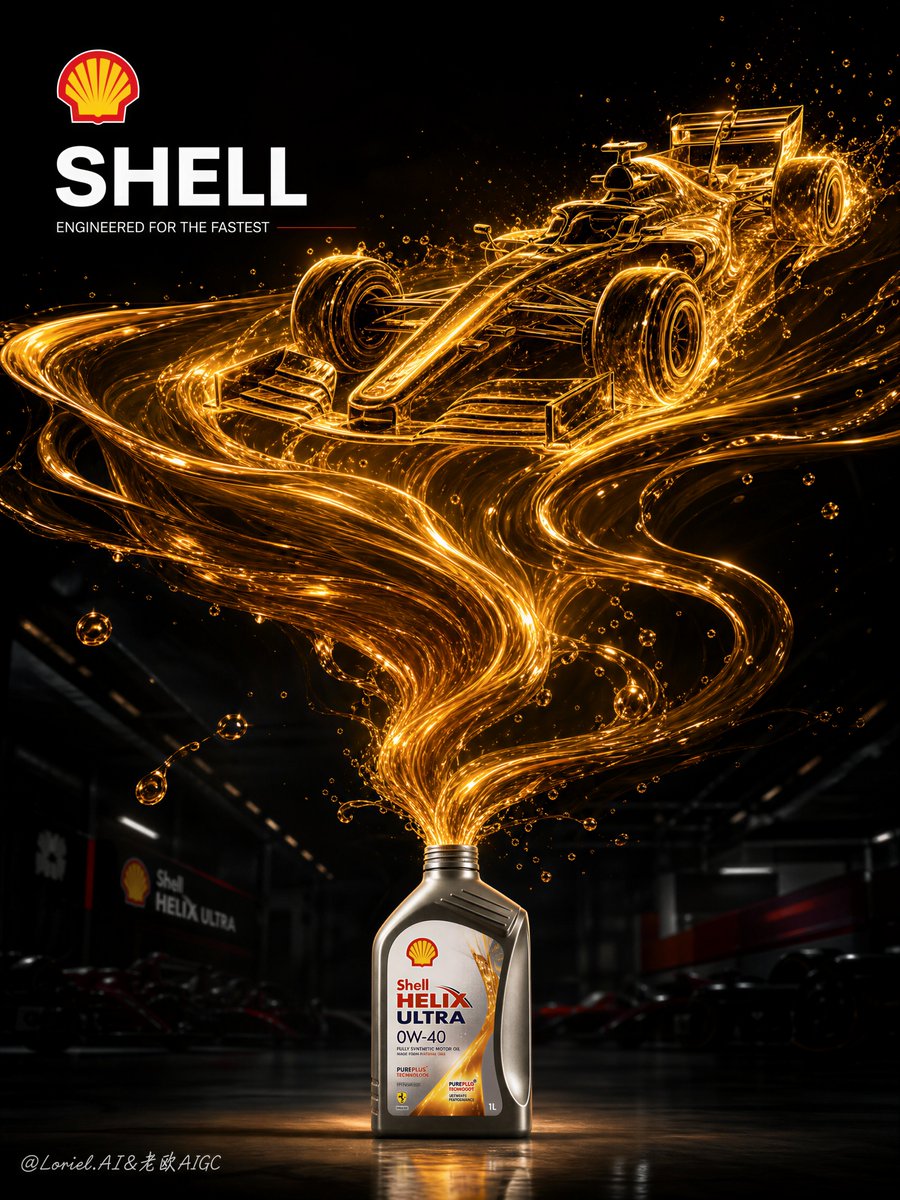
A negative-prompt exclusion list preventing fake logos, cheap elements, and low-quality details in advertising images of an oil bottle and motorcycle-related products.

OpenAI

Source previews

These example images come from the original source. DROPIDEA has not independently tested these examples; results depend on the model and settings.
Ready to personalize

Your prompt

English

Replace the red variables with your information. Copy the full prompt and use it with your preferred agent.

TXT MD English version
fake logo, blurry label, generic oil bottle, plain light trail only, thin watery liquid, too much light at bottle opening, dirty smoke, chaotic garage clutter, cartoon energy effect, cheap sci-fi glow, low-detail packaging, weak product dominance, any logos on the motorcycle, any helmet branding, sponsor decals, rider numbers, racing stickers, flat lighting, noisy composition, low-end commercial render
Preview results

Your prompt

fake logo, blurry label, generic oil bottle, plain light trail only, thin watery liquid, too much light at bottle opening, dirty smoke, chaotic garage clutter, cartoon energy effect, cheap sci-fi glow, low-detail packaging, weak product dominance, any logos on the motorcycle, any helmet branding, sponsor decals, rider numbers, racing stickers, flat lighting, noisy composition, low-end commercial render

What you get

  • A ready-to-use negative list that prevents fake logos, sponsor decals, numbers, and stickers.
  • Exclusion of cheap elements such as cartoonish sci-fi glow and flat lighting.
  • Prevention of low-detail packaging and thin watery liquid.
  • Preserved product dominance and focused composition in the final result.

Use cases

  • Motor oil advertisements and motorcycle-related product campaigns.
  • High-quality commercial product photography for digital marketing.
  • Poster designs and social media content for bottled products.
  • Any advertising work requiring a professional look free of branding.

How to use

  • Copy the exclusion list and paste it into the Negative Prompt field of your image generation tool.
  • Add this list alongside your main positive prompt for the oil bottle or motorcycle-related product ad.
  • Adjust the negative-prompt adherence strength if your tool supports it, to ensure the exclusions take effect.
  • Generate the image and review the result for unwanted elements such as logos or decals.
  • Regenerate if any excluded elements appear, until you get a clean professional output.

Related prompts