Skip to content
ImagesFree

Negative Prompt List for Peach Tea Product Shots

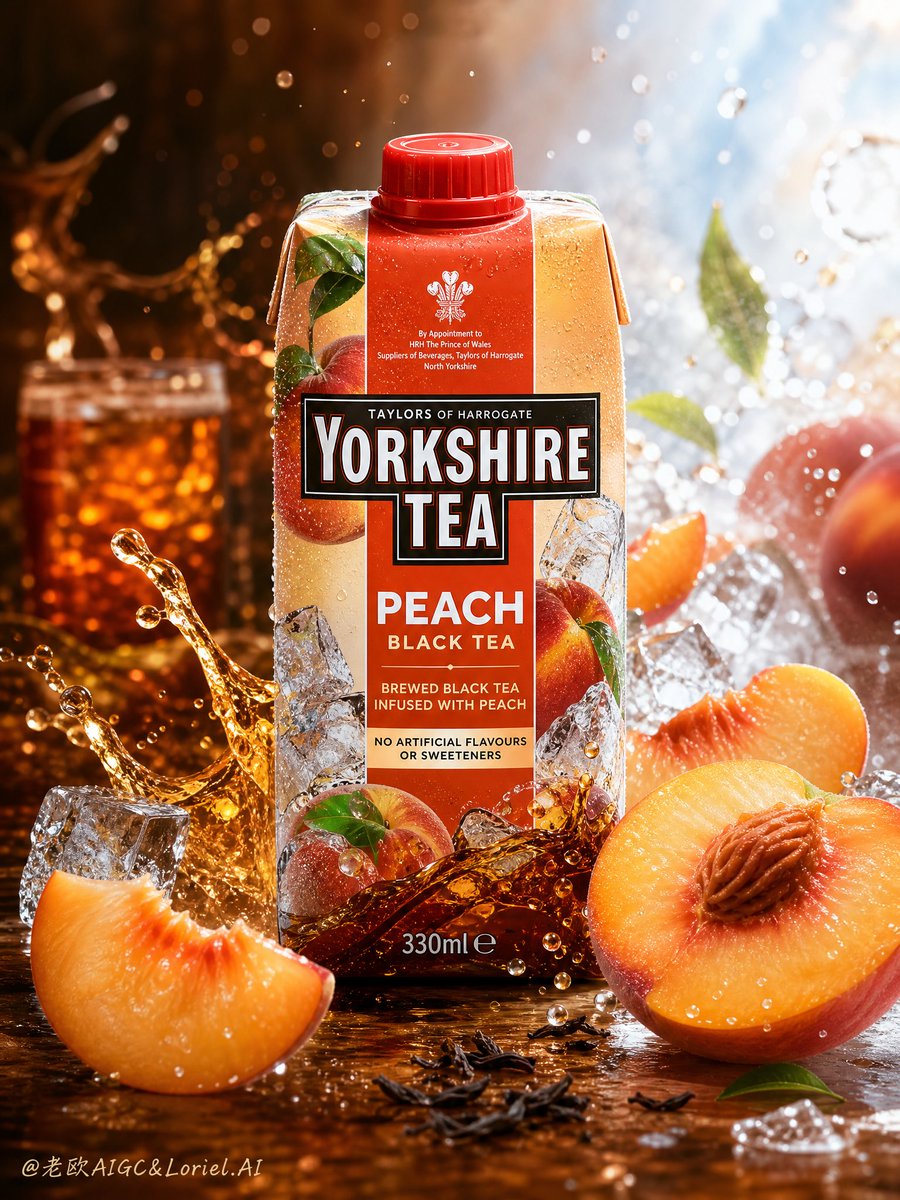
A negative prompt list to exclude common flaws in tea product advertising images such as unreadable labels, wrong brand colors, and cheap-looking effects.

OpenAI

Source previews

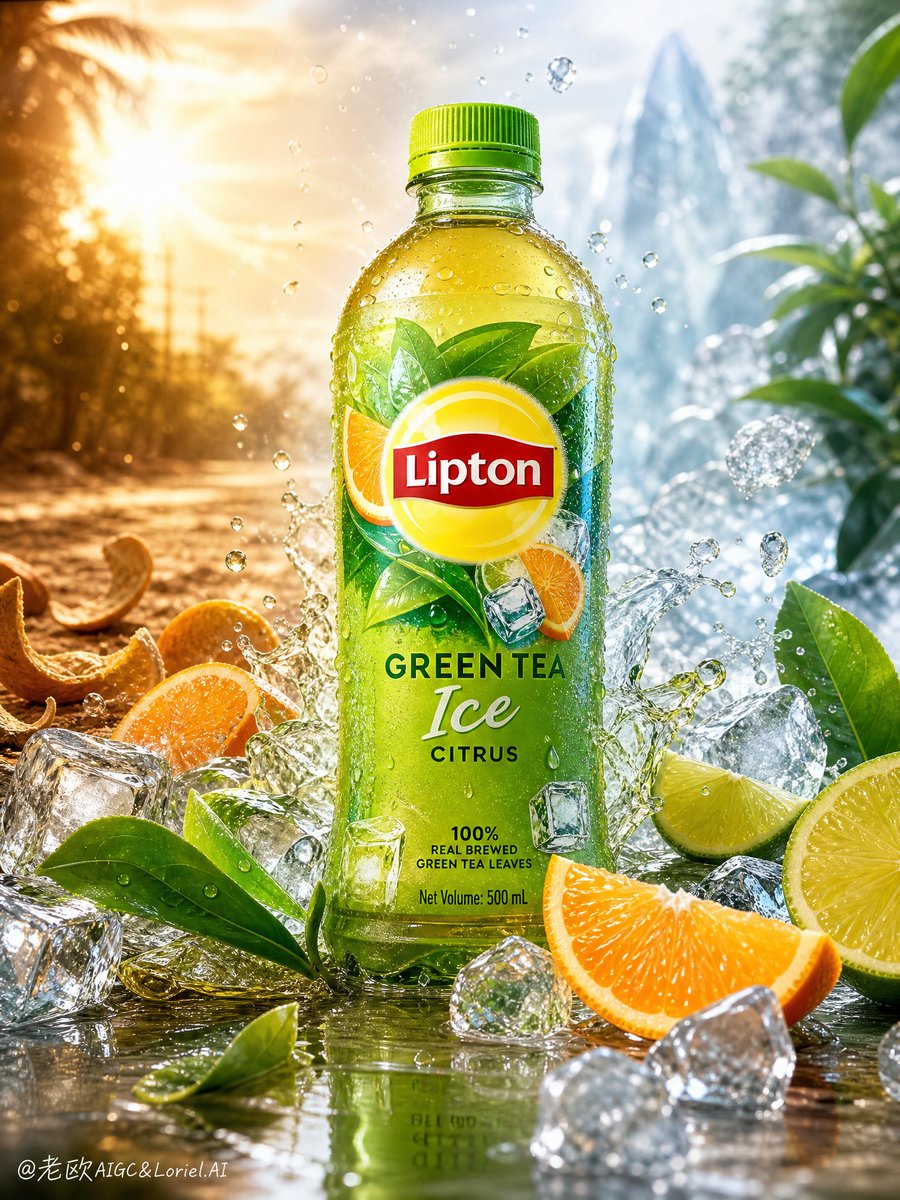
These example images come from the original source. DROPIDEA has not independently tested these examples; results depend on the model and settings.
Ready to personalize

Your prompt

English

Replace the red variables with your information. Copy the full prompt and use it with your preferred agent.

TXT MD English version
unreadable label, hidden logo, distorted packaging, wrong brand colors, generic tea carton, excessive fruit clutter, muddy tea color, fake peach texture, low resolution, flat lighting, cartoon effects, extra text overlays, blocked branding, plastic-looking ice, weak contrast, cheap supermarket ad, messy splash chaos
Preview results

Your prompt

unreadable label, hidden logo, distorted packaging, wrong brand colors, generic tea carton, excessive fruit clutter, muddy tea color, fake peach texture, low resolution, flat lighting, cartoon effects, extra text overlays, blocked branding, plastic-looking ice, weak contrast, cheap supermarket ad, messy splash chaos

What you get

  • Exclusion of unreadable labels and hidden logos from results.
  • Avoidance of distorted packaging and wrong brand colors.
  • Reduction of cartoon effects and unwanted text overlays.
  • Product images with a professional look, better resolution, lighting, and contrast.

Use cases

  • Peach tea product ads on social media.
  • Packaging visuals and tea carton covers for e-commerce.
  • Marketing campaigns for iced tea beverages.
  • Design agency and brand presentations.

How to use

  • Copy the full negative list and paste it into the Negative Prompt field of your image generation tool.
  • Write a clear positive prompt describing the peach tea product with correct brand colors and style.
  • Attach reference images of the label and packaging if your tool supports them to ensure brand accuracy.
  • Generate the image, review the result, and retry with adjusted negative term weights if flaws appear.
  • Export the final image at the highest available resolution for advertising use.

Related prompts