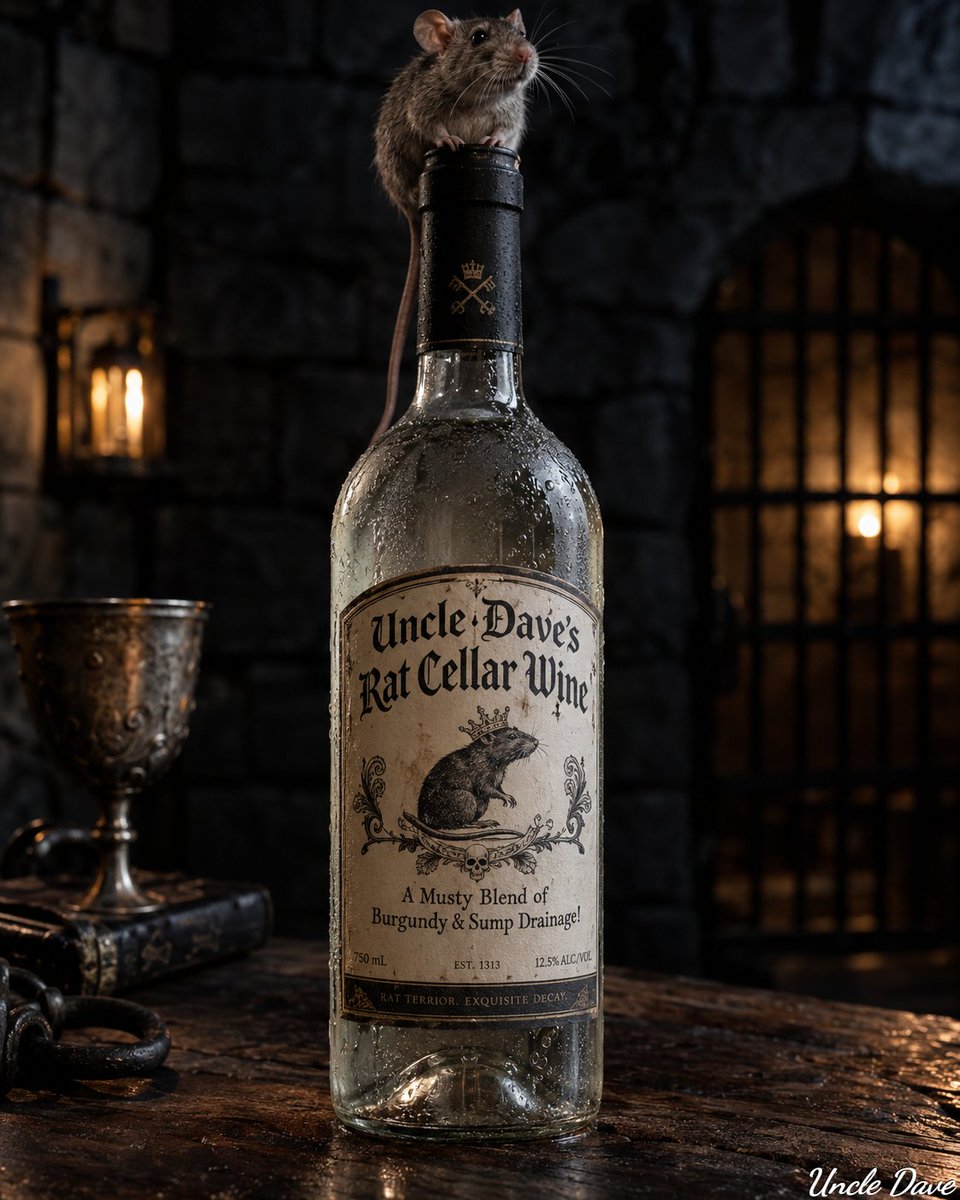
Result 1Midjourney
Two fill-in-the-blank prompts generating photorealistic ice-cold wine bottle images with a creature on the cap and a custom name and tag line, with full control over location, background, and colors. Works on most platforms.
These example images come from the original source. DROPIDEA has not independently tested these examples; results depend on the model and settings.

Replace the red variables with your information. Copy the full prompt and use it with your preferred agent.
[LOCATION_AND_ENVIRONMENT ]Where the bottle sits; replace both the default and the token.
Definition line and the 'Create a photorealistic image...' sentence in each prompt.
Example valuesitting on a stone ledge in a candle-lit crypt
[BACKGROUND]The soft-focus backdrop behind the bottle.
Definition line then 'with a soft focus [BACKGROUND]'.
Example valuemisty orchard at dawn
[OBJECT]The creature perched on the cap.
Definition line then 'There is a [OBJECT] perched'.
Example valuebeetle
[WINE_COLOR]The wine color visible inside the bottle.
Definition line then 'a [WINE_COLOR] wine'.
Example valuedeep ruby
[GLASS_COLOR]The glass color or quality.
Definition line then 'the [GLASS_COLOR] glass'.
Example valuesmoked
[NAME]The name on the label.
Definition line then 'says "[NAME]"'.
Example valueUncle Dave's Beetle Wine
[TAG_LINE]The slogan on the label.
Definition line then '"[TAG_LINE]"'.
Example valueA Crisp Blend Of Apple & Morning Dew!
A 16:9 2x2 grid prompt that reinterprets items or dishes into avant-garde 1980s Memphis Group designer furniture in...
A comprehensive prompt for generating a luxury three-panel editorial fragrance campaign poster showcasing top, hear...
Editorial luxury perfume prompt uniting intimate cropped human presence, precision beveled glass flacon, and a tran...
A 5-second 16:9 commercial end card prompt featuring a rising and rotating beverage can against black, framed with...