Skip to content
ImagesFree

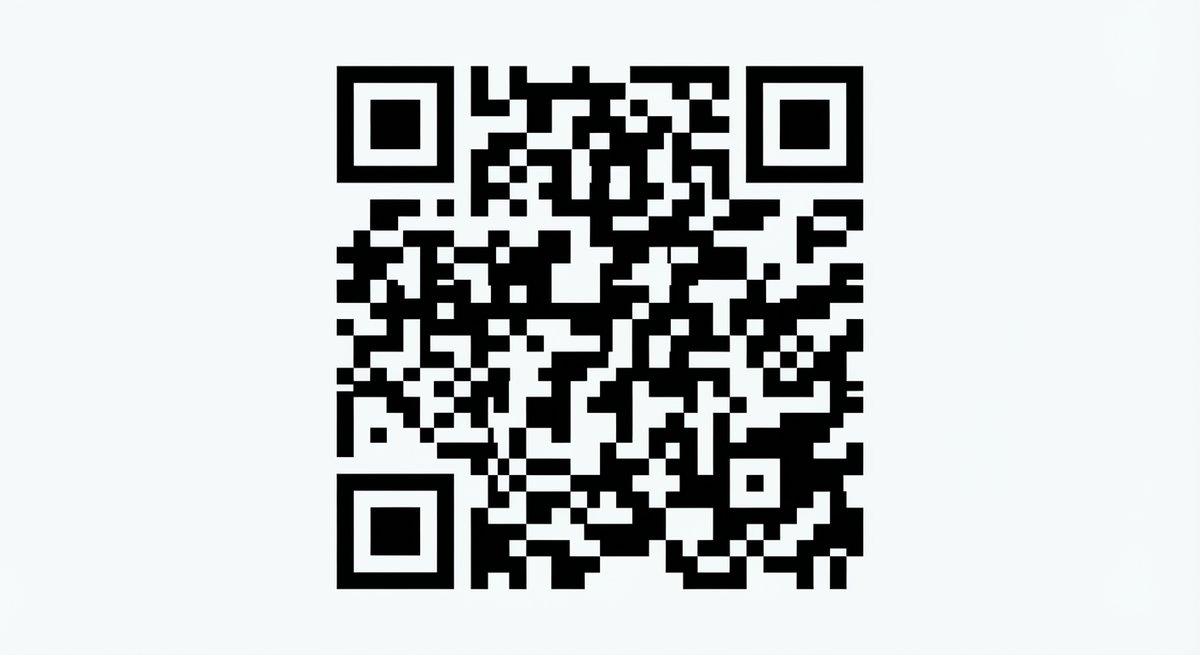
High-contrast black-and-white scannable QR code

Generate a valid, functional, perfectly flat black-and-white QR code with high contrast that scans to a specified URL, isolated on a white background for reliable readability.

OpenAI

Source previews

These example images come from the original source. DROPIDEA has not independently tested these examples; results depend on the model and settings.

Ready to personalize

Your prompt

English

Replace the red variables with your information. Copy the full prompt and use it with your preferred agent.

TXT MD English version
A high-contrast, perfectly flat, black-and-white QR code that effectively scans to the URL 'https://t.co/UoN4sQvNjH'. The QR code must be valid, functional, and isolated on a white background.
Preview results

Your prompt

A high-contrast, perfectly flat, black-and-white QR code that effectively scans to the URL 'https://t.co/UoN4sQvNjH'. The QR code must be valid, functional, and isolated on a white background.

Variable guide

'https://t.co/UoN4sQvNjH'.

The target URL users reach after scanning; it must be a complete, valid link.

Inside the template text, within the quotes after the URL mention; replace 'https://t.co/UoN4sQvNjH'. with your new link, keeping quotes and the trailing period.

Example value

https://example.com/page'.

What you get

  • A high-contrast, perfectly flat, black-and-white QR code.
  • The code isolated on a pure white background.
  • A code intended to be valid, functional, and scannable to the specified URL.

Use cases

  • Creating QR codes for marketing campaigns and print materials.
  • Adding a scannable code to posters or ads that directs to a tracking link.
  • Using a QR code on invitations or business cards for quick website access.
  • Designing digital promotional materials that need a clear response code.

How to use

  • Copy the template as-is, keeping the URL 'https://t.co/UoN4sQvNjH'. unchanged.
  • If you want a different destination, replace the URL inside the quotes with your desired link while keeping the rest of the text intact.
  • Paste the template into a supported image generation tool.
  • Verify the result is a perfectly flat, high-contrast QR code on a white background.
  • Test the generated code with a QR scanner to confirm it works and leads to the correct URL.
  • If scanning fails, regenerate while emphasizing the 'valid and functional' wording of the template.

Related prompts