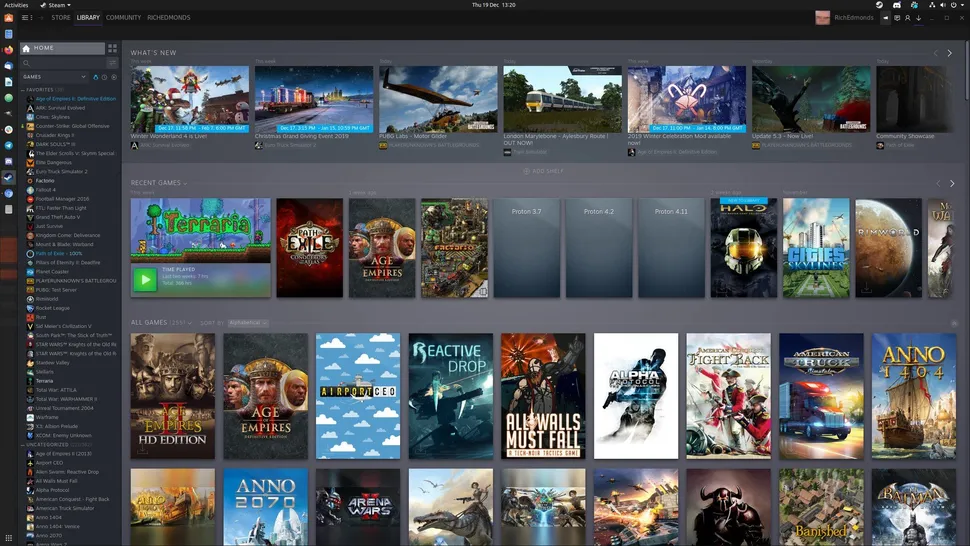
Steam Now you can play your favorite games on the operating system you own, which allows people who love games the freedom to choose the operating system and enjoy a good gaming experience, as making the Steam store work on Linux systems using Proton is a very simple process. What is Proton for Steam on Linux? Read also: 10 programs that you must download in the Linux operating system Guide to installing Proton on Linux First: Install Click on “Steam” in the upper left corner and choose “settings”.
Go to the “compatibility” options and then to the “Steam Play” section and activate “enable Steam play for all other titles” and choose the latest Proton version in the drop-down list and click “ok”. Restart Steam. Third: .
Where what are you waiting for? You must install Proton now to enjoy a distinctive gaming experience on the Linux system. Read also: 10 free online group games to play with your friends The 15 most important programs for gamers The best graphics cards for games and rendering
DROPIDEA
We hope this article has added real value to you. At DROPIDEA, we always strive to deliver high-quality content that helps you grow and evolve in the digital space. Follow us for more useful articles and guides.

Admin
DROPIDEA
Latest Articles

Peak XV Raises Its Seed Investment Cap to $5 Million

Anticipated Dinner Between Anthropic's CEO and Donald Trump Amid Disagreements Over AI Safety

Google Tests Direct Purchases from Flipkart via Gemini in India

Crusoe Cancels $1.25 Billion Data Center Turbine Deal