How to calibrate your mobile battery: Extend battery life in simple steps
 By Admin
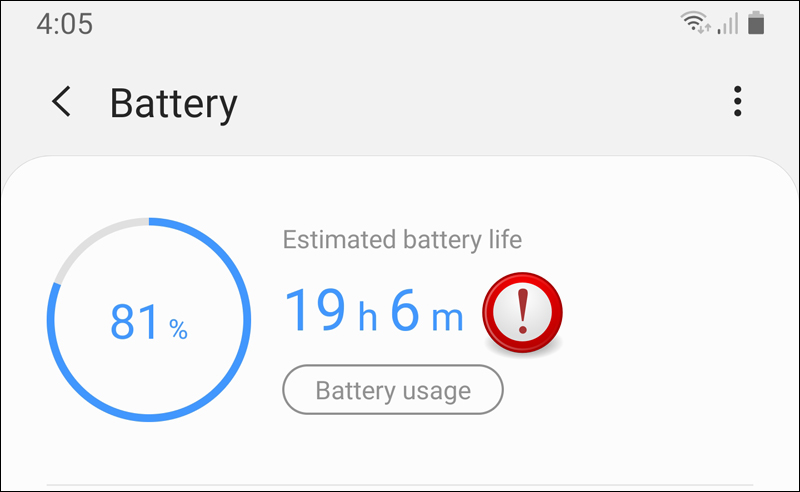
Why do you need to calibrate the mobile battery? How to Calibrate an Android Battery: A Simple Process for Perfect Performance Full Charge: Extra Charge: Use to Automatic Shutdown: Complete Rest: Recharge: Note: Source How to Calibrate an iPhone Battery: Better Accuracy, Longer Life However, if you are having problems with the accuracy of your battery readings or feel that it is draining faster than usual, you can perform a manual calibration. Before starting manual calibration: Disable location services: Disable background refresh: Reduce screen brightness: Turn off automatic app updates: Manual calibration steps: Battery drain: Wait: Full charge: Use again: Wait again: Final charge: After calibration: Re-enable settings you disabled: Enable optimized battery charging: Remember: Additional tips to improve battery life: Invest in your phone's health Screen brightness: Unused features: Power saving mode: Native charger: Avoid use while charging: Periodic charging and discharging: Avoid overcharging and complete discharging: Closing apps in the background: High temperatures: Conclusion: Invest in the health of your battery, invest in your phone Related articles: Solving the “Phone not charging” problem: A 16-tested step guide Solving the problem of Android charging slowly or not charging – Slow Message
DROPIDEA
We hope this article has added real value to you. At DROPIDEA, we always strive to deliver high-quality content that helps you grow and evolve in the digital space. Follow us for more useful articles and guides.
Admin
DROPIDEA
Latest Articles

Peak XV Raises Its Seed Investment Cap to $5 Million

Anticipated Dinner Between Anthropic's CEO and Donald Trump Amid Disagreements Over AI Safety

Google Tests Direct Purchases from Flipkart via Gemini in India

Crusoe Cancels $1.25 Billion Data Center Turbine Deal