Skip to content
ImagesFree

护照入境印章

Replace city, country, landmark, and date in brackets.

OpenAI

Source previews

These example images come from the original source. DROPIDEA has not independently tested these examples; results depend on the model and settings.

Ready to personalize

Your prompt

Source text

Replace the red variables with your information. Copy the full prompt and use it with your preferred agent.

TXT MD English version
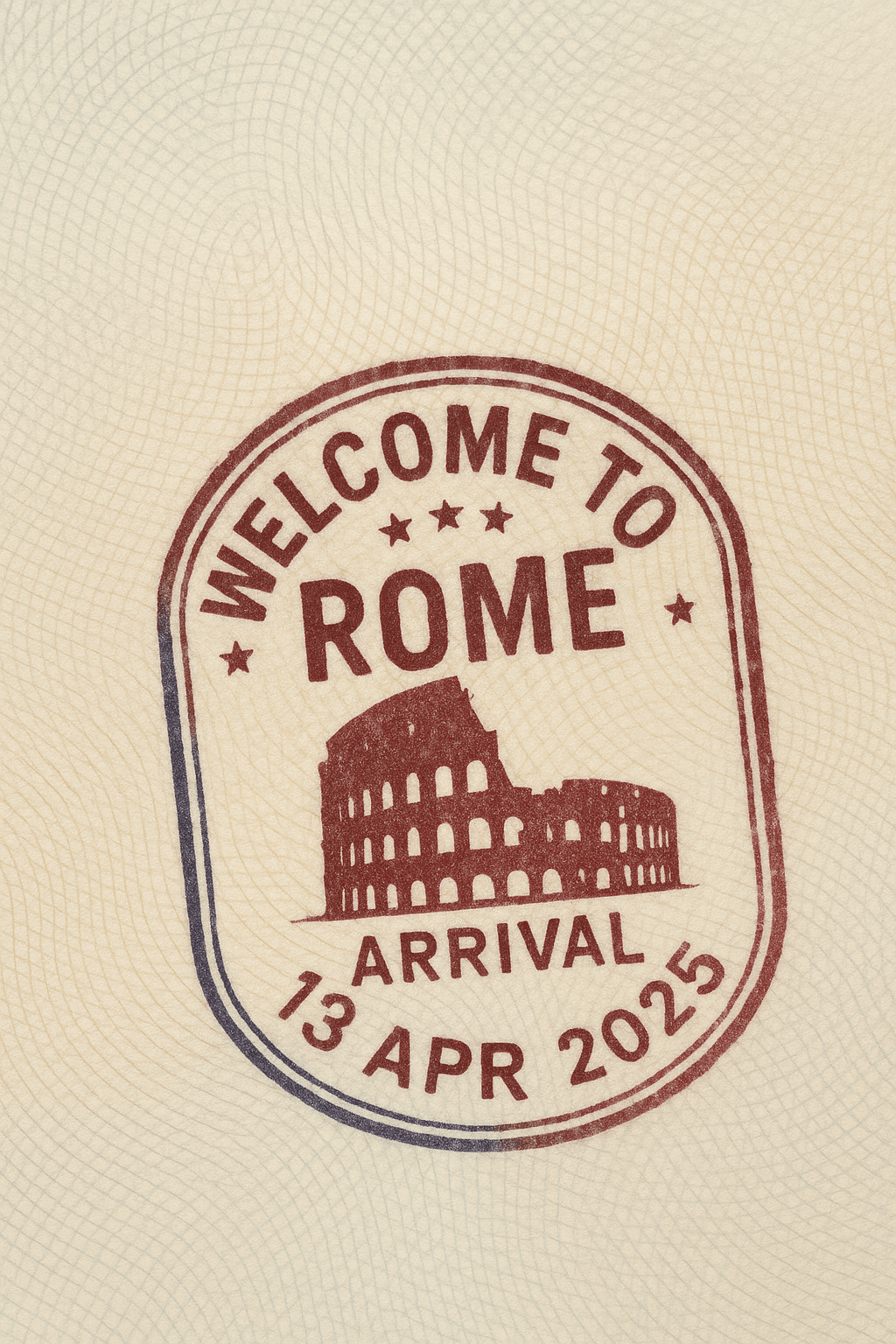
Create a realistic passport page stamped with an entry stamp from [Beijing, China]. The stamp should have "Welcome to Beijing" written in bold English, designed in a circular or oval shape with a decorative border. The stamp should include the word "ARRIVAL" and a fictional date, such as "April 16, 2025." Add a subtle outline of {the Forbidden City} as background detail within the stamp. Use dark blue or red ink with slight smudging to enhance realism. The stamp should be slightly tilted, as if hand-pressed. The passport page should show visible paper texture and security patterns.
Preview results

Your prompt

Create a realistic passport page stamped with an entry stamp from [Beijing, China]. The stamp should have "Welcome to Beijing" written in bold English, designed in a circular or oval shape with a decorative border. The stamp should include the word "ARRIVAL" and a fictional date, such as "April 16, 2025." Add a subtle outline of {the Forbidden City} as background detail within the stamp. Use dark blue or red ink with slight smudging to enhance realism. The stamp should be slightly tilted, as if hand-pressed. The passport page should show visible paper texture and security patterns.

Related prompts