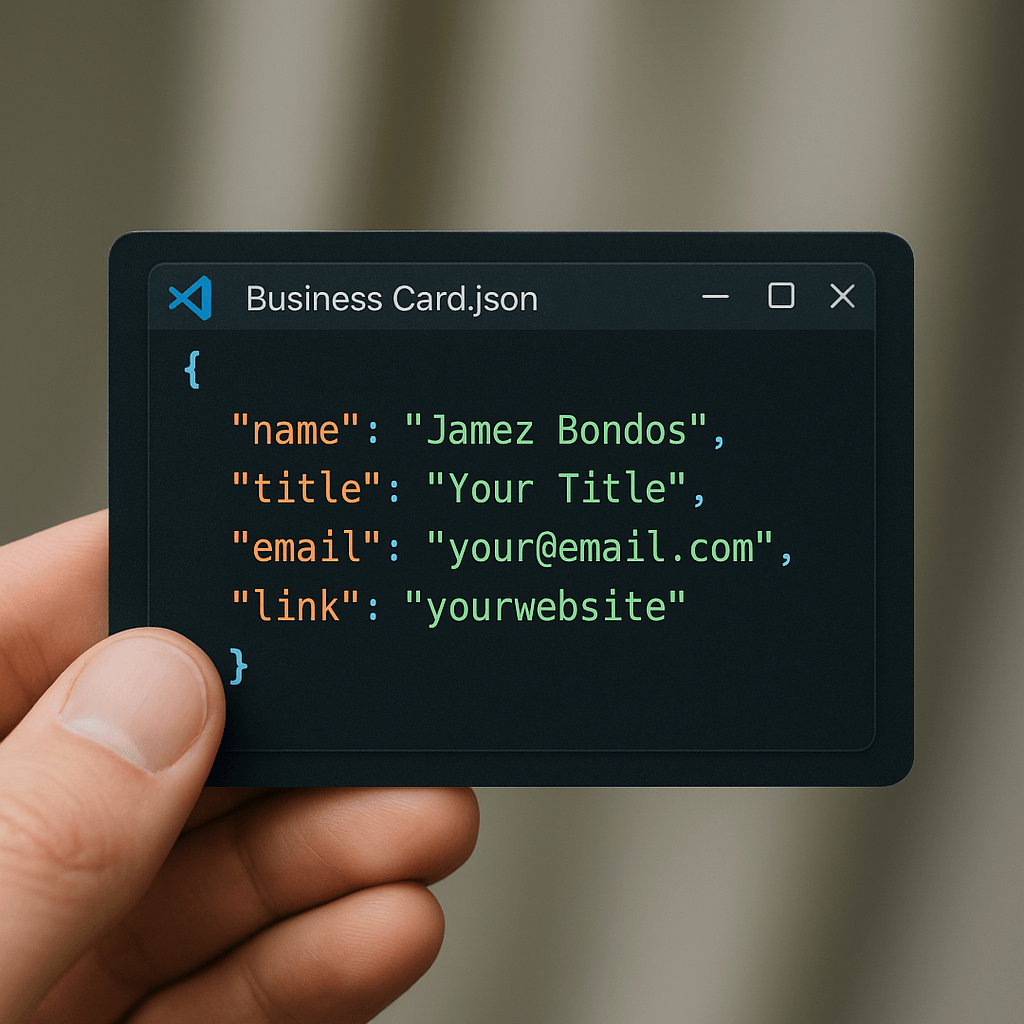
Result 1OpenAI
Replace the name, title, email, and link data in the JSON code.
These example images come from the original source. DROPIDEA has not independently tested these examples; results depend on the model and settings.
Replace the red variables with your information. Copy the full prompt and use it with your preferred agent.
A full 3-stage quadruped animation pipeline: generate an orthographic 2-view reference sheet, run headless Blender...
A prompt template for generating cute, anthropomorphic 3D food mascots featuring realistic textures, cinematic stud...
A detailed character reference sheet prompt generating multiple orthographic and close-up views of a gentle, pearl-...
A customizable 3D portrait depicts an ancient Chinese woman holding a flower near her face under soft backlighting.