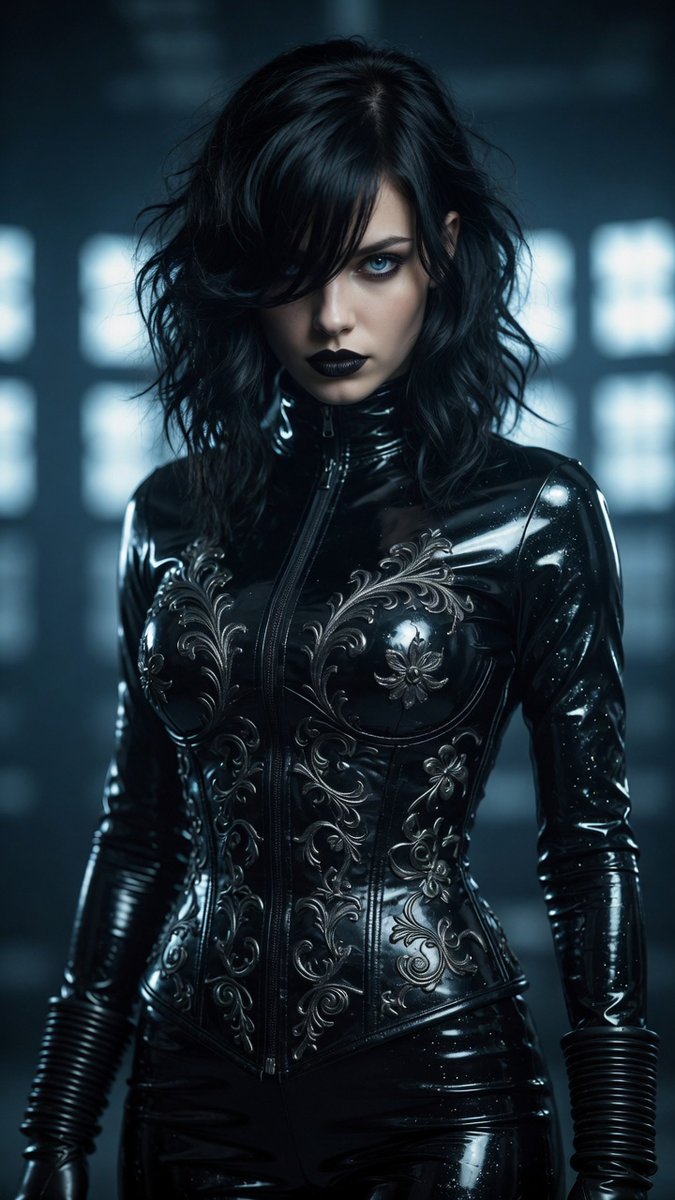
Result 1Midjourney
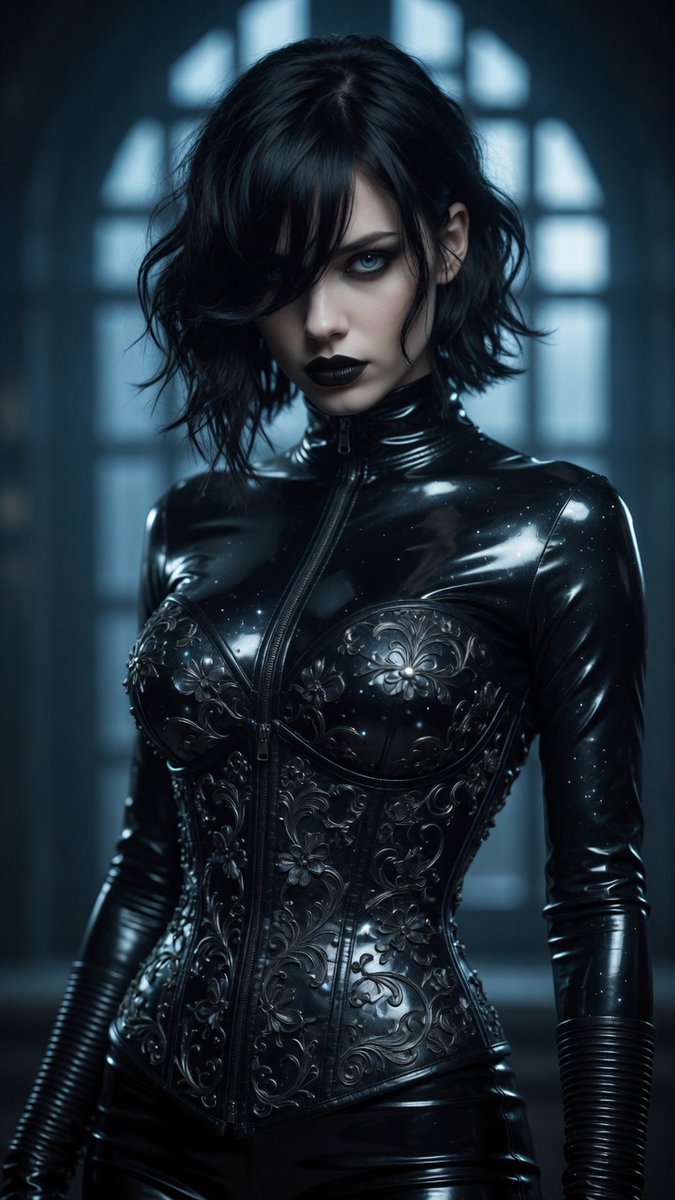
A comprehensive negative prompt list plus practical tips for model choice, settings (CFG, steps, resolution, sampler), weighting variations, and aspect ratio to closely replicate the realistic Kalinka Fox look.
These example images come from the original source. DROPIDEA has not independently tested these examples; results depend on the model and settings.
Replace the red variables with your information. Copy the full prompt and use it with your preferred agent.
Realistic VisionThe name of the realistic base model used for generation
In the 'Model:' line of the template, replace Realistic Vision with your model's name
Example valueEpicRealism
DPM++ 2M KarrasThe algorithmic sampler for the generation steps
In the 'Settings:' line of the template, within the phrase DPM++ 2M Karras or Euler a
Example valueEuler a
(glossy black latex catsuit:1.3)Outfit description with a weight value in parentheses to increase emphasis
In the 'Variations:' line, replace the full phrase including parentheses and weight
Example value(red leather jacket:1.2)
in the style of KalinkaFoxA reference phrase added to the positive prompt to mimic the character's style
In the last paragraph, inside the quoted phrase "in the style of KalinkaFox"
Example valuein the style of my favorite cosplayer
--ar 2:3The aspect ratio flag for full-body portrait images
In the 'Variations:' line, within the flag --ar 2:3
Example value--ar 3:4
A photographic prompt crafted to generate hyper-realistic, unposed smartphone snapshots taken by a friend at a nigh...
Prompt generating an ultra-realistic photo of a young man wearing white Shalwar Kameez by a lake at sunset, specify...
An advanced cinematic AI video prompt crafting a 15-second seamless loop psychedelic Japanese horror music video fe...
Prompt to generate a photorealistic character reference sheet for a young medieval village woman featuring multi-an...