Skip to content
ImagesFree

Negative Prompt List for Illustration Styles

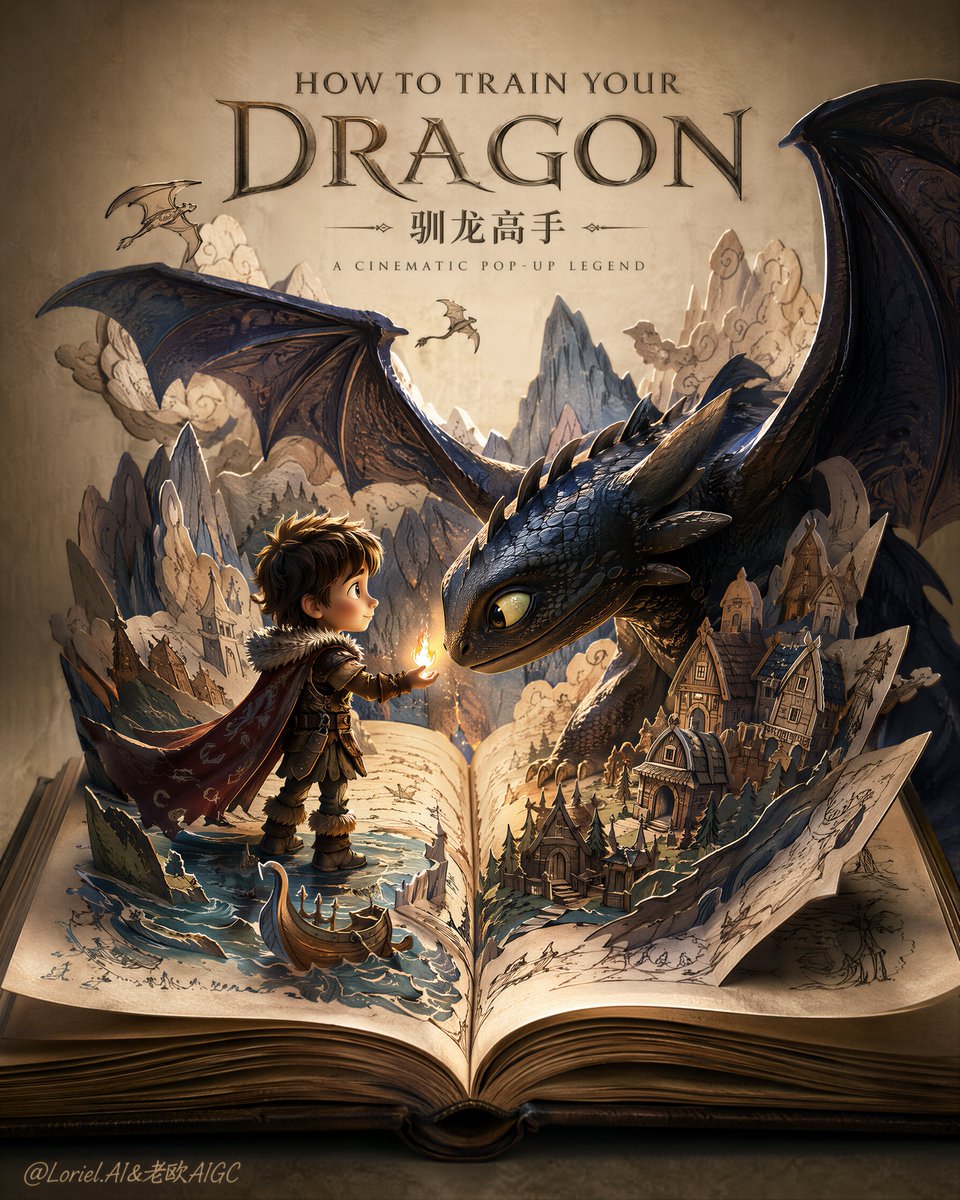
A negative prompt blocking flat illustration, plastic toy looks, cluttered backgrounds, messy collage, low-detail folds, and other unwanted low-quality elements in image generation.

OpenAI

Source previews

These example images come from the original source. DROPIDEA has not independently tested these examples; results depend on the model and settings.

Ready to personalize

Your prompt

English

Replace the red variables with your information. Copy the full prompt and use it with your preferred agent.

TXT MD English version
flat illustration only, plastic toy look, cluttered background, messy collage, low-detail paper folds, generic dragon, horror monster, harsh cinematic darkness, overly realistic human, cheap children’s book design, loud typography, chaotic composition, neon colors, low-end cartoon rendering, random props, weak pop-up structure
Preview results

Your prompt

flat illustration only, plastic toy look, cluttered background, messy collage, low-detail paper folds, generic dragon, horror monster, harsh cinematic darkness, overly realistic human, cheap children’s book design, loud typography, chaotic composition, neon colors, low-end cartoon rendering, random props, weak pop-up structure

What you get

  • A ready-to-use negative list blocking sixteen unwanted styles and elements.
  • Cleaner generation results free of visual clutter and cheap-looking effects.
  • Protection from patterns such as plastic toy looks, harsh cinematic darkness, and neon colors.

Use cases

  • Generating professional-quality images without visual noise.
  • Graphic design projects requiring clean, controlled output.
  • Improving image model results that frequently produce unwanted elements.

How to use

  • Copy the full negative list above and paste it into the Negative Prompt field of your image generation tool.
  • Keep the items comma-separated as-is, without reordering or removing any entry.
  • Write a separate positive prompt describing exactly what you want in the image.
  • Generate the image and review the result; if unwanted elements still appear, retry or increase the weight of the negative list.
  • Save the list for reuse across similar image generation projects.

Related prompts