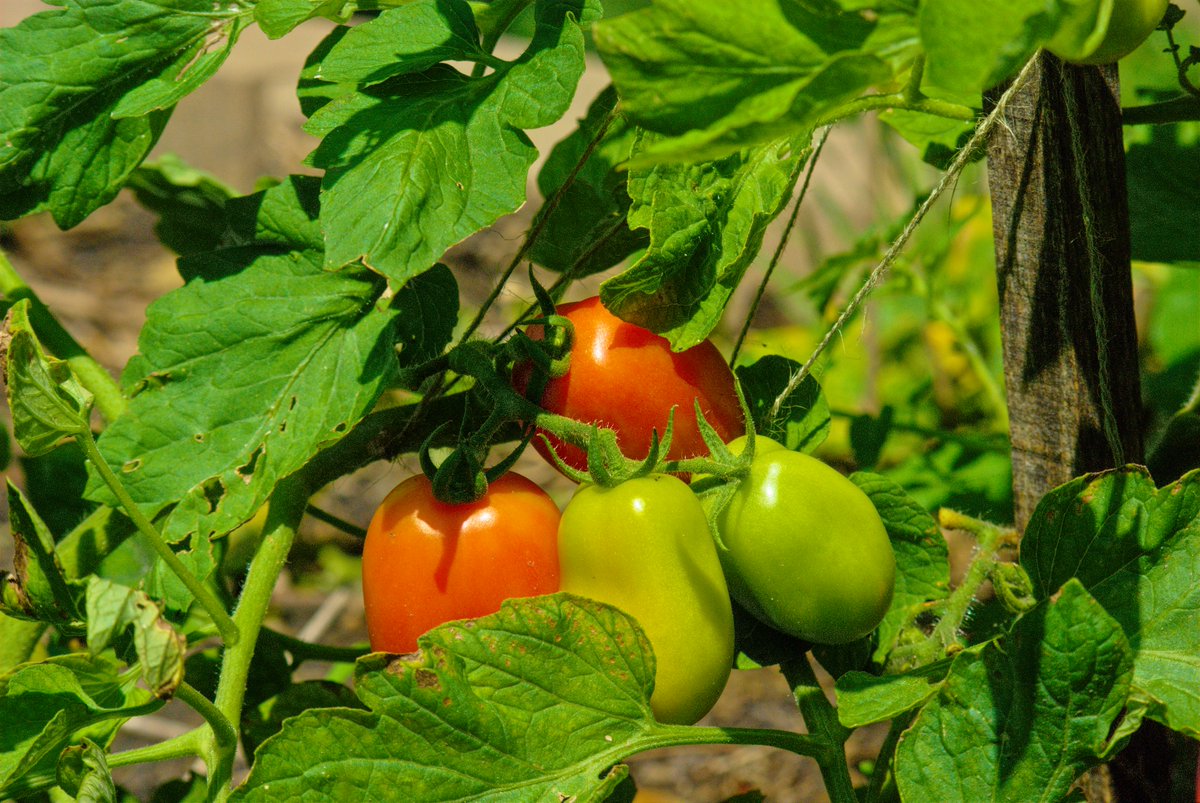
Result 1Gemini
An image-editing prompt that replaces a magenta-painted region with a new object matching the size, shape, and lighting of a nearby object, in a chosen color, keeping everything else unchanged.
These example images come from the original source. DROPIDEA has not independently tested these examples; results depend on the model and settings.
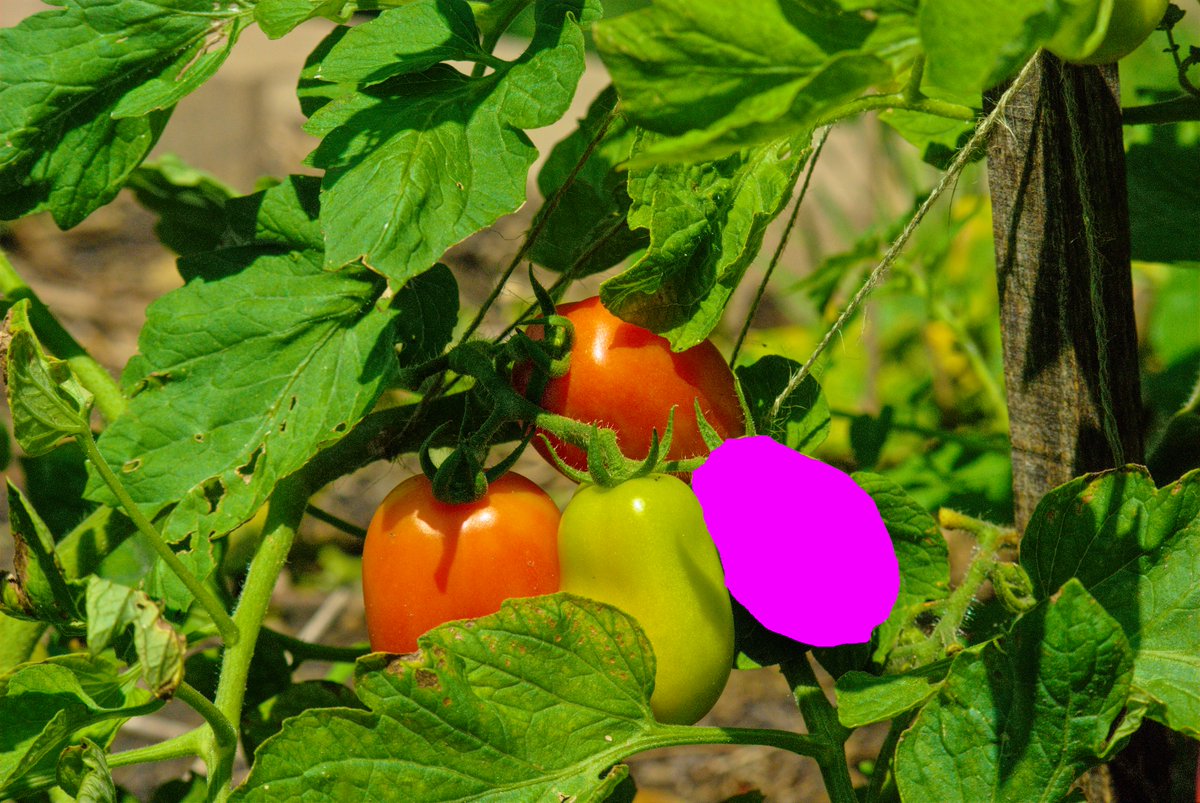
Replace the red variables with your information. Copy the full prompt and use it with your preferred agent.
[subject]The nearby object in the image whose properties the new object matches
Replace [subject] inside the phrase matching the size/shape/lighting of nearby [subject]
Example valuevase
[color]The desired color of the new object
Replace [color] inside the phrase but in [color]
Example valueteal
A photographic prompt crafted to generate hyper-realistic, unposed smartphone snapshots taken by a friend at a nigh...
Prompt generating an ultra-realistic photo of a young man wearing white Shalwar Kameez by a lake at sunset, specify...
An advanced cinematic AI video prompt crafting a 15-second seamless loop psychedelic Japanese horror music video fe...
Prompt to generate a photorealistic character reference sheet for a young medieval village woman featuring multi-an...