Result 1Gemini
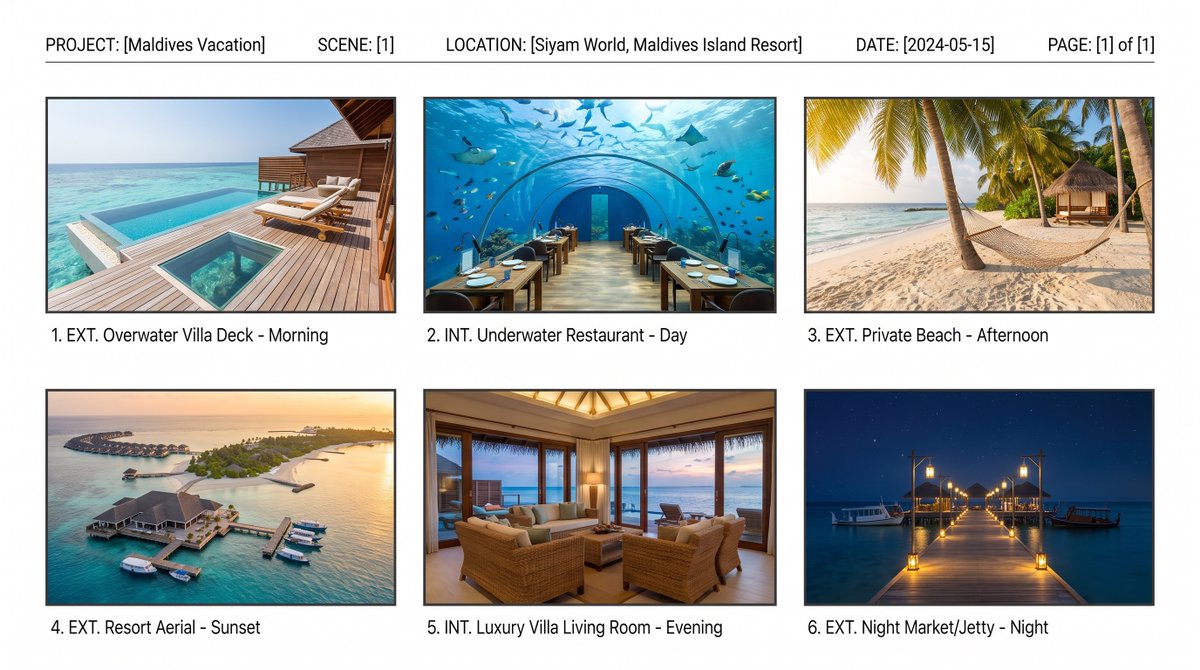
A prompt for creating vacation highlight videos using storyboards to define location, scenes, and look, with options for a subject, voice narration, and iPhone 16 camera realism, supporting Gemini Omni Flash and Seedream 2.0.
These example images come from the original source. DROPIDEA has not independently tested these examples; results depend on the model and settings.

Replace the red variables with your information. Copy the full prompt and use it with your preferred agent.
Female SubjectThe video subject; replace with another description or remove with the comma.
Inside the quoted prompt: "Vacation Highlight Video, Female Subject, Voice Narration"
Example valueMale Subject
Voice NarrationVoice narration option; remove it with the comma or keep to enable.
Inside the quoted prompt: "Vacation Highlight Video, Female Subject, Voice Narration"
Example valueVoice Narration
CAMERA: iPhone 16. Built-in sensor-shift OIS and gyro EIS smooth the worst of the shake but do not eliminate natural handheld micro-movement and occasional small reframes as a real person filming themselves would produce.Camera and realism style; edit it, swap the device, or delete the paragraph.
The paragraph starting with "CAMERA:" inside the long quoted prompt
Example valueCAMERA: iPhone 16. Built-in sensor-shift OIS and gyro EIS
4The storyboard number scenes are drawn from.
Inside "This video will contain only scenes from 4"
Example value2
Project NameYour project name to give intent when building the storyboard.
The "Project Name" phrase in the storyboard steps list
Example valueSummer Tokyo Trip
LocationThe vacation location defining scenes and look.
The "Location" phrase in the storyboard steps list
Example valueMaldives
A prompt for creating an ultra-photorealistic surreal travel image in which a giant metallic zipper opens reality t...
A prompt generating an ultra-photorealistic editorial portrait of a woman crouching beside turquoise Greek harbor w...
Create a 50/50 split travel journal artwork blending a realistic destination view with a cozy autumn watercolor ill...
A pure-generation 4:5 vertical travel-editorial template: hand-painted watercolor on warm cream paper, one unified...