Skip to content
ImagesFree

Negative Prompt List to Avoid Jacket Design Flaws

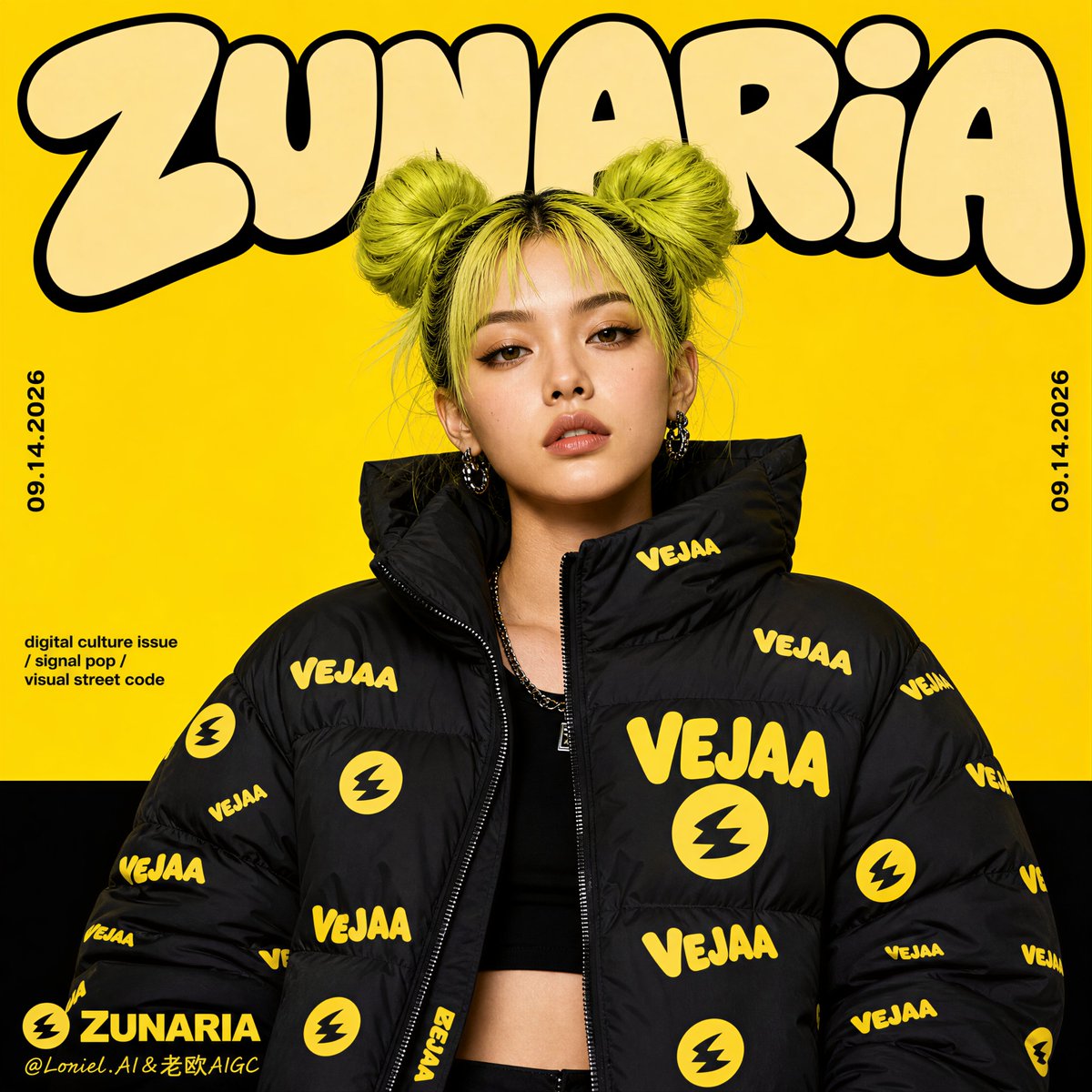
A negative-prompt list covering copied title text, copied brand names, copied jacket logos, low-detail puffers, muddy yellow background, broken hands, extra and fused fingers, distorted faces, plastic skin, anime exaggeration, messy typography, random props, low resolution, black blotches, washed-out hair, weak jacket prints and watermarks.

OpenAI

Source previews

These example images come from the original source. DROPIDEA has not independently tested these examples; results depend on the model and settings.

Ready to personalize

Your prompt

English

Replace the red variables with your information. Copy the full prompt and use it with your preferred agent.

TXT MD English version
copied title text, copied brand name, copied jacket logos, low-detail puffer, muddy yellow background, broken hands, extra fingers, fused fingers, distorted face, plastic skin, anime exaggeration, messy typography, random props, low resolution, black blotches, washed-out hair color, weak jacket print, watermark.
Preview results

Your prompt

copied title text, copied brand name, copied jacket logos, low-detail puffer, muddy yellow background, broken hands, extra fingers, fused fingers, distorted face, plastic skin, anime exaggeration, messy typography, random props, low resolution, black blotches, washed-out hair color, weak jacket print, watermark.

What you get

  • A ready-to-use negative list in the original English wording for direct use in generation tools.
  • Exclusion of common flaws such as broken hands, plastic skin and distorted faces.
  • Prevention of copied text, watermarks and copied jacket logos from appearing.
  • Preserved jacket print quality and hair color without washing out.

Use cases

  • Generating high-quality fashion imagery of puffer jackets without distortions.
  • Advertising and product designs for winter clothing while avoiding watermarks and copied logos.
  • Producing realistic photographic character images while avoiding anime exaggeration and plastic skin.
  • Improving any image generation output involving hands, faces and typography.

How to use

  • Copy the full negative list and paste it into the Negative Prompt field of your image generation tool.
  • Make sure each item stays comma-separated when merging with other negative lists.
  • Generate the image after entering your desired positive prompt for the jacket or design.
  • Review the result and confirm none of the listed flaws such as extra fingers or watermarks appear.
  • Regenerate if any flaw appears, keeping the negative list unchanged.

Related prompts