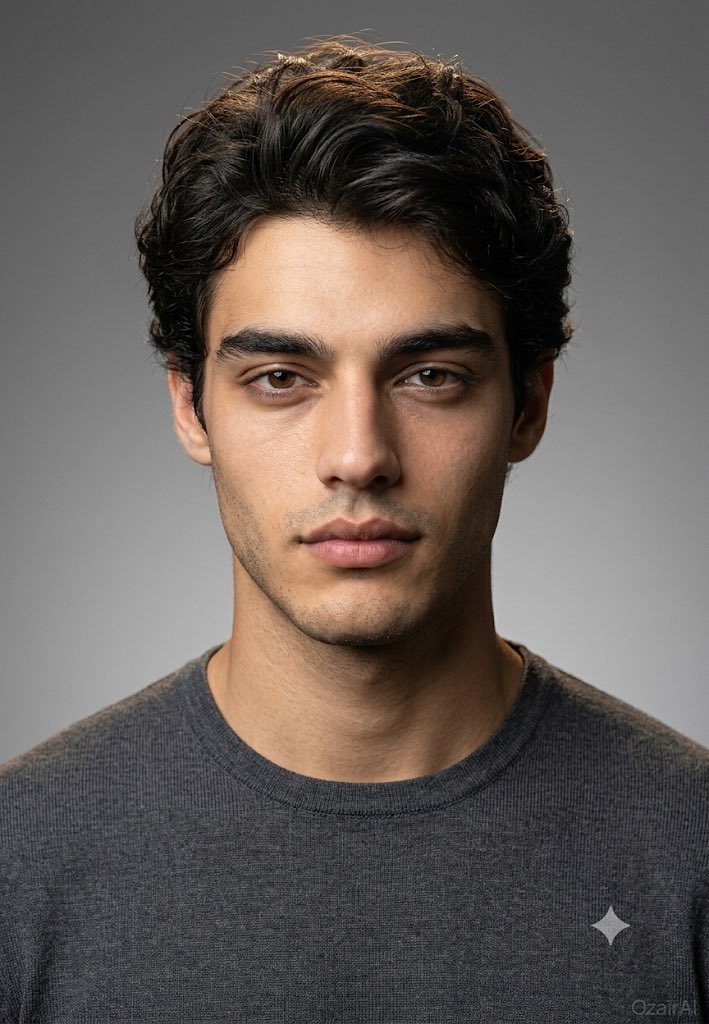
Result 1Gemini
A prompt generating a flawless professional studio portrait using the exact face from a reference image, with textbook three-point lighting, seamless medium grey background, hyper-realistic skin detail, and neutral professional color grading.
These example images come from the original source. DROPIDEA has not independently tested these examples; results depend on the model and settings.
Replace the red variables with your information. Copy the full prompt and use it with your preferred agent.
a clean fitted charcoal grey crew neck or a crisp white shirtThe simple elevated garment worn by the subject.
English source — paragraph 2: "a clean fitted charcoal grey crew neck or a crisp white shirt".
Example valueA dark navy high-collar shirt
perfect seamless medium greyThe seamless studio background color.
English source — background paragraph: "perfect seamless medium grey".
Example valueA deep graded navy background
calm and quietly confidentThe facial expression required in the portrait.
English source — expression paragraph: "calm and quietly confident".
Example valueA light friendly smile
simulated Phase One IQ4 150MP with 110mm lens at f/5.6Camera, lens, and aperture setting (technical — recommended to keep unchanged).
English source — final paragraph: "simulated Phase One IQ4 150MP with 110mm lens at f/5.6".
Example valueHasselblad H6D-400c with 100mm lens at f/4
A photographic prompt crafted to generate hyper-realistic, unposed smartphone snapshots taken by a friend at a nigh...
Prompt generating an ultra-realistic photo of a young man wearing white Shalwar Kameez by a lake at sunset, specify...
An advanced cinematic AI video prompt crafting a 15-second seamless loop psychedelic Japanese horror music video fe...
Prompt to generate a photorealistic character reference sheet for a young medieval village woman featuring multi-an...