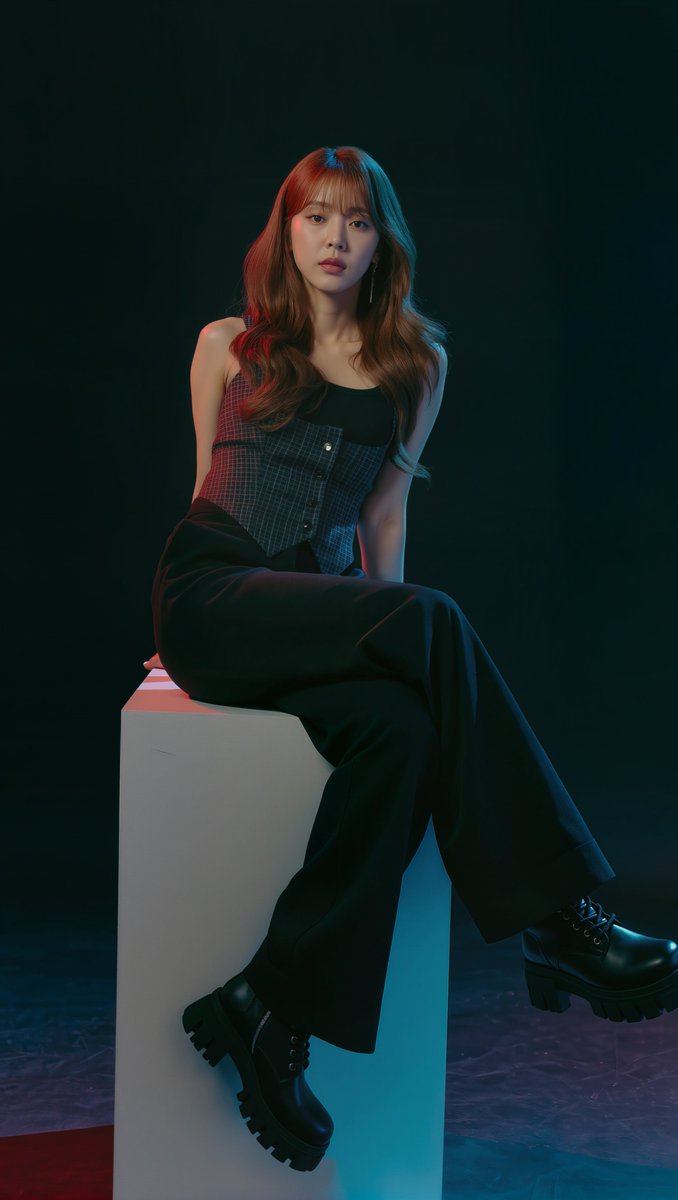
Result 1Image generation
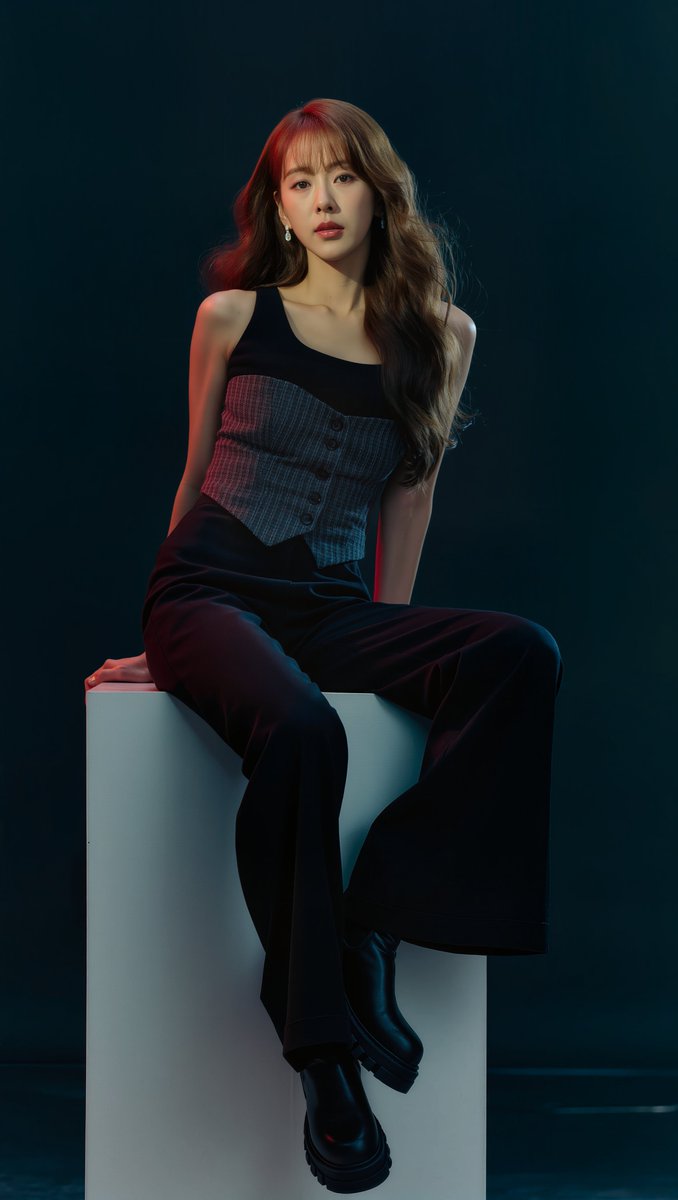
A Kling prompt generating a fashion editorial video of a model seated on a white pedestal in a dark studio, with red rim light, cool blue fill, 85mm lens, and a cinematic color grade.
These example images come from the original source. DROPIDEA has not independently tested these examples; results depend on the model and settings.
Replace the red variables with your information. Copy the full prompt and use it with your preferred agent.
A young East Asian woman with long wavy chestnut-brown hair and soft bangsDescription of the model: age, ethnicity, hair, and bangs.
At the start of the template, after the [Kling Prompt] line.
Example valueA young East Asian woman with long straight black hair
a sleeveless black top under a short dark plaid waistcoat, black wide-leg trousers, and chunky black platform bootsThe full look from top to shoes.
Second sentence, after "She wears".
Example valueA long gray coat and white sneakers
Soft red rim light on her left side and cool blue light on her rightLighting colors on the left and right sides.
Third sentence, before "dramatic low-key lighting".
Example valueGreen rim light and cool pink light
A prompt for creating a premium vertical four-panel streetwear campaign collage from an uploaded facial identity re...
A photorealistic image-generation prompt for a vertical summer portrait of a fictional adult Japanese woman in a st...
A prompt for a photorealistic fantasy fashion portrait featuring a woman with elven details, black and orange cloth...
An ultra-photorealistic fashion editorial prompt featuring a low-angle outdoor portrait in a suburban setting with...