Result 1Image generation
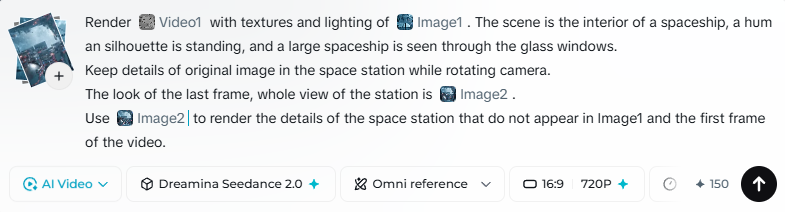
Render "Video1" with textures and lighting of "Image1". Advanced Prompt: Render "Video1" with textures and lighting of "Image1". T
These example images come from the original source. DROPIDEA has not independently tested these examples; results depend on the model and settings.

Replace the red variables with your information. Copy the full prompt and use it with your preferred agent.
Prompt to recreate uploaded old house photos into 1:24 scale museum-grade hyper-realistic physical miniatures with...
An editorial interior photography prompt generating luxurious, culturally rich bedrooms inspired by any nation's ar...
Prompt generating a cinematic visual blending traditional Korean hanok architecture with a futuristic, rain-slicked...
An epic cinematic prompt depicting a colossal white stone paifang gateway with carved imperial dragons, an endless...