Skip to content
ImagesFree

Simple Hand-Drawn Black Marker Doodle

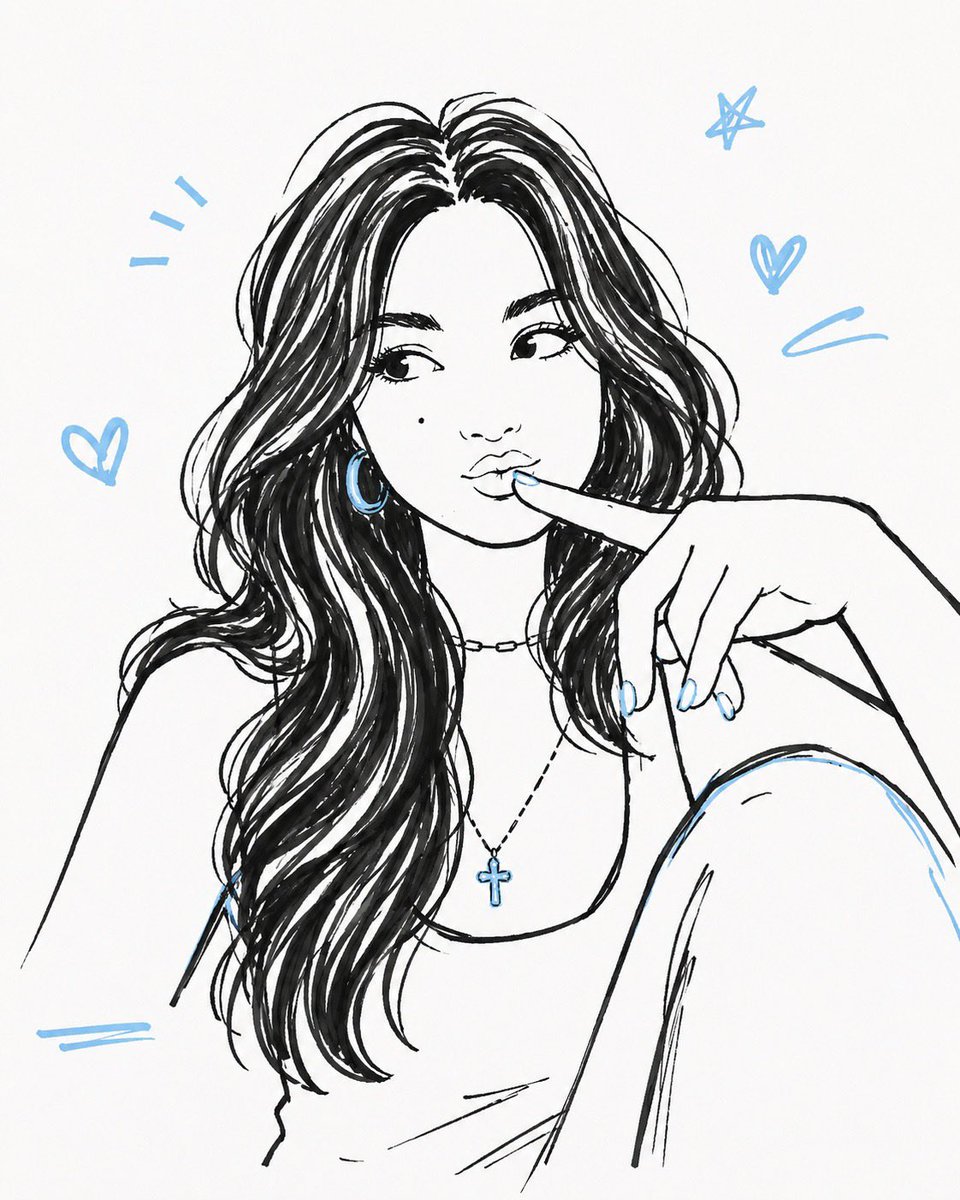
Turns the attached photo into a simple hand-drawn doodle sketched with a black marker, featuring wobbly outlines, subtle imperfections, a warm editorial aesthetic, and sky blue used only as an accent color.

OpenAI

Source previews

These example images come from the original source. DROPIDEA has not independently tested these examples; results depend on the model and settings.
Ready to personalize

Your prompt

English

Replace the red variables with your information. Copy the full prompt and use it with your preferred agent.

TXT MD English version
Draw a simple hand-drawn doodle of the attached photo, as if it were sketched by a person using a black marker. Use natural marker strokes, slightly wobbly outlines, subtle hand-drawn imperfections, slightly open line endings, and create a warm editorial doodle aesthetic. Avoid clean vector-style graphics and overly polished digital perfection. Keep the illustration simple, airy, flat, and understated. Use sky blue only as an accent color.
Preview results

Your prompt

Draw a simple hand-drawn doodle of the attached photo, as if it were sketched by a person using a black marker. Use natural marker strokes, slightly wobbly outlines, subtle hand-drawn imperfections, slightly open line endings, and create a warm editorial doodle aesthetic. Avoid clean vector-style graphics and overly polished digital perfection. Keep the illustration simple, airy, flat, and understated. Use sky blue only as an accent color.

What you get

  • A simple hand-drawn doodle mimicking a black marker style
  • Slightly wobbly outlines with open line endings and natural imperfections
  • A warm editorial doodle aesthetic with sky blue as the only accent color

Use cases

  • Turning personal or family photos into friendly cartoon drawings
  • Creating simple illustrations for editorial content and posts
  • Custom designs for cards and gifts with a handmade touch

How to use

  • Upload the photo you want turned into a hand-drawn doodle and attach it to the request.
  • Copy the English template text and paste it into the prompt field.
  • Attach the image as a direct reference so the model uses it as the drawing basis.
  • Submit the request and wait for the generated doodle.

Related prompts