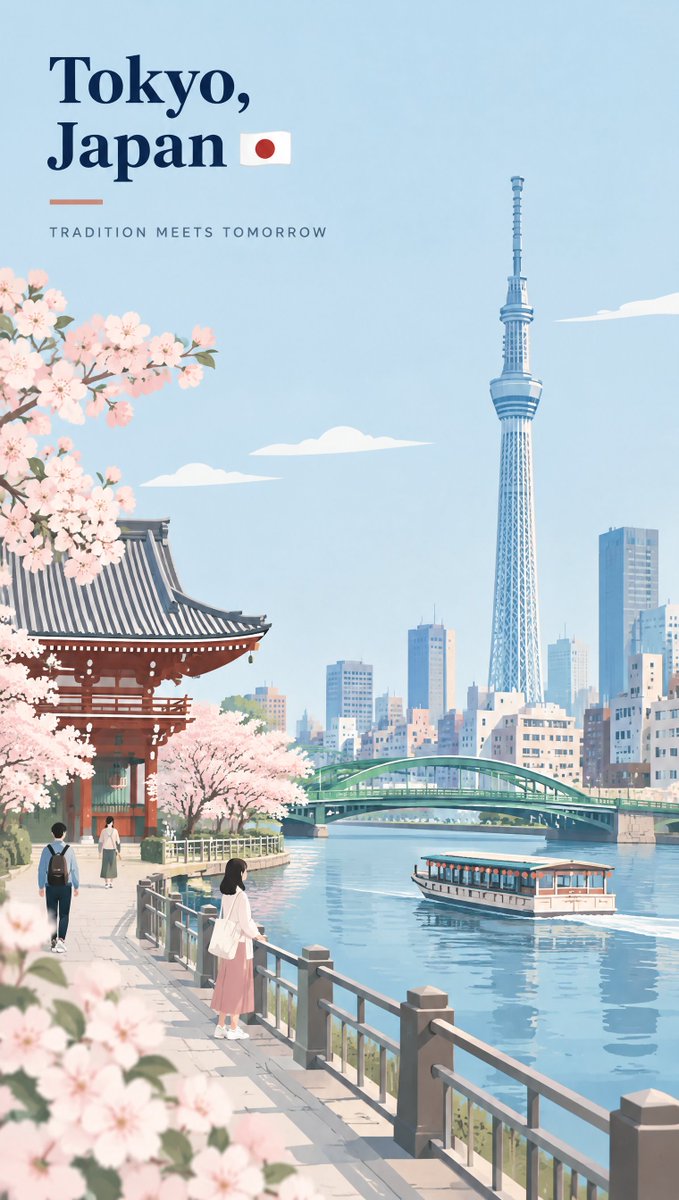
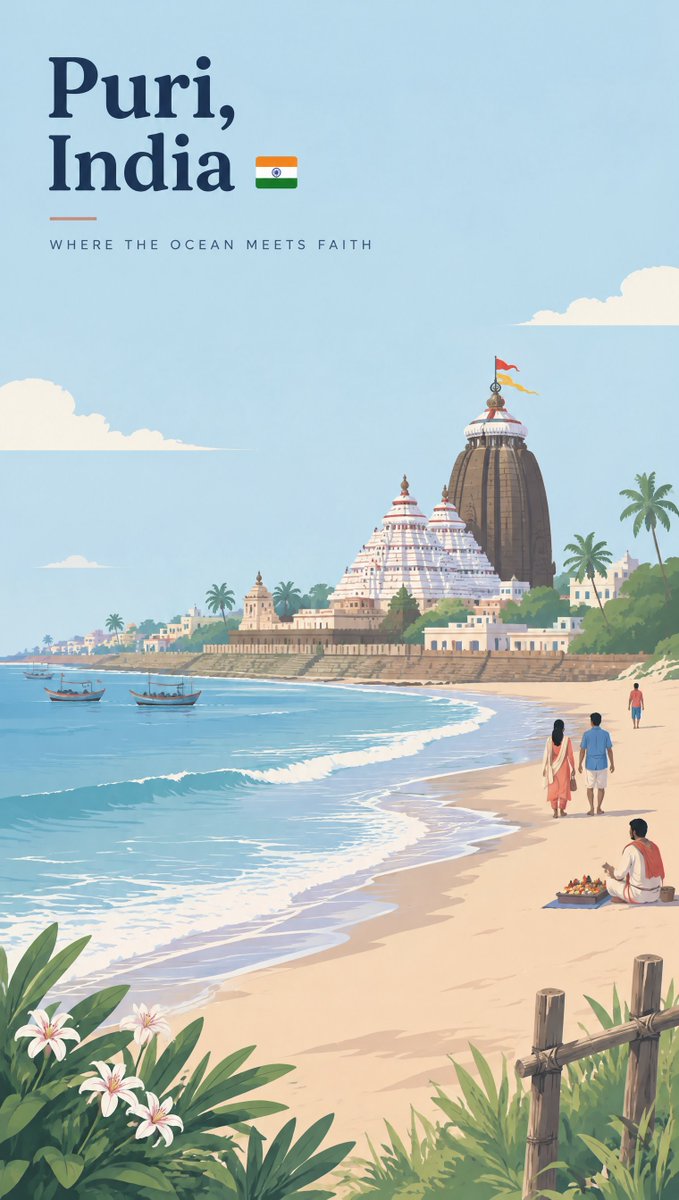
City Identity Travel Poster Minimalist Vector Series
A JSON prompt for a vertical 9:16 premium flat-vector travel poster that captures a chosen city's visual identity through five anchors, a two-line city/country title with flag emoji and English tagline, varied layouts per city, and a soft blue palette with terracotta accents.
Source previews
These example images come from the original source. DROPIDEA has not independently tested these examples; results depend on the model and settings.
Your prompt
Replace the red variables with your information. Copy the full prompt and use it with your preferred agent.
Variable guide
[CITY_NAME]The city name in English for the title block
$.subject.brief, $.city_identity_elements.selection_rule, $.typography.city_name.text, $.typography.city_name.line_1
Example valueLisbon
[COUNTRY_NAME]The country name in English on line two
$.typography.city_name.line_2
Example valuePortugal
[COUNTRY_FLAG_EMOJI]The flag emoji placed after the country name
$.typography.city_name.line_2, directly after [COUNTRY_NAME]
Example value🇵🇹
What you get
- A vertical 9:16 poster in premium flat-vector style with clean outlines, a calm blue palette, and terracotta accents.
- A two-line title (city, then country with flag emoji) in the upper-left, a short divider, and a refined English tagline.
- A scene with one standout landmark, 2 to 4 local touches, and 3 to 6 small figures blending naturally.
- A distinct visual identity per city with no recycled layouts or generic tourist-poster look.
Use cases
- A city poster series for a travel agency or premium lifestyle brand.
- Framed décor prints or luxury postcards with an editorial feel.
- Vertical social media marketing for city tourism.
- A consistent visual identity across a multi-city poster collection.
How to use
- Upload a header reference image; the prompt requires matching the header style exactly as shown in the reference image (see typography.layout_reference).
- Replace [CITY_NAME] with your city in all five places and [COUNTRY_NAME] with the country name on the title's second line.
- Replace [COUNTRY_FLAG_EMOJI] with the matching flag emoji placed directly after the country name on the same line.
- Pick whichever of the 13 composition options naturally suits the city, and follow the five anchors while varying camera angle and foreground per city.
- Paste the full JSON into your image generation tool, keeping the negative_prompt list and technical values (vertical, 9:16, and the trailing URL) unchanged.
Related prompts
LUMORA Cola Ribbon Campaign Poster
A campaign-ready vertical beverage poster prompt merging a hyper-real glass cola bottle, dynamic sculpted fluid rib...
Gilded Ruins Paper-Cut Photo Collage
Transforms an uploaded image into a split museum-grade poster: the top half maintains pure photographic truth, whil...
ARCFLOW Skate Jump Beverage Commercial Poster
Detailed prompt for generating a vertical commercial poster fusing an energy drink can with dynamic skateboard acti...
Conceptual Typographic Art for History-Changing Days
An advanced prompt for generating compact conceptual typography fusing custom serif lettering with a single visual...
