Skip to content
ImagesFree

Turn a Photo into an Anime Character

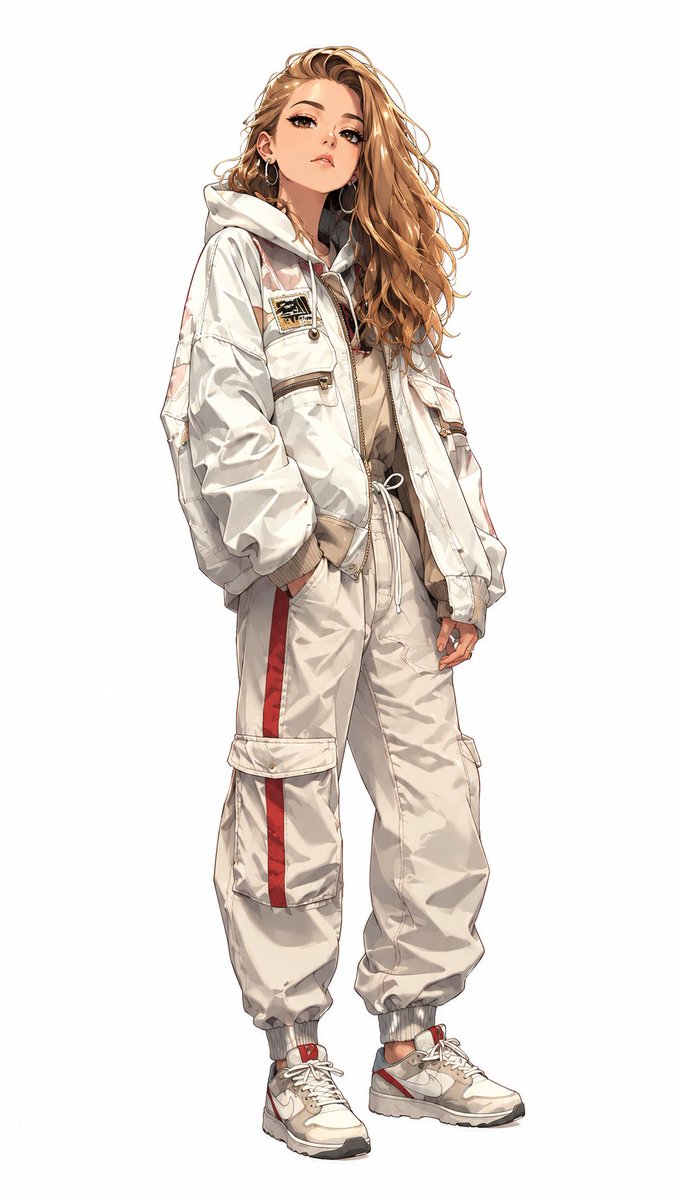
Create an anime-style character based on a photo, keeping body proportions, facial expression, clothing, and hairstyle, while adding anime features like eyes, cute face, and hair shine, on a white background.

OpenAI

Source previews

These example images come from the original source. DROPIDEA has not independently tested these examples; results depend on the model and settings.
Ready to personalize

Your prompt

English

Replace the red variables with your information. Copy the full prompt and use it with your preferred agent.

TXT MD English version
Create an anime-style character based on a photo. Keep the body proportions, facial expression, clothing, and hairstyle from the photo. Add characteristic features of anime characters: eyes, cute face, shine on the hair. The character should be fully visible in the frame in full height, on a white background.
Preview results

Your prompt

Create an anime-style character based on a photo. Keep the body proportions, facial expression, clothing, and hairstyle from the photo. Add characteristic features of anime characters: eyes, cute face, shine on the hair. The character should be fully visible in the frame in full height, on a white background.

What you get

  • An anime-style character preserving the body proportions, facial expression, clothing, and hairstyle from the original photo.
  • Anime-style eyes, a cute face, and shine on the hair.
  • A fully visible full-height character in frame on a white background.

Use cases

  • Creating an anime-style avatar for social media.
  • Designing a cartoon-like character resembling a person from their real photo.
  • Gifting friends or family an anime version of their picture.
  • Producing fun visuals for creative or light marketing uses.

How to use

  • Upload a clear photo of the person you want to convert; a full-length photo with good lighting works best.
  • Make sure the photo clearly shows the proportions, facial expression, clothing, and hairstyle, as these will carry over to the result.
  • Use the template as-is together with the uploaded photo to generate the character.
  • Review the output and regenerate if needed for finer facial details.

Related prompts