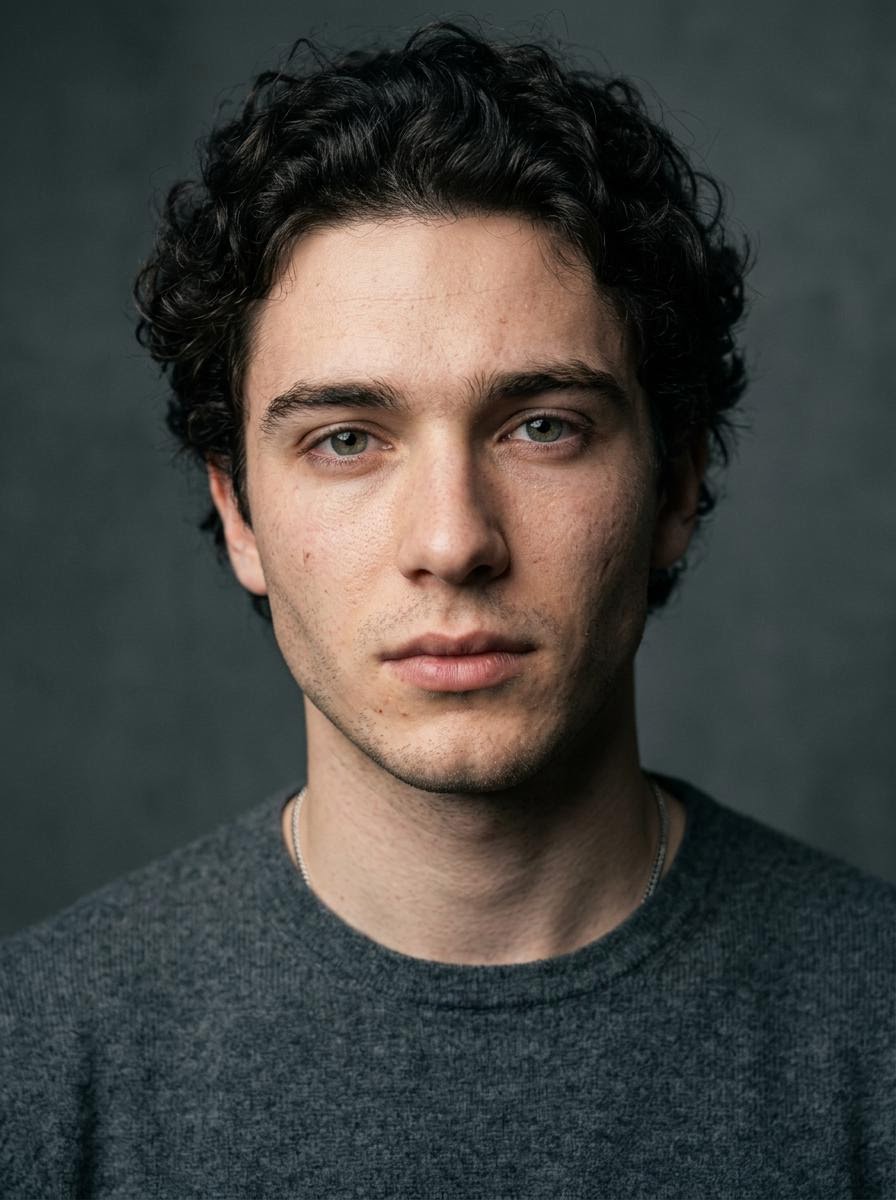
Result 1Gemini
A template generating an ultra-realistic close-up photo using the face from an uploaded image, with soft one-side professional lighting, gentle shadows, natural detailed skin, and a minimal dark or gradient background in premium brand photoshoot style.
These example images come from the original source. DROPIDEA has not independently tested these examples; results depend on the model and settings.
Replace the red variables with your information. Copy the full prompt and use it with your preferred agent.
a plain t-shirt or jacket in neutral colorsThe outfit description; change it to choose another garment
The sentence: "The person is wearing a stylish outfit such as ..."
Example valuea white classic shirt
dark or soft gradientBackground description; dark, soft gradient, or a simple neutral color
The sentence: "The background is simple (...)" inside the parentheses
Example valuea soft gray gradient background
calm, confident, and slightly seriousThe desired facial expression
The sentence: "The expression is ..."
Example valuea light confident smile
A photographic prompt crafted to generate hyper-realistic, unposed smartphone snapshots taken by a friend at a nigh...
Prompt generating an ultra-realistic photo of a young man wearing white Shalwar Kameez by a lake at sunset, specify...
An advanced cinematic AI video prompt crafting a 15-second seamless loop psychedelic Japanese horror music video fe...
Prompt to generate a photorealistic character reference sheet for a young medieval village woman featuring multi-an...