Skip to content
ImagesFree

Negative Prompt List to Avoid Image Flaws

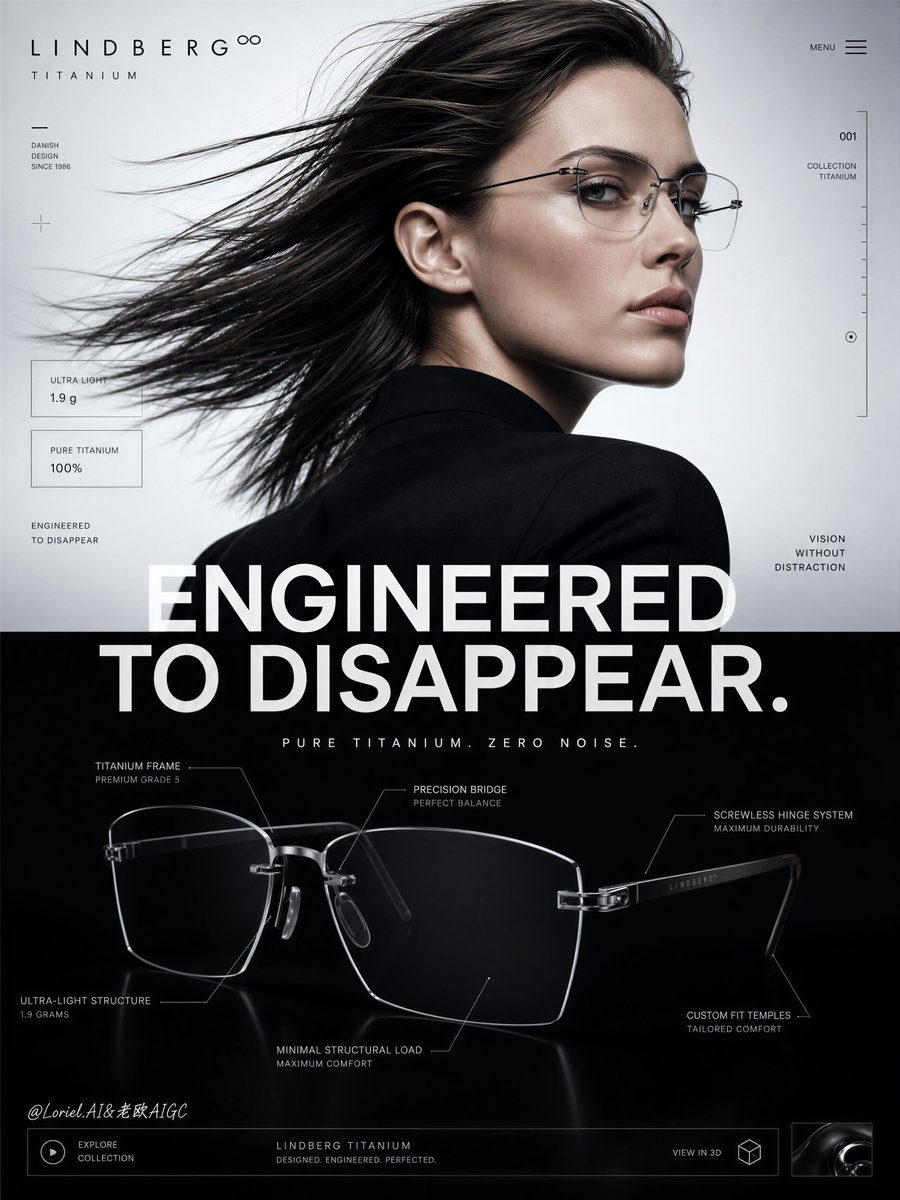
A negative prompt list specifying elements to exclude from the image, such as a soft romantic mood, warm tones, bulky glasses, cluttered interfaces, bad anatomy, distorted faces, fake reflections, noisy shadows, and low-end ecommerce styling. Using it prevents these elements from appearing in the final result.

OpenAI

Source previews

These example images come from the original source. DROPIDEA has not independently tested these examples; results depend on the model and settings.

Ready to personalize

Your prompt

English

Replace the red variables with your information. Copy the full prompt and use it with your preferred agent.

TXT MD English version
soft romantic mood, warm tones, bulky glasses, sporty sunglasses, plastic frames, smiling commercial model, cluttered interface, cheap tech UI, cyberpunk overload, bad anatomy, distorted face, awkward hair, fake reflections, noisy shadows, weak headline, busy layout, low-end ecommerce style
Preview results

Your prompt

soft romantic mood, warm tones, bulky glasses, sporty sunglasses, plastic frames, smiling commercial model, cluttered interface, cheap tech UI, cyberpunk overload, bad anatomy, distorted face, awkward hair, fake reflections, noisy shadows, weak headline, busy layout, low-end ecommerce style

What you get

  • A ready-to-use negative list that prevents a soft romantic mood and warm tones from appearing in the image.
  • Exclusion of anatomical flaws such as distorted faces and awkward hair.
  • Prevention of unwanted visual elements like fake reflections, noisy shadows, and cluttered interfaces.
  • Avoidance of busy layouts and low-end ecommerce styling.

Use cases

  • Generating clean commercial and advertising images free of the warm romantic look.
  • Improving product and fashion image quality by blocking anatomical and visual flaws.
  • Designing sleek tech interfaces and scenes away from clutter and cyberpunk overload.
  • Cleaning generated images of common defects like distorted faces and fake reflections.

How to use

  • Copy the full negative list and paste it into the negative prompt field of your image generation tool.
  • Add the list alongside your positive image description without altering any technical elements or the commas separating them.
  • Carefully remove only the elements you want to allow, keeping the rest intact to ensure the listed flaws are excluded.
  • Generate the image and inspect the result to confirm none of the elements such as bad anatomy or cluttered interfaces appear.
  • If a flaw still appears, regenerate or reorder the negative elements by priority without deleting them.

Related prompts