Result 1Midjourney
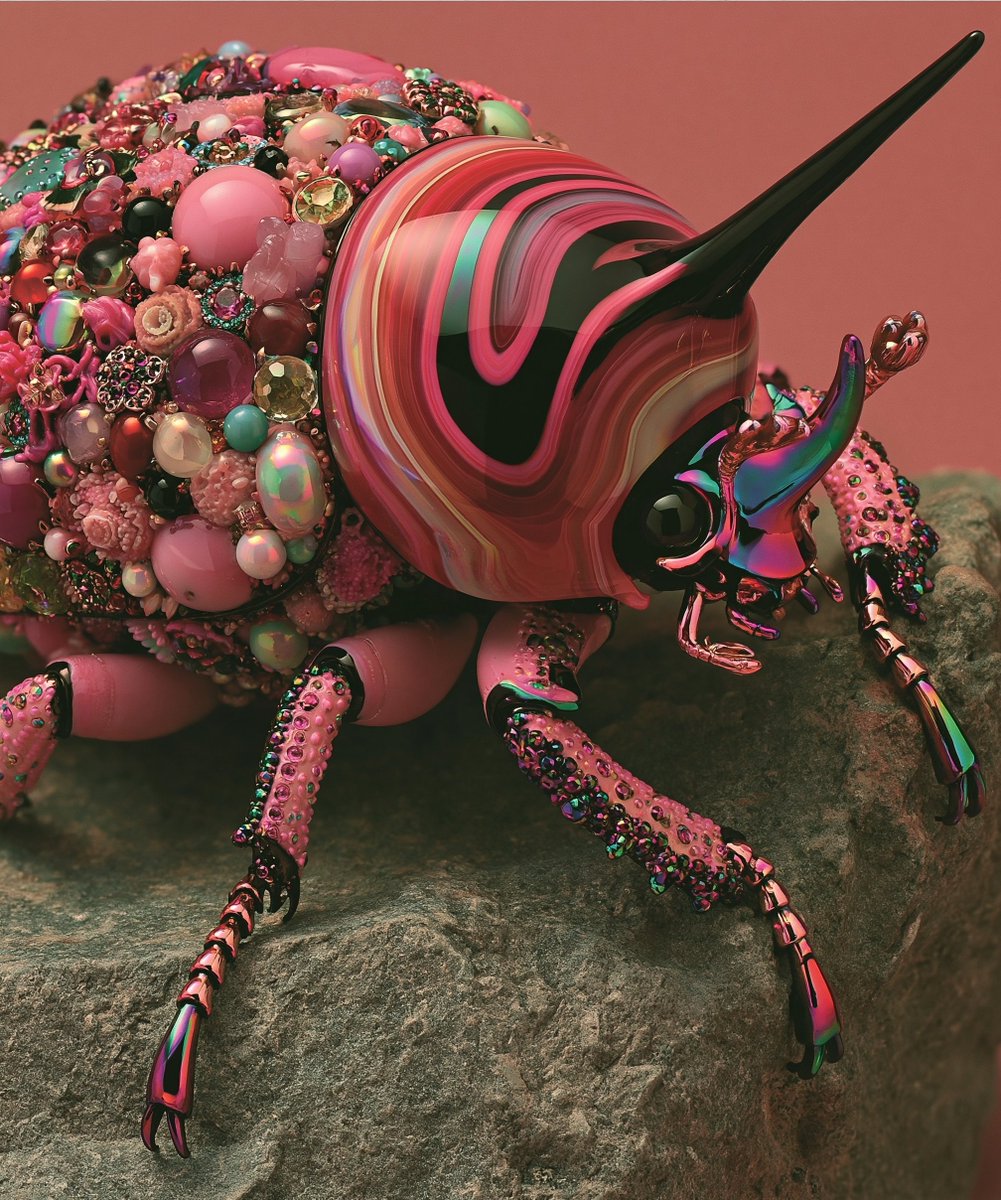
A close-up, high-angle shot of a highly ornate, jewel-encrusted beetle with a swirling gemstone-like iridescent carapace resting on a rough grey rock, with all technical settings (aspect ratio, profile, stylize level) preserved unchanged.
These example images come from the original source. DROPIDEA has not independently tested these examples; results depend on the model and settings.
Replace the red variables with your information. Copy the full prompt and use it with your preferred agent.
highly ornate, jewel-encrusted beetleThe main creature in the scene.
Start of the template and every mention of the beetle.
Example valuea jewel-encrusted butterfly
rough, grey rockThe surface the creature rests on.
First sentence, phrase 'rough, grey rock'.
Example valuea piece of weathered driftwood
resembling agate or a similar gemstoneThe color and texture style of the carapace.
Second sentence after 'a mosaic of vibrant, swirling colors'.
Example valueresembling blue-green turquoise
--stylize 200Technical stylize value; change the number only.
End of the template, the --stylize 200 flag.
Example value--stylize 100
Prompt generating a breathtaking professional earth-science photograph of intense multiple lightning strikes over a...
A peaceful and serene photographic prompt featuring a soft light brown bunny among colorful wildflowers with muted...
Prompt generating a vertical 4K sci-fi fantasy wallpaper featuring a massive spiraling cosmic explosion and energy...
Midjourney photo prompt capturing a majestic Norwegian Forest cat in a three-quarter portrait against a cool misty...