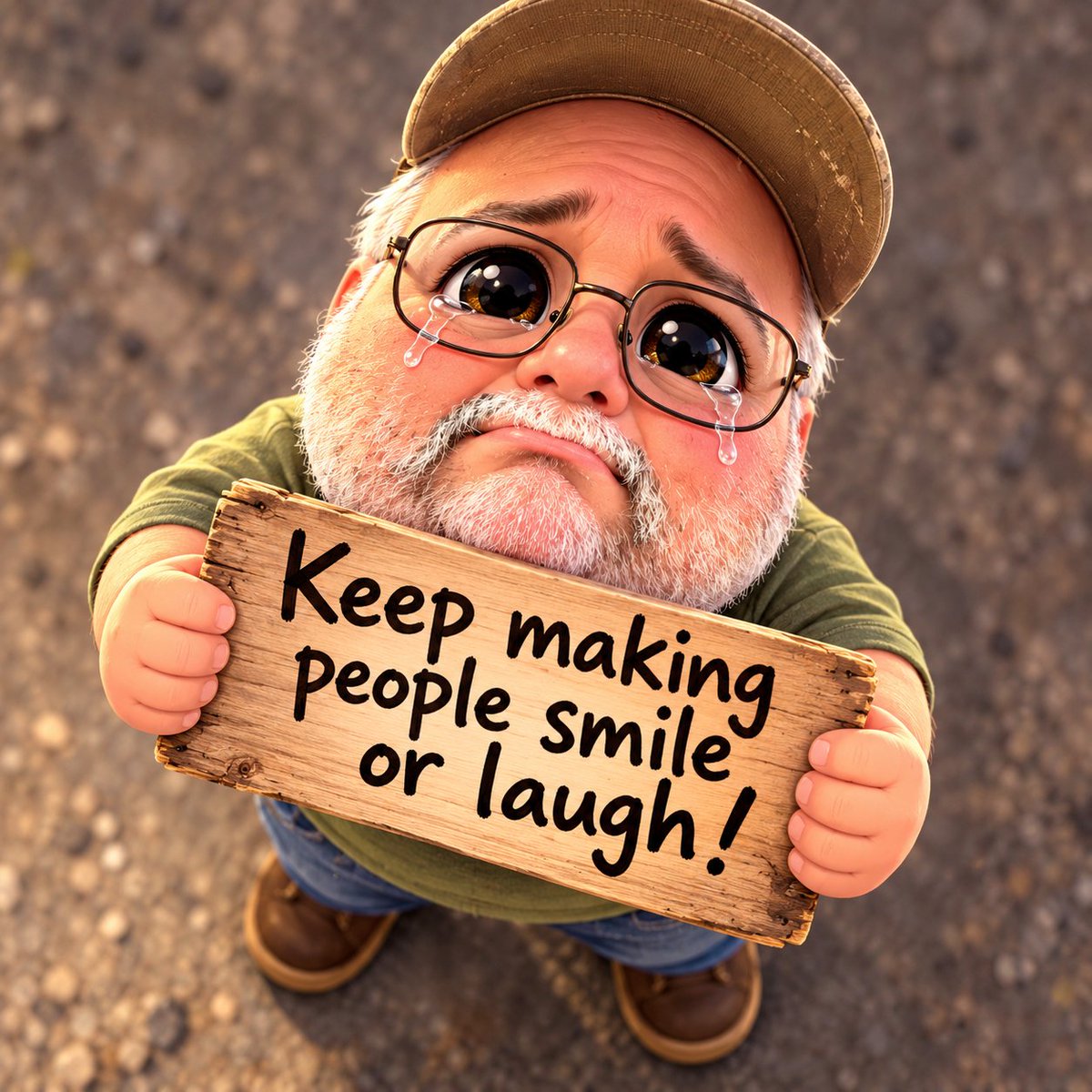
Result 1Image generation
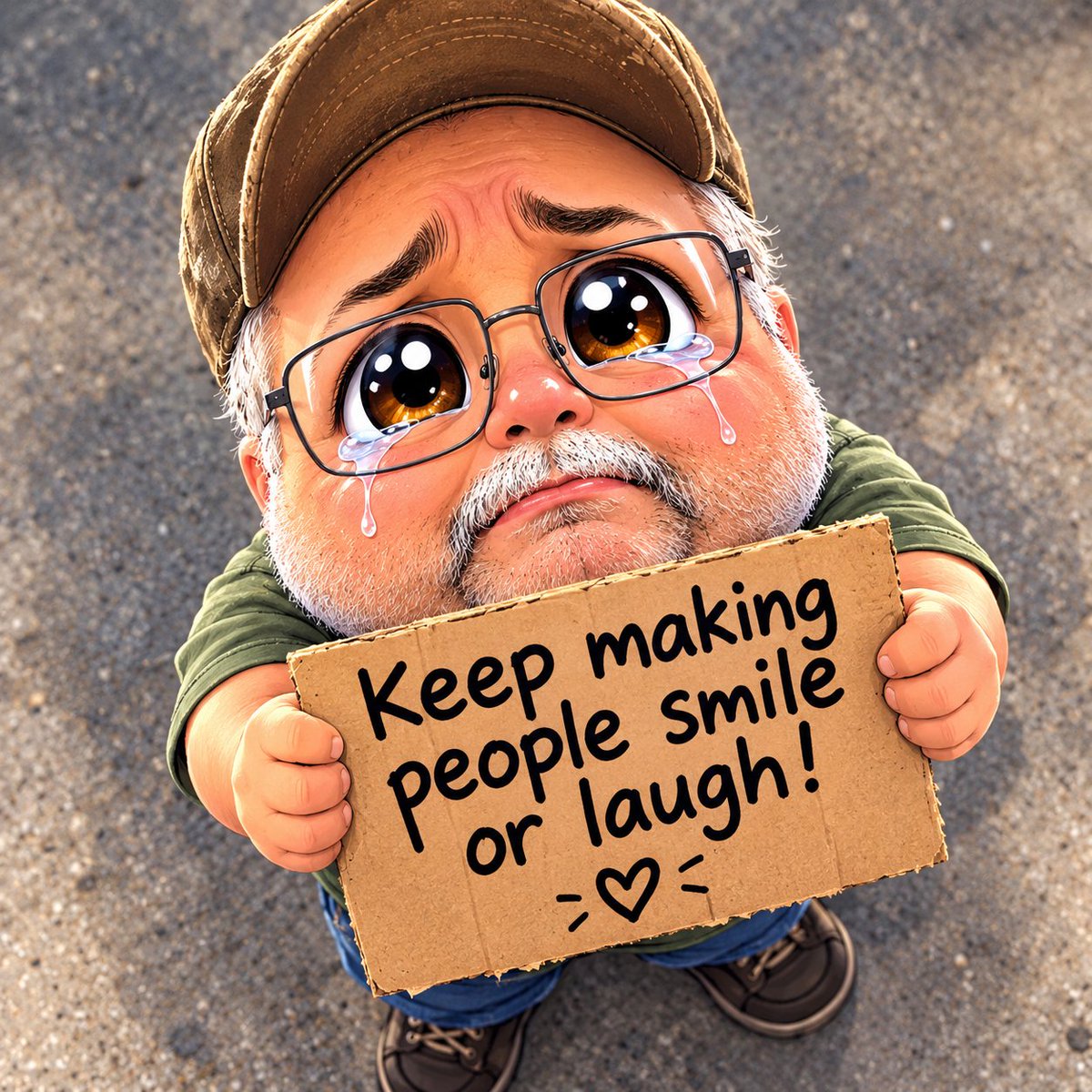
A prompt that turns a character into a chibi with oversized teary eyes and a begging face looking up at a high-angle camera, holding a sign with text you choose and no extra text.
These example images come from the original source. DROPIDEA has not independently tested these examples; results depend on the model and settings.
Replace the red variables with your information. Copy the full prompt and use it with your preferred agent.
" "The text written on the sign; replace the blank spaces between the quotes with your text.
Inside the quotes after 'saying' in the English template, and after «مكتوب عليها» in the Arabic template.
Example value"Please feed me"
A cinematic 2.5D painterly gouache-style animation prompt: 30 seconds across 8 dynamic cuts following Astra in the...
An isometric 3D diorama where the letters of your chosen word become miniature buildings and scenes drawn from a be...
Prompt generating a semi-photorealistic cinematic anime illustration featuring a girl and a cat on Mediterranean st...
Hand-drawn Japanese animation style prompt featuring a young rabbit-hooded adventurer and a glowing spirit companio...