
Result 1Image generation
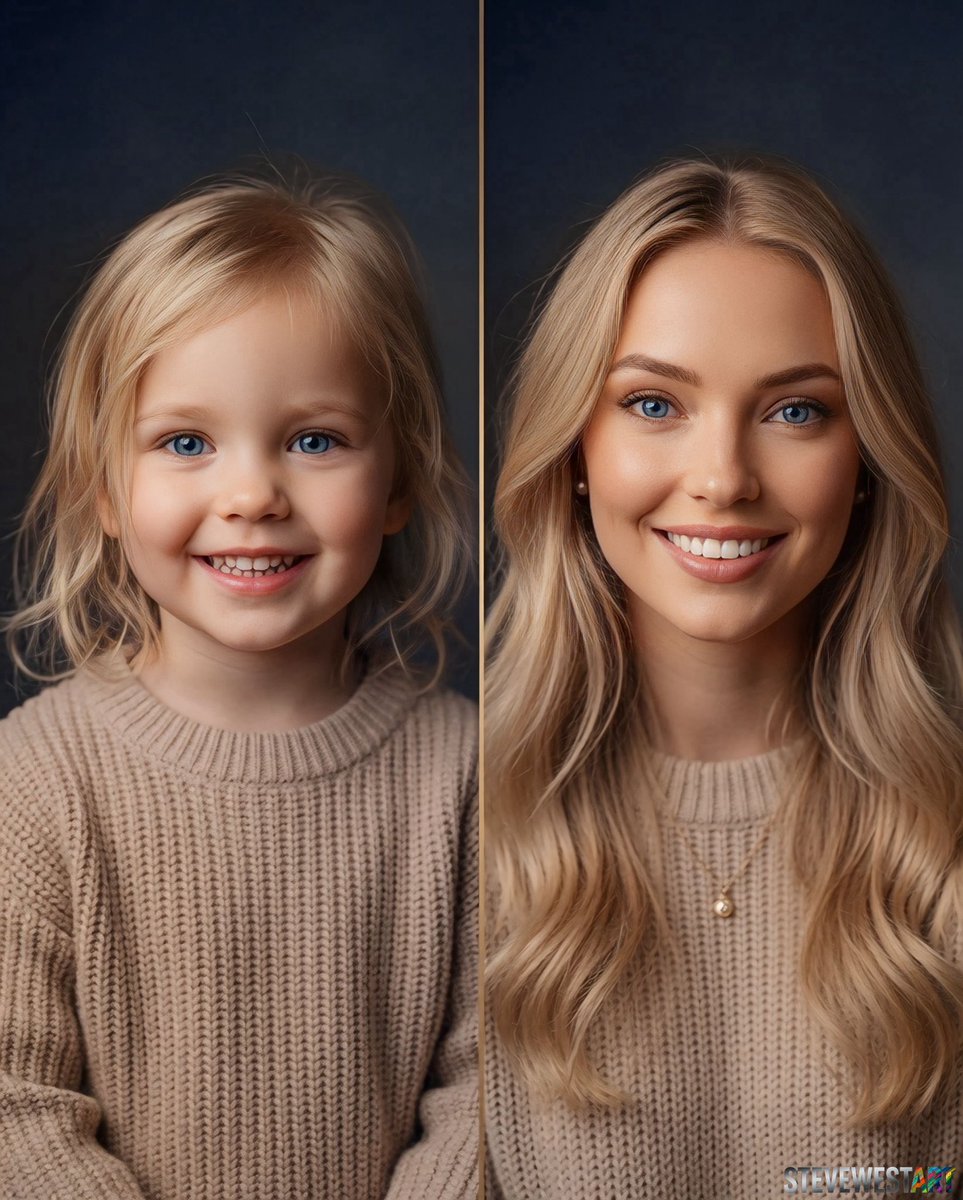
Generates a museum-quality vertical 4:5 split portrait pairing a joyful 3-4-year-old version with the present-day adult of the same person, using an uploaded reference image as the sole identity reference, strict identity lock, warm Rembrandt studio lighting, a dark textured background, shallow depth of field, an 85mm lens look, and optional gold signature recreation.
These example images come from the original source. DROPIDEA has not independently tested these examples; results depend on the model and settings.
Replace the red variables with your information. Copy the full prompt and use it with your preferred agent.
uploaded reference imageThe uploaded photo used as the sole identity reference
First instruction line: "Use the uploaded reference image as the ONLY identity reference."
Example valueA clear, well-lit frontal portrait photo
authentic joyful smileThe child's mood and facial expression
Preschool-version paragraph: "authentic joyful smile"
Example valuean authentic laughing smile
warm Rembrandt lightingThe luxury studio lighting type
Lighting paragraph: "warm Rembrandt lighting"
Example valuesoft cool window lighting
dark textured backgroundBackground color and texture
Lighting paragraph: "dark textured background"
Example valuesmooth gray background
small metallic gold finishThe finish of the recreated signature in the corner
Final paragraph: "using a small metallic gold finish"
Example valuesmall silver finish
A photographic prompt crafted to generate hyper-realistic, unposed smartphone snapshots taken by a friend at a nigh...
Prompt generating an ultra-realistic photo of a young man wearing white Shalwar Kameez by a lake at sunset, specify...
An advanced cinematic AI video prompt crafting a 15-second seamless loop psychedelic Japanese horror music video fe...
Prompt to generate a photorealistic character reference sheet for a young medieval village woman featuring multi-an...