Result 1OpenAI
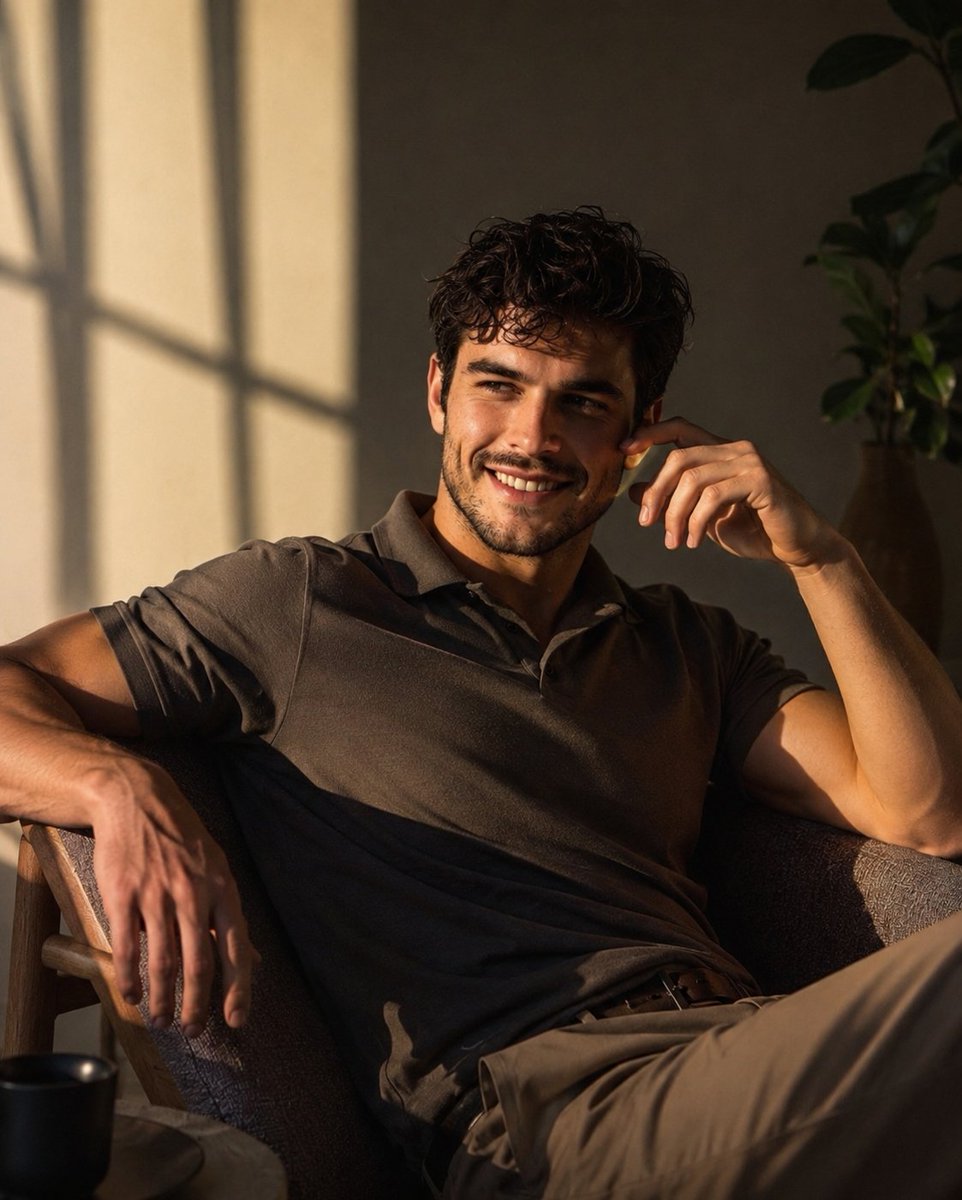
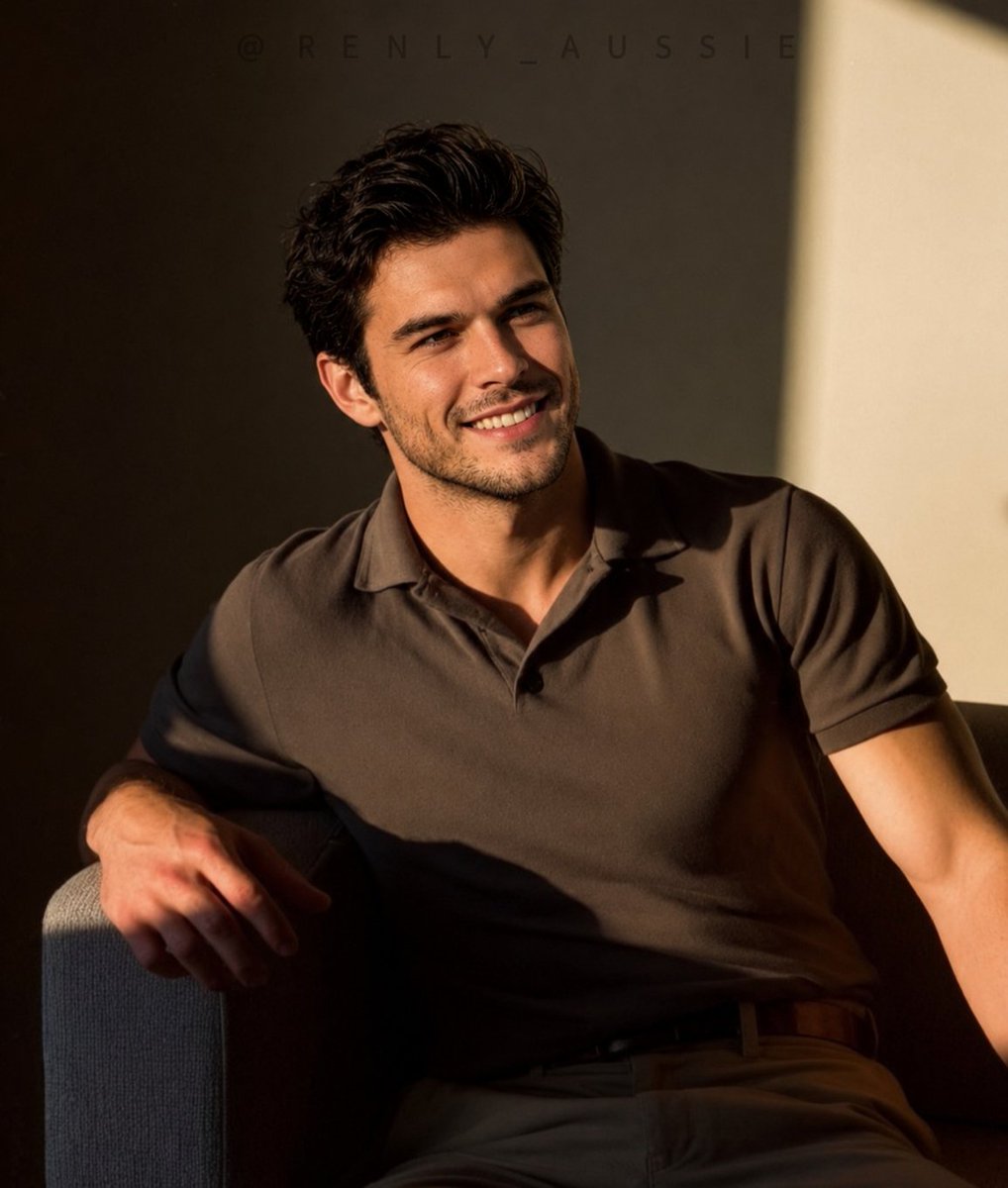
Two GPT image 2.0 prompts for ChatGPT generating ultra-realistic cinematic lifestyle portraits of a young man in golden hour light, with full wardrobe, camera, and color grading details.
These example images come from the original source. DROPIDEA has not independently tested these examples; results depend on the model and settings.
Replace the red variables with your information. Copy the full prompt and use it with your preferred agent.
modern charcoal-gray lounge chairThe chair type in Prompt 1; swap it for another chair that fits the setting while keeping the posture description.
Prompt 1, first sentence: seated casually on [token].
Example valuesleek black leather sofa
dark espresso brownThe polo shirt color in Prompt 1; change only the color.
Prompt 1, wardrobe description: dark espresso brown premium cotton polo shirt.
Example valuedark navy blue
tailored taupe chinosThe accompanying trousers in Prompt 1; type and cut can be changed.
Prompt 1, wardrobe description: paired with tailored taupe chinos.
Example valuetailored gray wool trousers
85mm portrait lens, f/1.8, ISO 100, 1/320sTechnical camera settings for Prompt 1; modify only if you understand their effect.
Prompt 1, final paragraph: 85mm portrait lens, f/1.8, ISO 100, 1/320s.
Example value85mm portrait lens, f/1.8, ISO 100, 1/500s
A prompt for creating a premium vertical four-panel streetwear campaign collage from an uploaded facial identity re...
A photorealistic image-generation prompt for a vertical summer portrait of a fictional adult Japanese woman in a st...
A prompt for a photorealistic fantasy fashion portrait featuring a woman with elven details, black and orange cloth...
An ultra-photorealistic fashion editorial prompt featuring a low-angle outdoor portrait in a suburban setting with...