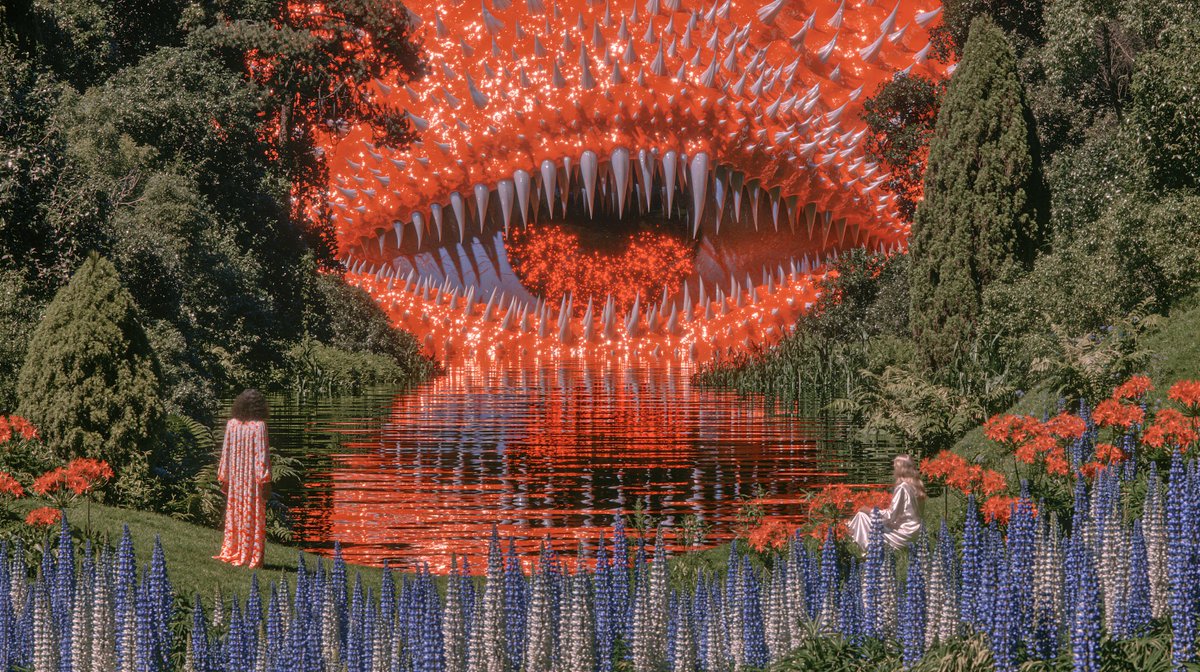
Result 1Midjourney
A ready Midjourney template where you insert your own creative prompt and apply a specific style reference code, with preview and profile options plus the original link.
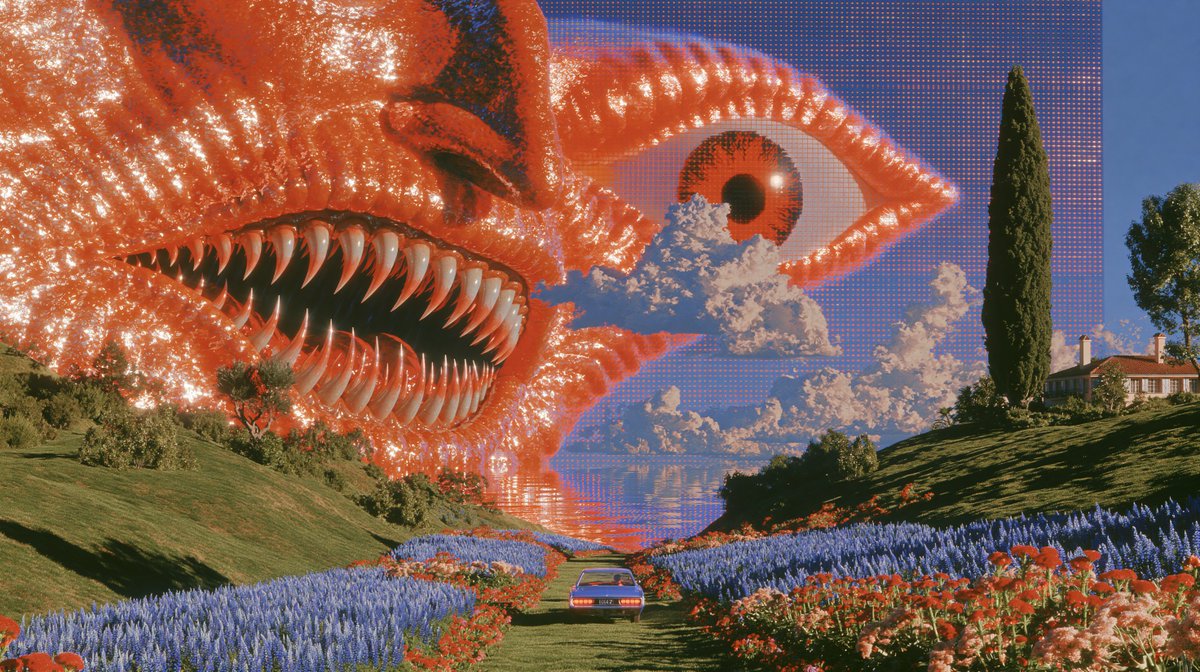
These example images come from the original source. DROPIDEA has not independently tested these examples; results depend on the model and settings.
Replace the red variables with your information. Copy the full prompt and use it with your preferred agent.
[ YOUR PROMPT]The creative description you want the image to be based on
Start of the template, replace [ YOUR PROMPT] entirely
Example valueA photographic shot of a cozy café at dawn with light fog and golden light
A photographic prompt crafted to generate hyper-realistic, unposed smartphone snapshots taken by a friend at a nigh...
Prompt generating an ultra-realistic photo of a young man wearing white Shalwar Kameez by a lake at sunset, specify...
An advanced cinematic AI video prompt crafting a 15-second seamless loop psychedelic Japanese horror music video fe...
Prompt to generate a photorealistic character reference sheet for a young medieval village woman featuring multi-an...