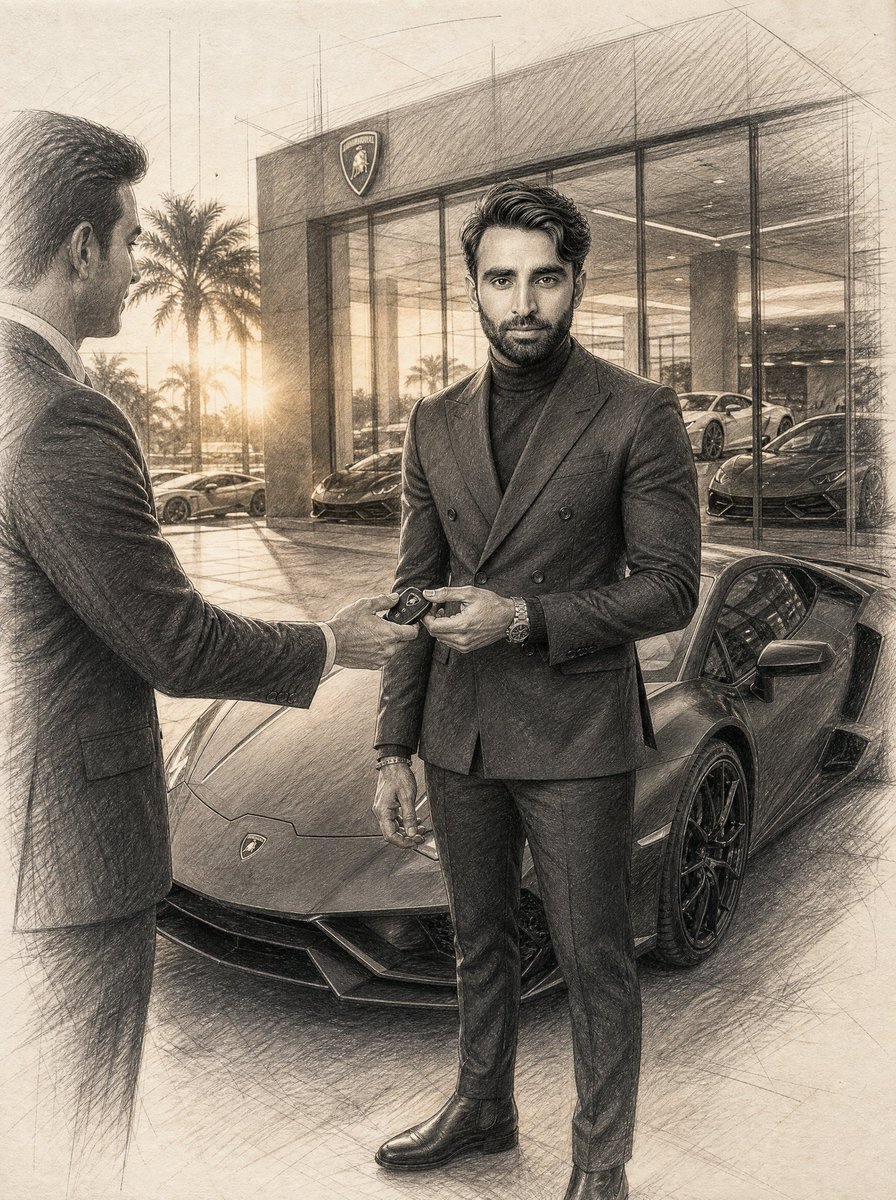
Result 1OpenAI
A ready-to-use negative prompt list for AI image generators to prevent low quality, blur, cartoon and anime styles, CGI, watercolor and oil painting looks, distorted faces, extra limbs, watermarks, logos, and text.
These example images come from the original source. DROPIDEA has not independently tested these examples; results depend on the model and settings.
Replace the red variables with your information. Copy the full prompt and use it with your preferred agent.
low qualityNegative term blocking low-quality output
First term in the negative list
Example valuelow quality
blurryNegative term blocking blur
Second term in the negative list
Example valueblurry
cartoonNegative term blocking cartoon style
Third term in the negative list
Example valuecartoon
animeNegative term blocking anime style
Fourth term in the negative list
Example valueanime
CGITechnical setting blocking computer-generated look; keep CGI unchanged
Fifth term in the negative list
Example valueCGI
watercolorNegative term blocking watercolor style
Sixth term in the negative list
Example valuewatercolor
oil paintingNegative term blocking oil painting style
Seventh term in the negative list
Example valueoil painting
distorted faceNegative term blocking facial distortion
Eighth term in the negative list
Example valuedistorted face
extra limbsNegative term blocking extra limbs
Ninth term in the negative list
Example valueextra limbs
watermarkNegative term blocking watermarks
Tenth term in the negative list
Example valuewatermark
logoNegative term blocking logos
Eleventh term in the negative list
Example valuelogo
textNegative term blocking text in images
Last term in the negative list
Example valuetext
A photographic prompt crafted to generate hyper-realistic, unposed smartphone snapshots taken by a friend at a nigh...
Prompt generating an ultra-realistic photo of a young man wearing white Shalwar Kameez by a lake at sunset, specify...
An advanced cinematic AI video prompt crafting a 15-second seamless loop psychedelic Japanese horror music video fe...
Prompt to generate a photorealistic character reference sheet for a young medieval village woman featuring multi-an...