Skip to content
ImagesFree

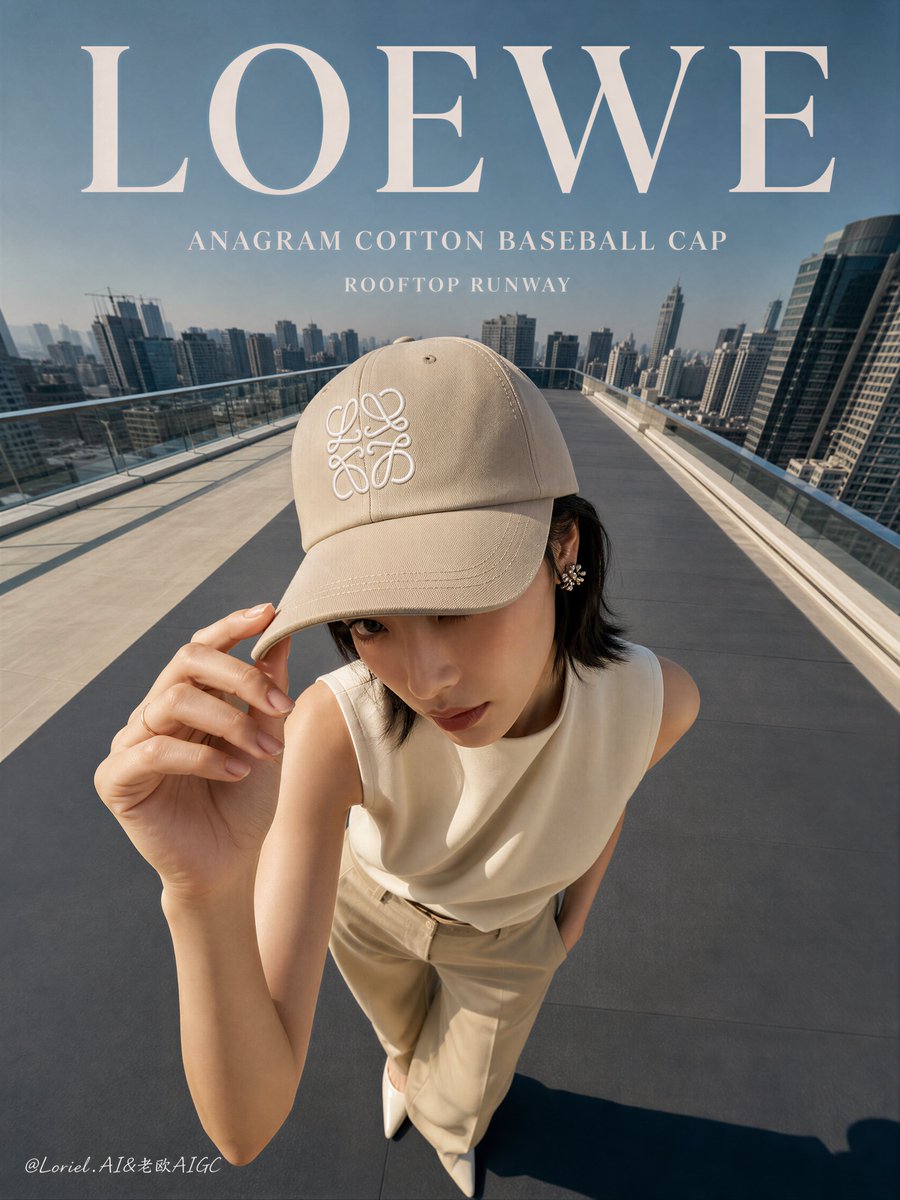
Negative Description for Cheap Baseball Cap Image

A negative prompt list excluding common defects in commercial fashion imagery: cheap caps with fake logos, bad anatomy, muddy shadows, and unsuitable cartoon styling.

OpenAI

Source previews

These example images come from the original source. DROPIDEA has not independently tested these examples; results depend on the model and settings.
Ready to personalize

Your prompt

English

Replace the red variables with your information. Copy the full prompt and use it with your preferred agent.

TXT MD English version
cheap baseball cap, fake Loewe logo, incorrect embroidery, distorted cap structure, plastic fabric, cluttered architecture, messy rooftop, crowded scene, low-detail face, bad anatomy, warped hands, extra fingers, influencer aesthetic, muddy shadows, black blotches, noisy dark areas, cartoon styling, busy props, weak branding, rough typography, low-fashion commercial look
Preview results

Your prompt

cheap baseball cap, fake Loewe logo, incorrect embroidery, distorted cap structure, plastic fabric, cluttered architecture, messy rooftop, crowded scene, low-detail face, bad anatomy, warped hands, extra fingers, influencer aesthetic, muddy shadows, black blotches, noisy dark areas, cartoon styling, busy props, weak branding, rough typography, low-fashion commercial look

What you get

  • A ready-to-use negative prompt list banning common visual defects in commercial cap fashion imagery
  • Exclusion of fake logos, inaccurate embroidery, and distorted cap structures
  • Prevention of bad anatomy, warped hands, and extra fingers in characters
  • Avoidance of muddy shadows, black blotches, and noisy dark areas
  • A professional look free of cartoon styling and visual clutter

Use cases

  • Product photography sessions for caps and sports accessories for brands
  • Commercial fashion ads requiring high quality and clear branding
  • E-commerce store designs showcasing caps professionally
  • Influencer content and promotional sites with high quality standards
  • Design projects needing to exclude common AI image generation defects

How to use

  • Copy the full list and paste it into the negative prompt field of your image generation tool.
  • Use a model that supports negative prompts, such as Stable Diffusion or Flux, for best results.
  • Pair it with a clear positive prompt describing a high-quality baseball cap photo with strong branding.
  • Generate the image and review the output; if listed defects appear, retry or adjust the negative prompt weight.
  • Reuse the same list with minor tweaks across commercial fashion and product photo sessions for consistent quality.

Related prompts