Result 1OpenAI
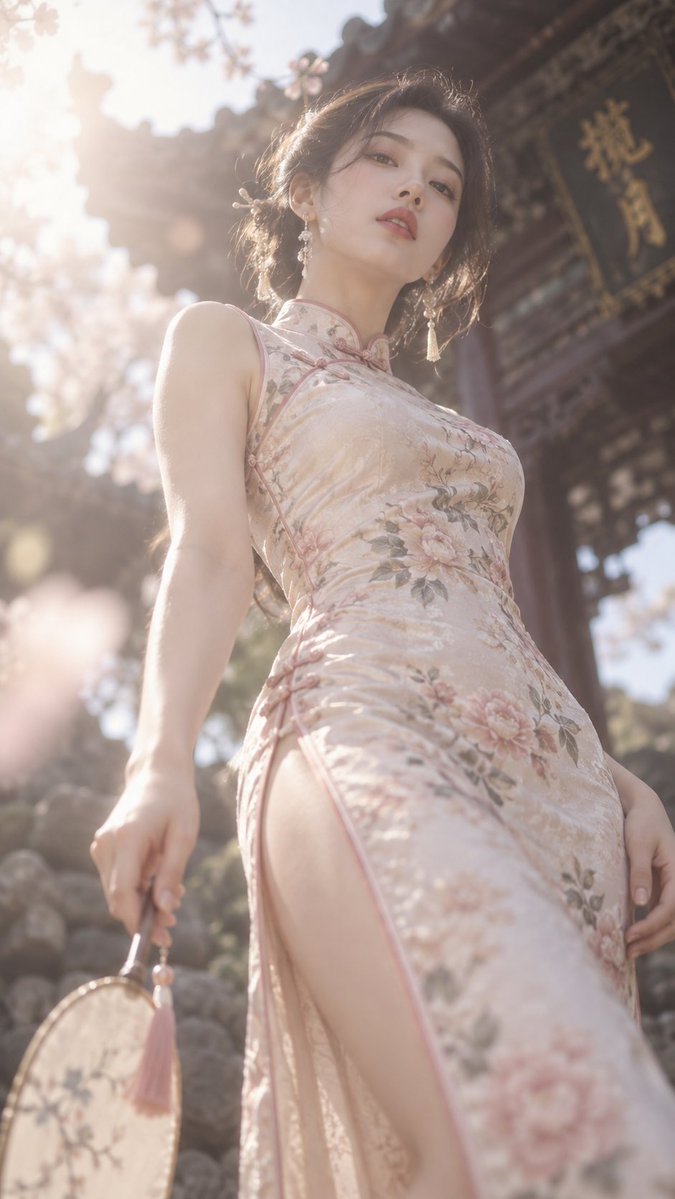
A concise fashion-image prompt: a slender tall model wearing a qipao, shot from a low angle looking up, with overflowing soft glow and dreamy blur, in a 9:16 aspect ratio.
These example images come from the original source. DROPIDEA has not independently tested these examples; results depend on the model and settings.
Replace the red variables with your information. Copy the full prompt and use it with your preferred agent.
qipaoThe core outfit value; swap for another garment such as 'silk kimono' or 'long evening gown' to change the cultural tone.
Replace 'qipao' at the start of the original English prompt.
Example valuesilk kimono
slender tall modelDescription of the model's build; adjust it to different figures while keeping the overall meaning.
Replace 'slender tall model' at the end of the original English prompt.
Example valuegraceful model
overflowing soft glow, dreamy blurThe dreamy style values; change them to another lighting style while keeping the effect description coherent.
Replace 'overflowing soft glow, dreamy blur' in the middle of the original English prompt.
Example valuewarm golden glow, soft haze
A prompt for creating a premium vertical four-panel streetwear campaign collage from an uploaded facial identity re...
A photorealistic image-generation prompt for a vertical summer portrait of a fictional adult Japanese woman in a st...
A prompt for a photorealistic fantasy fashion portrait featuring a woman with elven details, black and orange cloth...
An ultra-photorealistic fashion editorial prompt featuring a low-angle outdoor portrait in a suburban setting with...