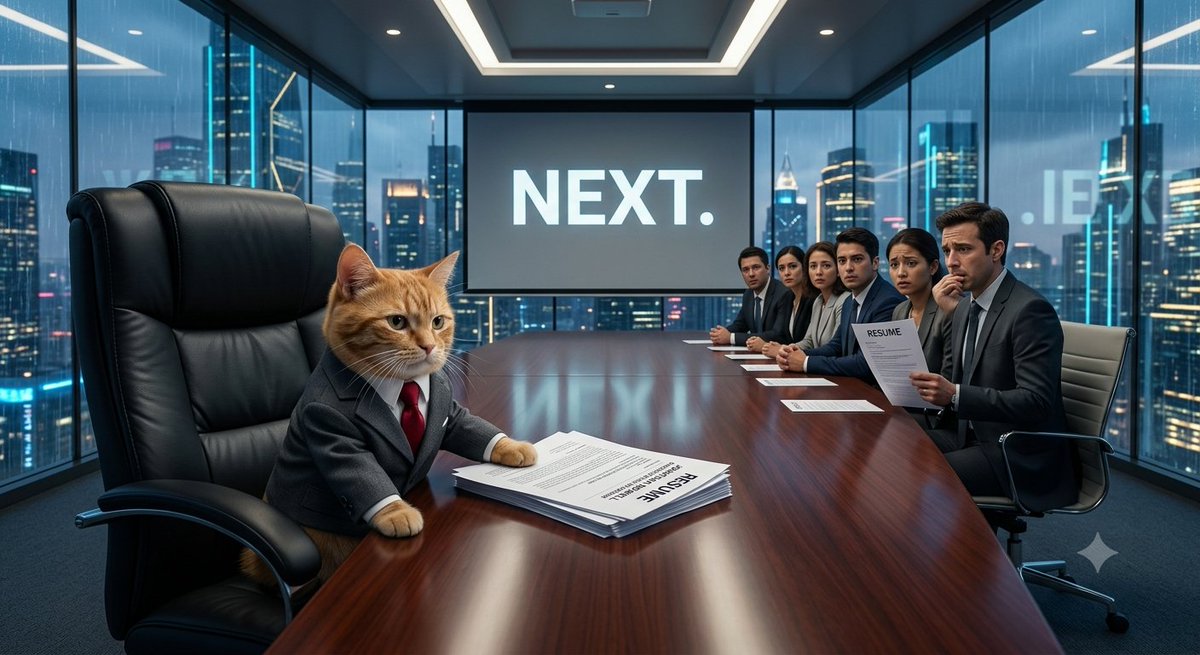
Result 1Gemini
A comedic cinematic scene of a tiny orange cat conducting job interviews in a luxurious 98th-floor executive office, with six nervous candidates, hyper-realistic style and Roger Deakins lighting.
These example images come from the original source. DROPIDEA has not independently tested these examples; results depend on the model and settings.
Replace the red variables with your information. Copy the full prompt and use it with your preferred agent.
A tiny orange catDescription of the hero cat (color, size, posture).
In the subject field: replace 'A tiny orange cat'
Example valueA tiny grey rabbit sits confidently
A luxurious corporate office on the 98th floor overlooking a futuristic city.The scene location and backdrop; keeping '98' preserves the original meaning.
Value of the scene field (JSON path: scene)
Example valueA luxurious corporate office on the 98th floor overlooking a futuristic city
\"Next.\"Literal text appearing inside the image; keep it in English within double quotes.
Value of the image_text field (JSON path: image_text)
Example value\"Next.\"
'12 years experience.'The resume text visible in the image; a literal English string.
Inside the detail field; replace '12 years experience.' only
Example value'15 years experience.'
deadpan humor, cinematic, premium aestheticThe overall mood of the scene; a creative value.
Value of the atmosphere field (JSON path: atmosphere)
Example valuecomedic tension, cinematic, premium aesthetic
hyper realistic, Hollywood movie still, ultra detailed, Roger Deakins lighting, 8KTechnical style settings recommended to keep for the cinematic look.
Value of the style field (JSON path: style)
Example valuehyper realistic, Hollywood movie still, ultra detailed, Roger Deakins lighting, 8K
A photographic prompt crafted to generate hyper-realistic, unposed smartphone snapshots taken by a friend at a nigh...
Prompt generating an ultra-realistic photo of a young man wearing white Shalwar Kameez by a lake at sunset, specify...
An advanced cinematic AI video prompt crafting a 15-second seamless loop psychedelic Japanese horror music video fe...
Prompt to generate a photorealistic character reference sheet for a young medieval village woman featuring multi-an...