Skip to content
ImagesFree

Avoid Words for Chaotic Food Ingredients

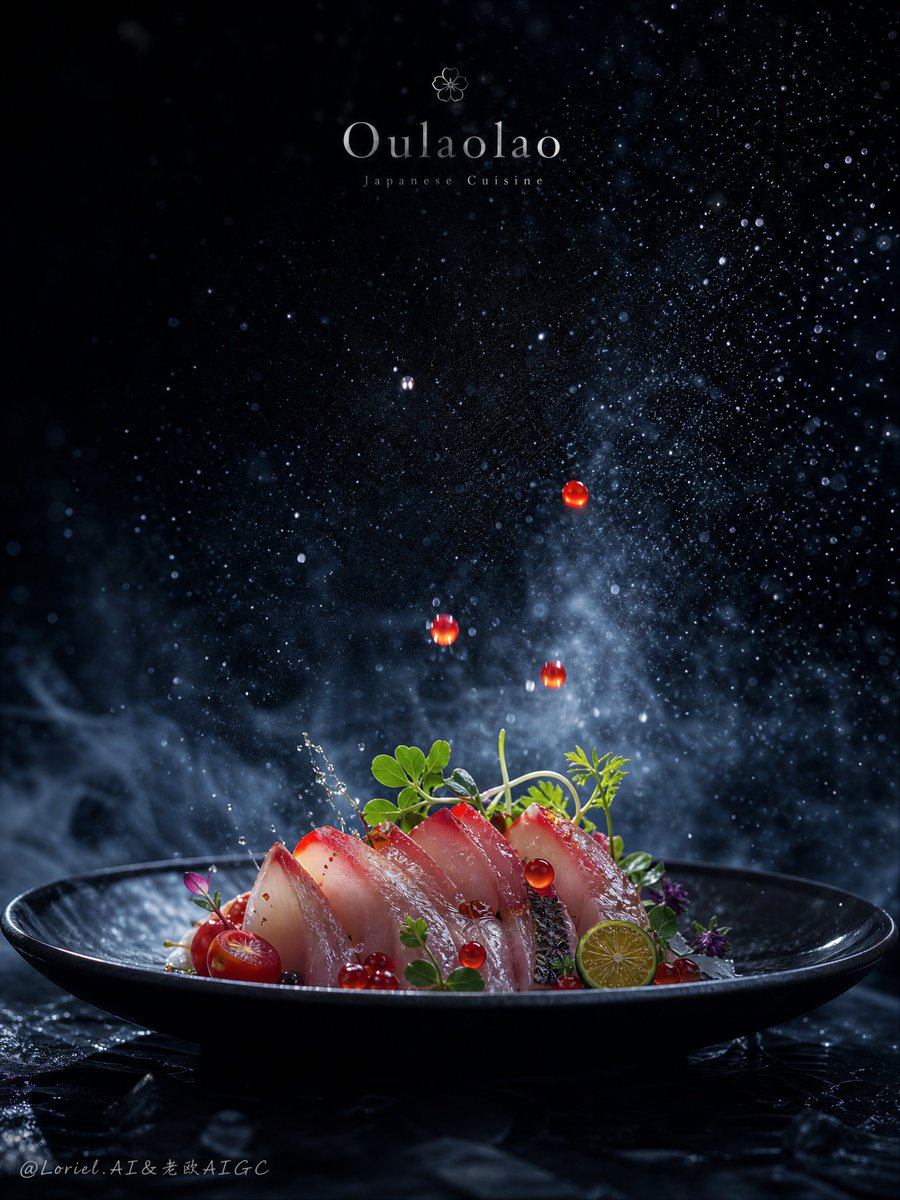
A negative-style descriptive list to avoid common food photography flaws such as excessive steam, heavy powder clouds, plastic-looking ingredients, cluttered backgrounds, muddy colors, and poor depth.

OpenAI

Source previews

These example images come from the original source. DROPIDEA has not independently tested these examples; results depend on the model and settings.

Ready to personalize

Your prompt

English

Replace the red variables with your information. Copy the full prompt and use it with your preferred agent.

TXT MD English version
warm steam, heavy powder clouds, too many red ingredients, chaotic explosion, flat composition, low-detail seafood, cartoon particles, cheap restaurant poster, cluttered background, weak backlight, muddy colors, plastic-looking ingredients, poor depth, messy garnish
Preview results

Your prompt

warm steam, heavy powder clouds, too many red ingredients, chaotic explosion, flat composition, low-detail seafood, cartoon particles, cheap restaurant poster, cluttered background, weak backlight, muddy colors, plastic-looking ingredients, poor depth, messy garnish

What you get

  • A ready-to-use negative word list that prevents excessive steam and heavy powder clouds.
  • Reduced chance of overly red ingredients and chaotic explosions appearing in the image.
  • Avoidance of cartoonish, plastic-looking ingredients with improved depth and backlighting.
  • Food images with clean backgrounds, pure colors, and tidy garnishing.

Use cases

  • Improving seafood and food product photography quality for restaurants and online stores.
  • Cleaning up advertising food images from distracting elements and muddy colors.
  • Preparing professional marketing content for menus and upscale restaurants.
  • Reducing the cheap look in food posters and advertisements.

How to use

  • Copy the word list and paste it into the negative prompt field of your image generation tool.
  • Keep the original English list alongside it if the tool supports bilingual prompts for more accurate results.
  • Edit the words by removing those irrelevant to your image or adding other flaws you want to avoid, such as lighting or detail issues.
  • Run the generation and check the result: seafood should appear detailed with clean colors and a tidy background.
  • Retry with minor word adjustments if flaws like cartoon particles or a flat composition still appear.

Related prompts