Skip to content
ImagesFree

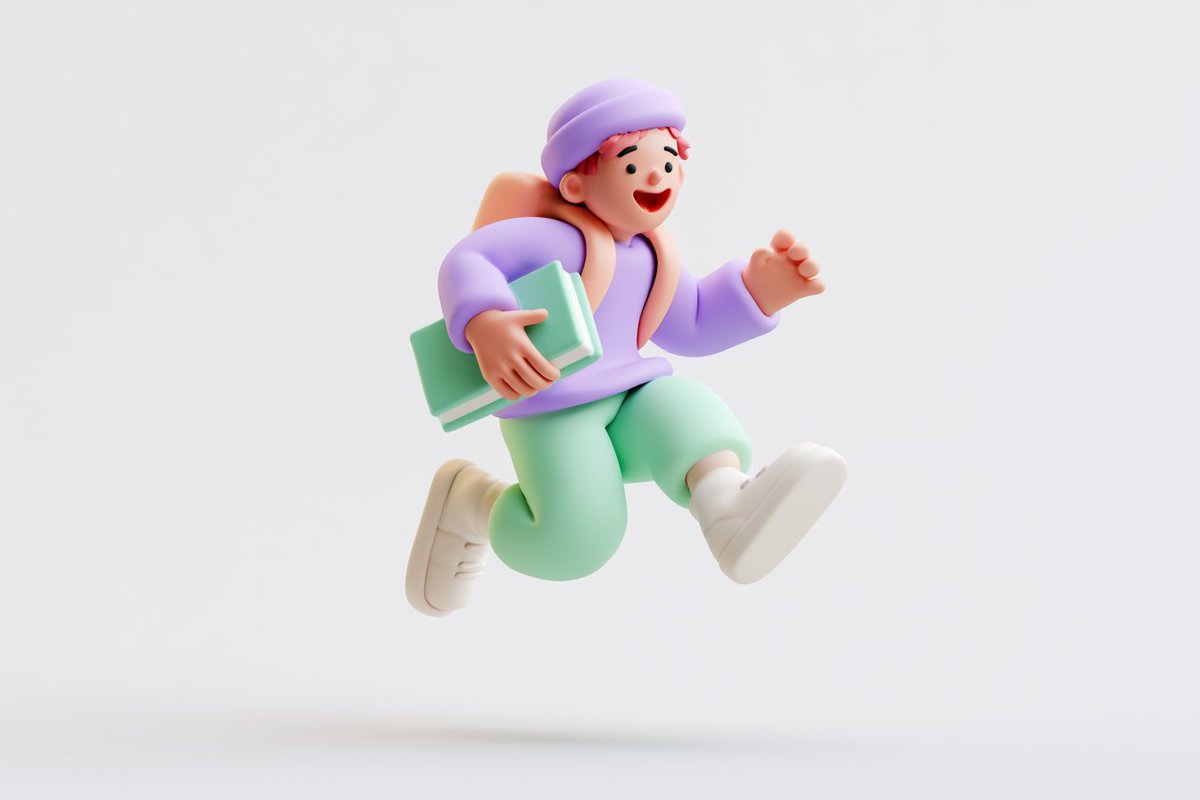
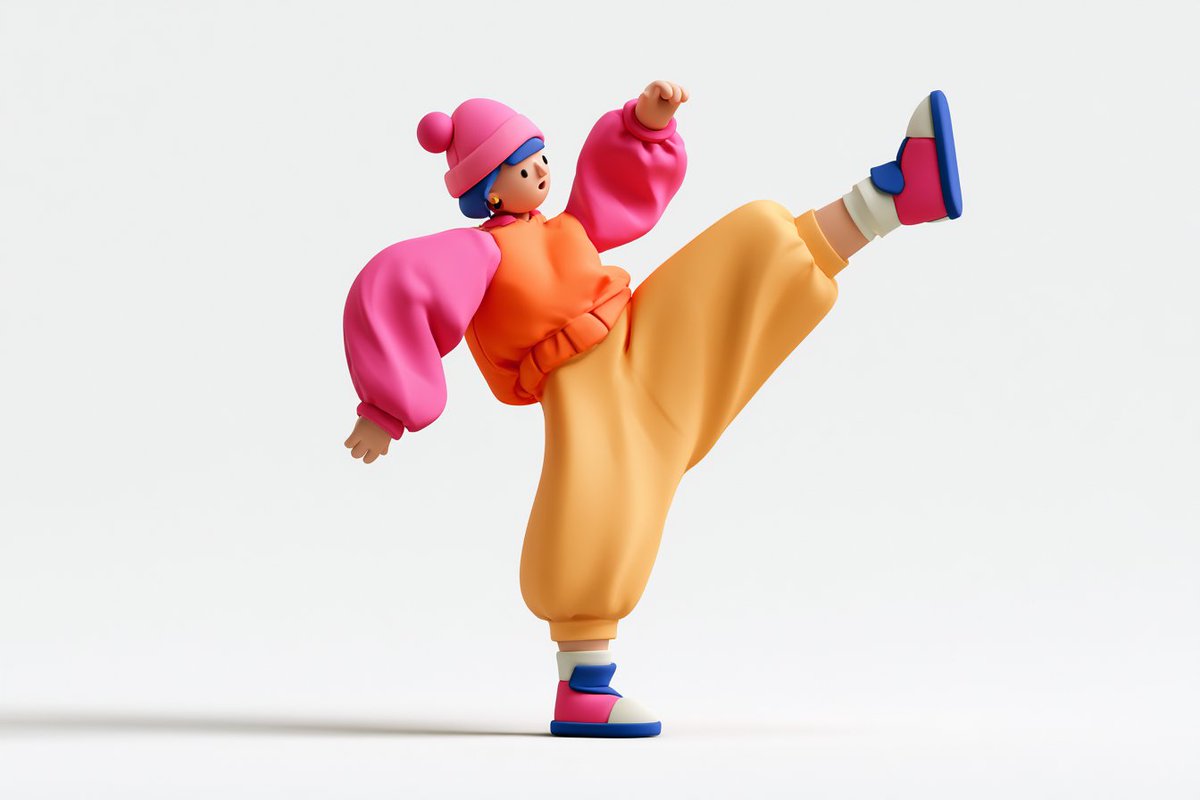
Cute 3D Kneaded Clay Character Icon Render

A template for generating a cute 3D icon-style character render in kneaded clay style, with a matte surface, simple stylized design, vibrant colors, clean white background, and soft lighting.

Image generation

Source previews

These example images come from the original source. DROPIDEA has not independently tested these examples; results depend on the model and settings.
Ready to personalize

Your prompt

English

Replace the red variables with your information. Copy the full prompt and use it with your preferred agent.

TXT MD English version
Cute 3D render of a [subject], matte surface, kneaded clay icon style, simple stylized design, [doing action], [emotion or mood], rounded proportions, soft sculpted details, playful body language, vibrant [color1], [color2], and [color3] accents, clean white background, minimal composition, soft ambient lighting, subtle shadow, charming character design, high-resolution, polished toy-like aesthetic --ar 3:2 --v 8.2 Try it and share your art ✨
Preview results

Your prompt

Cute 3D render of a [subject], matte surface, kneaded clay icon style, simple stylized design, [doing action], [emotion or mood], rounded proportions, soft sculpted details, playful body language, vibrant [color1], [color2], and [color3] accents, clean white background, minimal composition, soft ambient lighting, subtle shadow, charming character design, high-resolution, polished toy-like aesthetic --ar 3:2 --v 8.2 Try it and share your art ✨

Variable guide

[subject]

The main character or object

Replaces [subject] at the start of the template

Example value

a little cat

[doing action]

What the character is doing

Replaces [doing action] after "simple stylized design"

Example value

playing a tiny guitar

[emotion or mood]

The emotion or mood shown

Replaces [emotion or mood] after [doing action]

Example value

happy and excited

[color1]

The main vibrant color

Replaces [color1] after "vibrant"

Example value

sky blue

[color2]

First accent color

Replaces [color2] after "accents"

Example value

yellow

[color3]

Second accent color

Replaces [color3] after [color2]

Example value

pink

What you get

  • A cute matte kneaded-clay style 3D icon.
  • A character with rounded proportions, soft sculpted details, and playful body language.
  • A clean white background with soft ambient lighting and a subtle shadow.
  • A high-resolution render with a polished toy-like aesthetic.

Use cases

  • Cute app icons and mascots.
  • Social media illustrations and stickers.
  • Marketing materials for kid-focused products.
  • Visual elements for web design and presentations.

How to use

  • Decide the character or object you want and replace [subject] with it.
  • Describe what the character is doing in place of [doing action] and its feelings in place of [emotion or mood].
  • Pick three harmonious colors and fill in [color1], [color2], and [color3].
  • Copy the full template including the technical flags --ar 3:2 --v 8.2 unchanged into your image generation tool.
  • Share your resulting artwork with others.

Related prompts