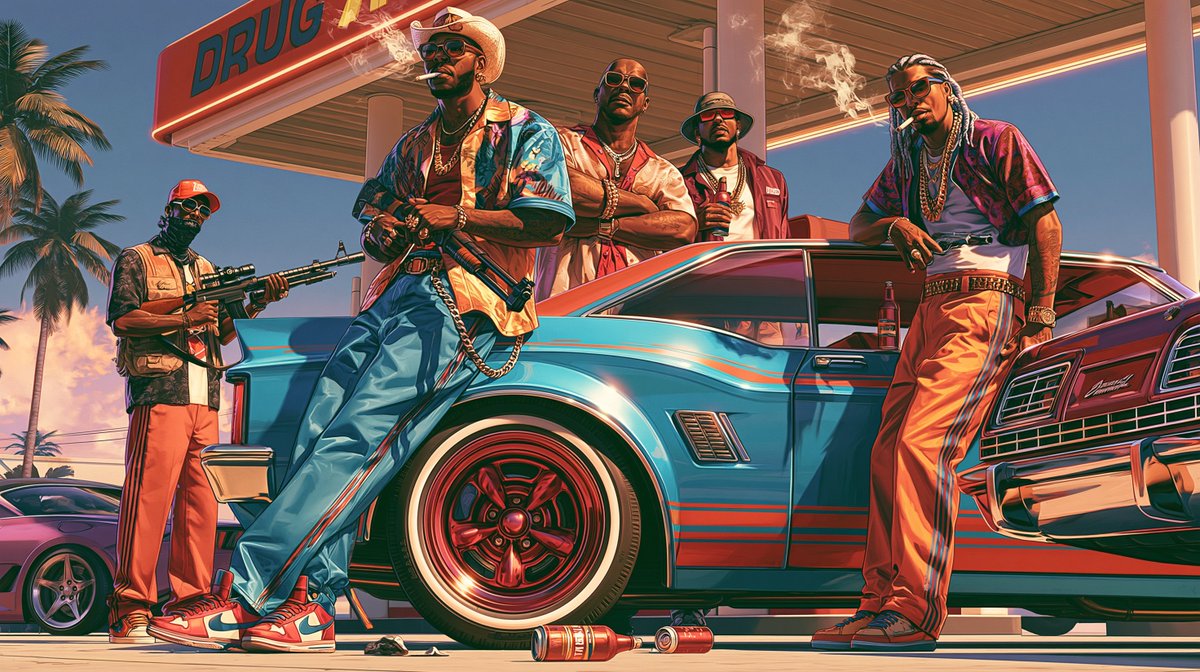
Result 1Midjourney
A ready Midjourney style command using a set of --sref style reference codes with a ::2 weight on one style and the --preview flag, plus an invitation to share feelings and results in the comments and hashtags for style sharing.
These example images come from the original source. DROPIDEA has not independently tested these examples; results depend on the model and settings.

Replace the red variables with your information. Copy the full prompt and use it with your preferred agent.
2325304293 1601303113::2 1360136754 2576858378 4058020877The style reference codes that define the artistic look; replace them with other codes while keeping the format and the ::2 weight.
First line of the template, after --sref and before --preview.
Example value1234567890 9876543210::2 1122334455
A detailed 30-second seamless video generation prompt capturing a handheld raw smartphone loop of three men partyin...
A brief post contains only a downward arrow symbol and an external link.
A detailed English prompt generating a hyper-realistic 9:16 front-camera selfie of a young woman against a festive...
Complete art-direction prompt generating a premium Nike running campaign poster: explosive editorial runner, hero s...