Result 1OpenAI
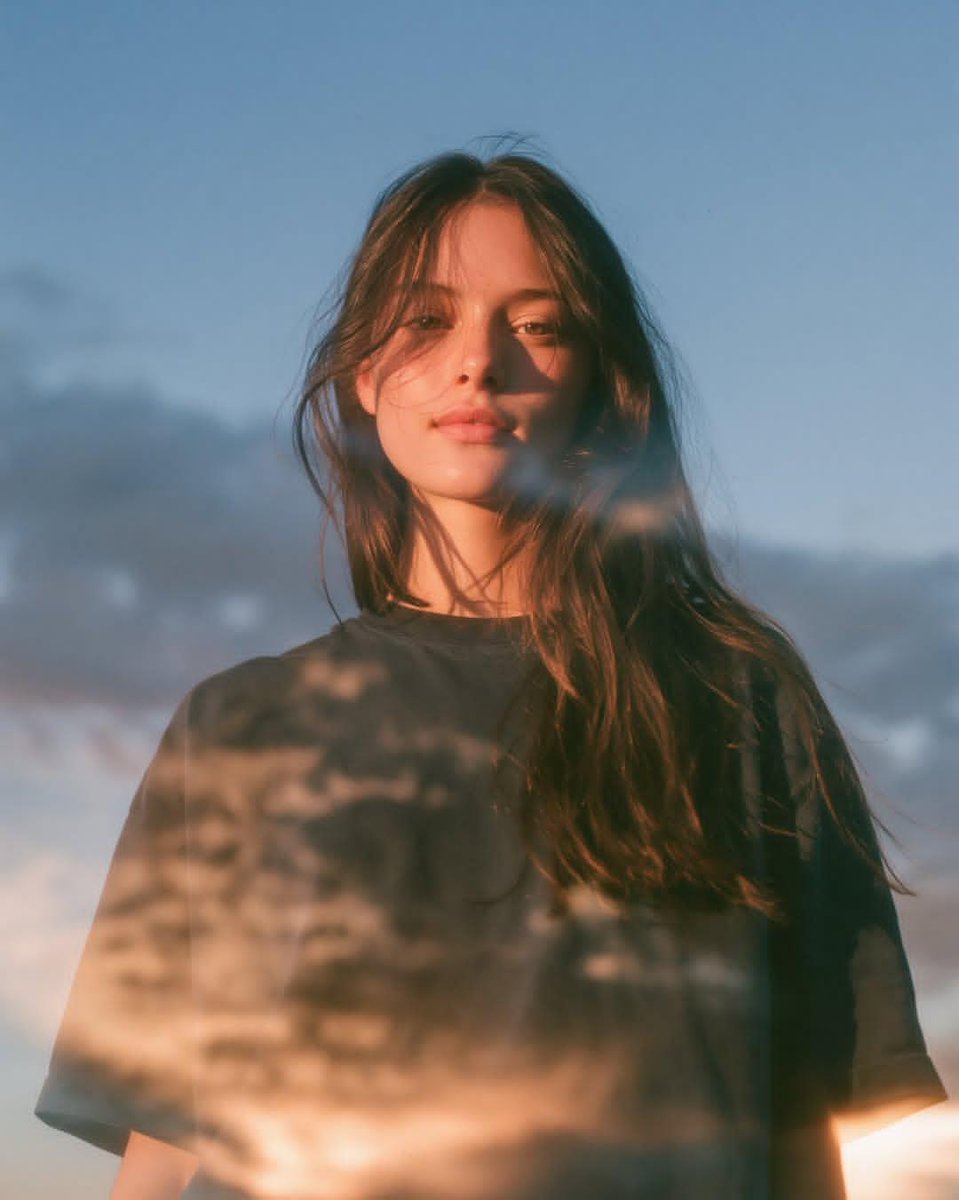
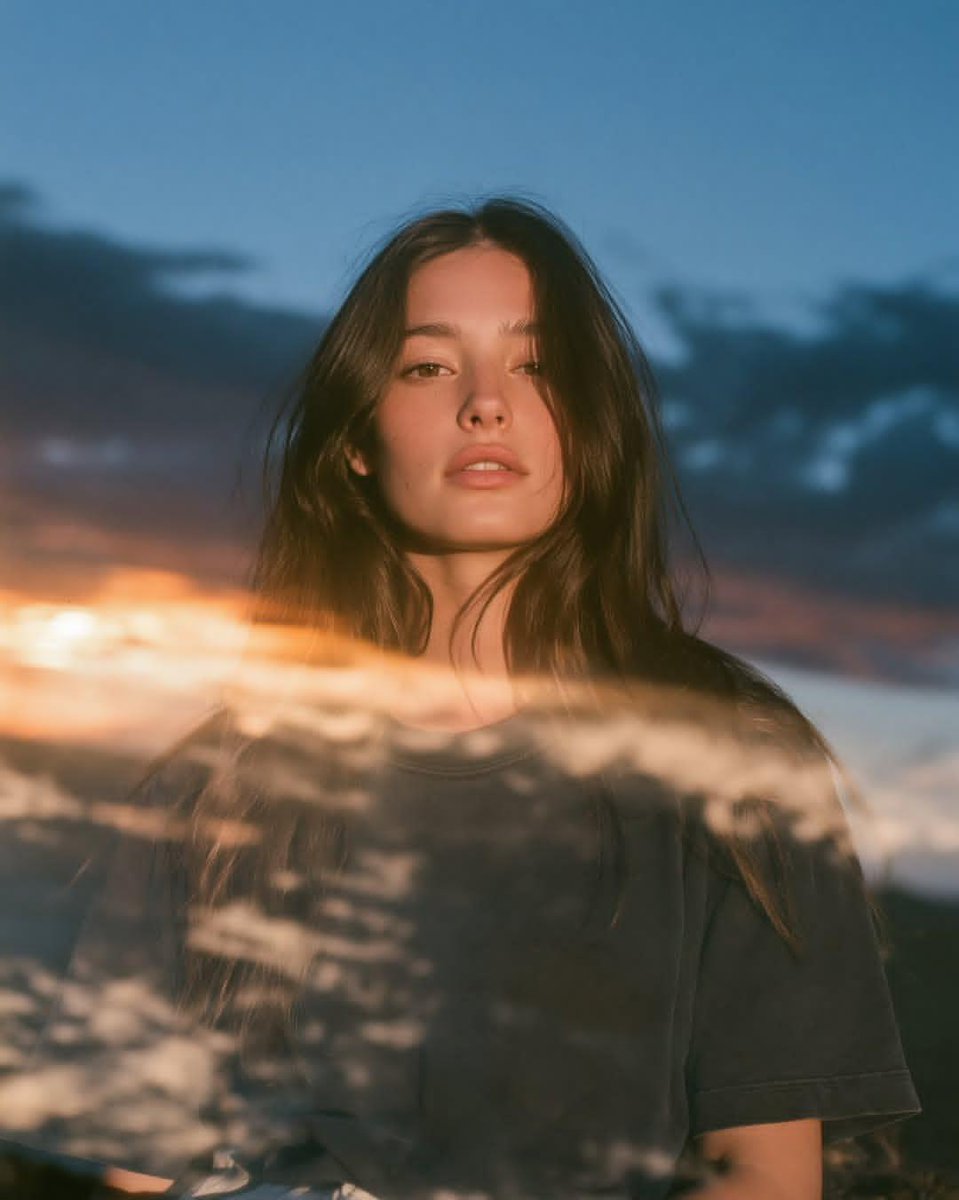
Ultra-cinematic analog portrait prompt of a young woman at blue hour with an in-camera double exposure of a golden sunset horizon layered across her lower body, Kodak Portra-inspired color science, film grain, halation, and a vertical 4:5 frame.
These example images come from the original source. DROPIDEA has not independently tested these examples; results depend on the model and settings.
Replace the red variables with your information. Copy the full prompt and use it with your preferred agent.
young woman standing outdoors at blue hour just after sunset, long dark brown hair softly tousled by a gentle breeze, loose strands naturally crossing her face, wearing an oversized faded black T-shirtThe main subject description you can edit to swap the young woman for another person.
First sentence of the template, from "young woman standing outdoors" to "directly into the camera."
Example valueA young man with short blond hair and a pensive expression
glowing golden sunset horizon, soft clouds, distant dark tree silhouettes, and warm orange lightThe scene elements layered in the double exposure effect.
Second paragraph, after "Create a surreal in-camera double exposure effect:".
Example valueA green aurora horizon and a still lake reflecting stars
Kodak PortraThe reference film stock for color science.
Third paragraph within "Kodak Portra-inspired color science".
Example valueKodak Gold 200-inspired color science
A photographic prompt crafted to generate hyper-realistic, unposed smartphone snapshots taken by a friend at a nigh...
Prompt generating an ultra-realistic photo of a young man wearing white Shalwar Kameez by a lake at sunset, specify...
An advanced cinematic AI video prompt crafting a 15-second seamless loop psychedelic Japanese horror music video fe...
Prompt to generate a photorealistic character reference sheet for a young medieval village woman featuring multi-an...