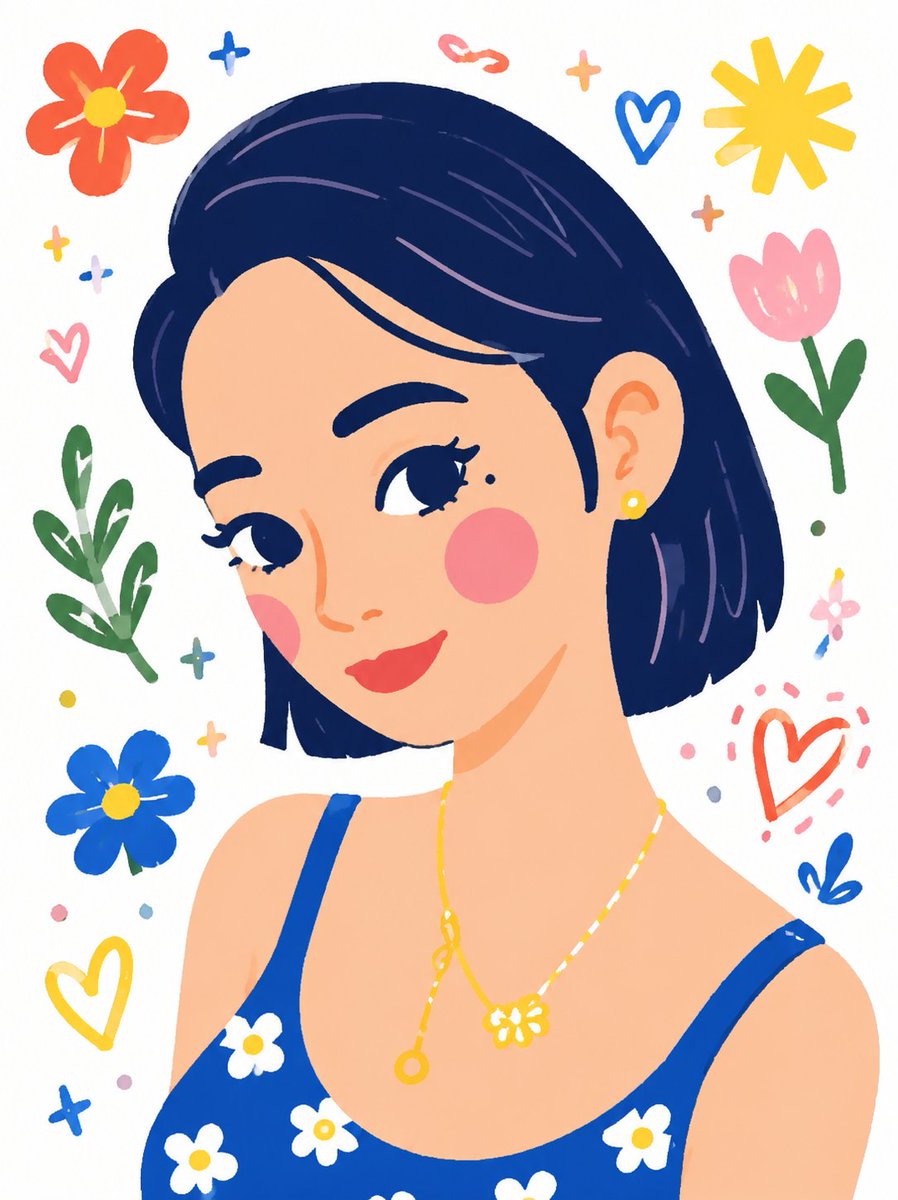
Result 1OpenAI
A prompt that transforms an uploaded image into a single Decorative Folk Flat Illustration with Doodle elements, using a bold, playful color palette completely different from the original image's colors. Requires uploading a source image to transform.
These example images come from the original source. DROPIDEA has not independently tested these examples; results depend on the model and settings.
Replace the red variables with your information. Copy the full prompt and use it with your preferred agent.
Decorative Folk Flat IllustrationThe target illustration style for the transformation.
In the English template, right after «into a single».
Example valueBotanical Line Art
DoodleThe type of decorative elements added.
After «with» and before «elements».
Example valueHand-drawn Scribbles
bold and playful color paletteThe bold, playful palette description.
After «Use a» in the English template.
Example valuewarm earthy color palette
Transforms an uploaded reference image into an editorial character poster using sophisticated flat geometric shapes...
A 1970s-inspired cut-paper folk art prompt featuring textured surfaces, elongated figures, earthy pastels, and deco...
A vertical semi-realistic editorial sketchbook illustration depicting a playful woman in a humorous candid moment e...
Artistic prompt featuring a layered papercraft fox strolling through a forest of origami maple leaves under soft mo...