Result 1OpenAI
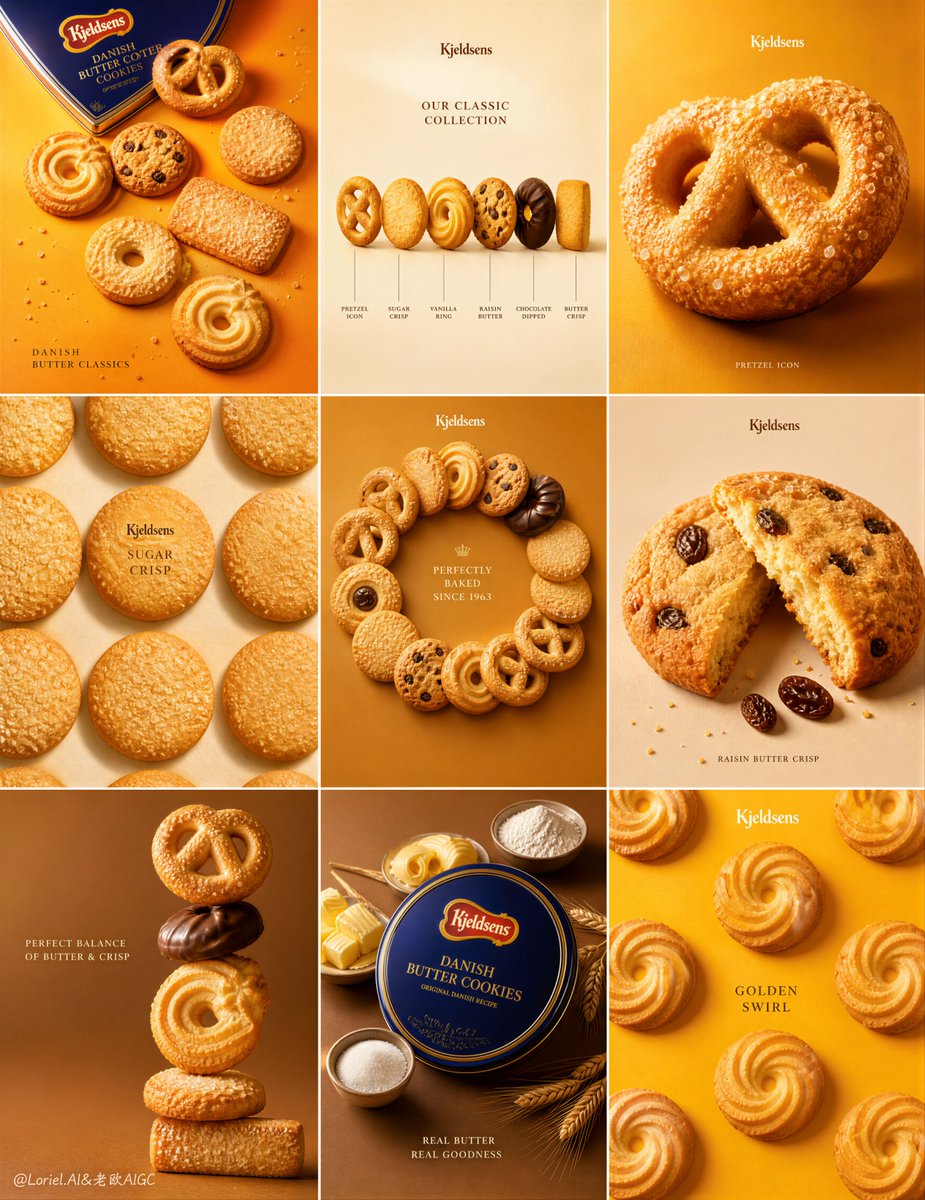
A negative-style prompt describing a cheap supermarket flyer look: cluttered layout, low-detail cookies with fake crumb texture and greasy surface, generic packaging, too much text, crude fonts, messy composition, cartoon rendering, muddy lighting, low resolution, and weak product focus.
These example images come from the original source. DROPIDEA has not independently tested these examples; results depend on the model and settings.
Replace the red variables with your information. Copy the full prompt and use it with your preferred agent.
low-detail cookiesThe main product shown in the flyer.
The phrase "low-detail cookies" in the template.
Example valuelow-detail chocolate
generic packagingThe generic packaging style.
The phrase "generic packaging" in the template.
Example valueunbranded packaging
cartoon renderingThe visual render style.
The phrase "cartoon rendering" in the template.
Example valuecheap 3D rendering
A premium 3:4 vertical editorial poster combining realistic photography of one local dish above with a handmade ing...
A creative food photography prompt featuring a tall, fluffy stack of diner pancakes with dripping maple syrup natur...
A benchmark and comparative critique testing how different generative AI models understand internal anatomical stru...
A dynamic prompt for high-speed commercial food photography featuring a sharp hero dish, suspended fresh ingredient...