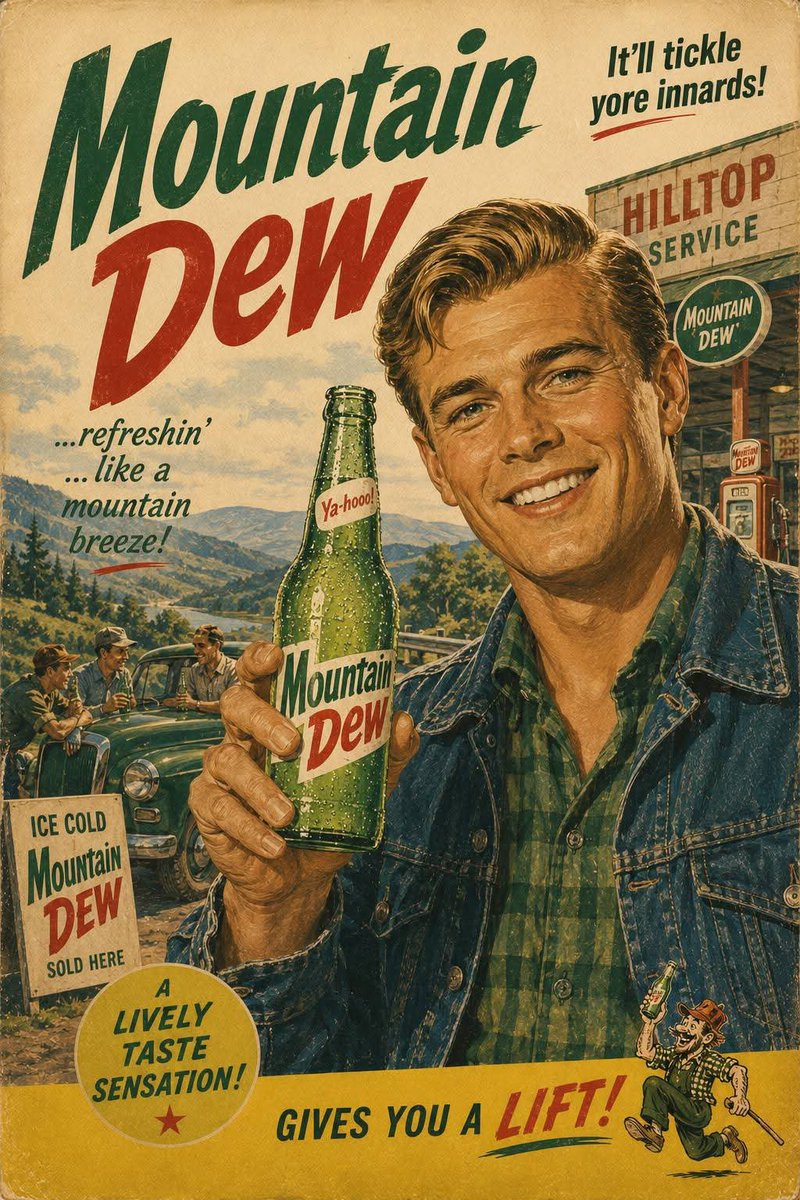
Result 1OpenAI
Prompt for creating an authentic 1960s American advertising poster with GPT Image 2 on ChatGPT, featuring a customizable character holding a frosty bottle of the chosen brew, retro typography, screen print texture, and a customizable two-color palette.
These example images come from the original source. DROPIDEA has not independently tested these examples; results depend on the model and settings.

Replace the red variables with your information. Copy the full prompt and use it with your preferred agent.
[BREW]The beverage or beer brand name for the poster
Three places: 'for [BREW]', 'bottle of [BREW]', and the quoted poster text “[BREW]”
Example valueGolden Ale Co.
[PERSON DESCRIPTION]Description of the character shown in the poster
Immediately before 'holding a frosty glass bottle'
Example valueA young man in a white jacket smiling confidently
[COLOR 1]First color of the bold palette
'bold [COLOR 1] and [COLOR 2] color palette'
Example valueCherry red
[COLOR 2]Second color of the bold palette
'and [COLOR 2]' right after the first color
Example valueMustard yellow
GPT Image 2Image generation tool; technical setting to change only when using another tool
First line before 'On ChatGpt'
Example valueDALL·E 3
A campaign-ready vertical beverage poster prompt merging a hyper-real glass cola bottle, dynamic sculpted fluid rib...
Transforms an uploaded image into a split museum-grade poster: the top half maintains pure photographic truth, whil...
Detailed prompt for generating a vertical commercial poster fusing an energy drink can with dynamic skateboard acti...
An advanced prompt for generating compact conceptual typography fusing custom serif lettering with a single visual...