Skip to content
ImagesFree

Character Replacement Prompts Preserving Visual Reference

A series of prompts for replacing a character in your image while preserving camera angle, composition, pose, lighting, color palette, clothing style, and background, with cinematic photorealistic results and a premium editorial fashion aesthetic.

OpenAI

Source previews

These example images come from the original source. DROPIDEA has not independently tested these examples; results depend on the model and settings.
Ready to personalize

Your prompt

English

Replace the red variables with your information. Copy the full prompt and use it with your preferred agent.

TXT MD English version
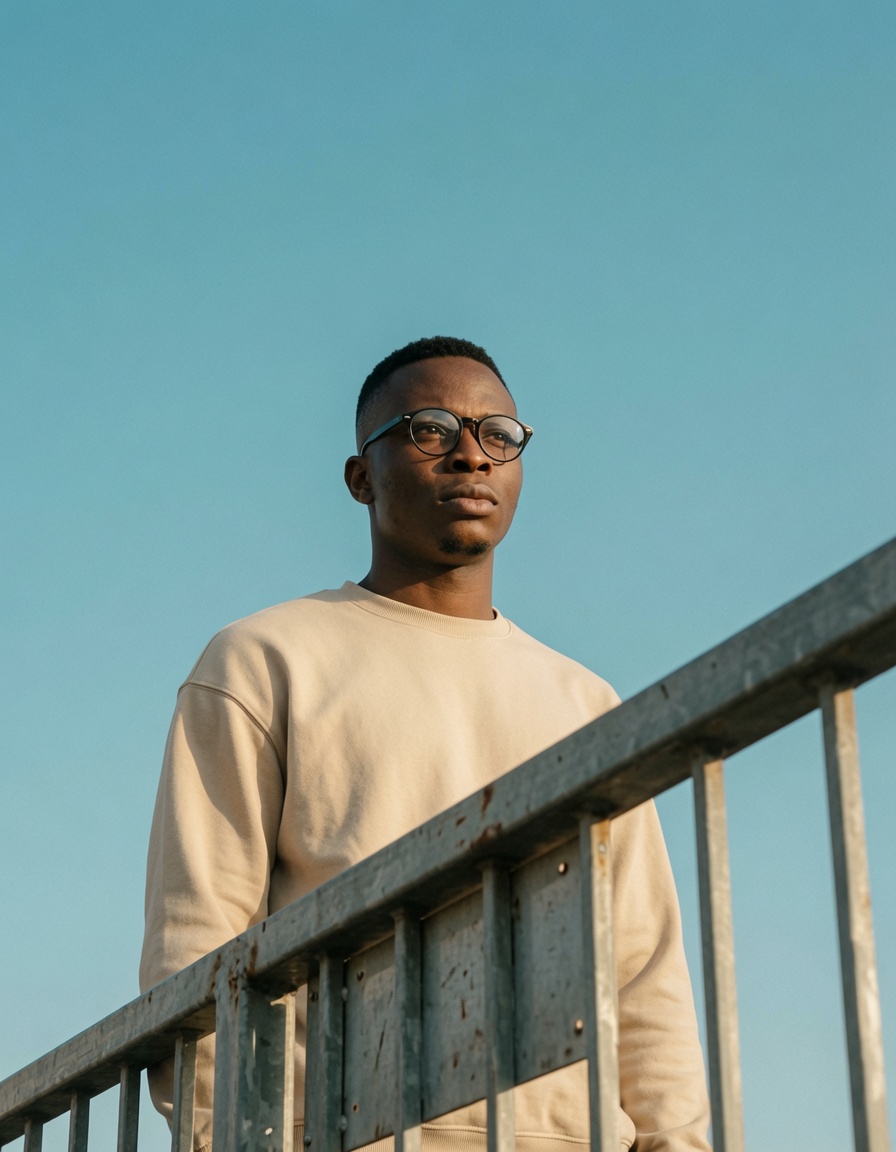
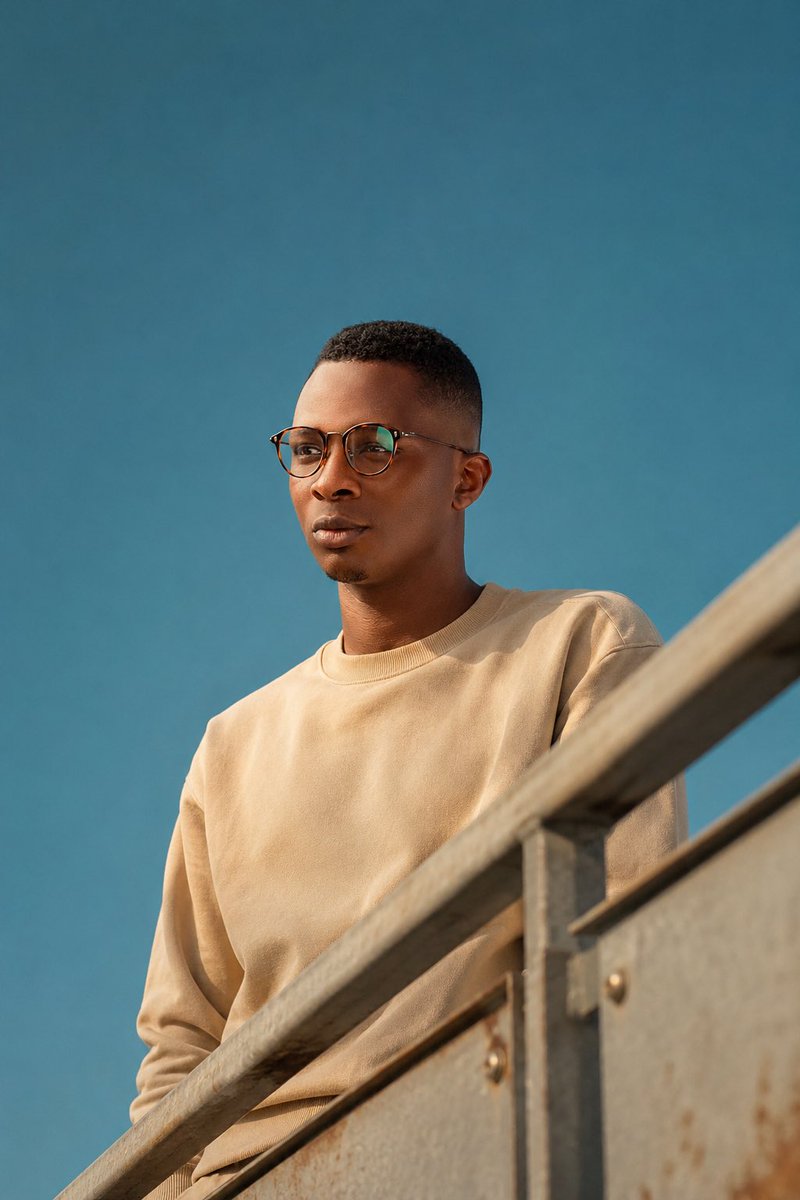
Use this prompts with your favorite image. Is worth trying: This series shows how to replace a character while preserving the original reference image's camera angle, composition, pose, lighting, color palette, clothing style, and background. The results combine cinematic low-angle outdoor portraits, accurate identity preservation, natural sunlight, turquoise-blue skies, industrial architecture, and a premium editorial fashion aesthetic. With a detailed reference-based prompt, the new character can remain recognizable while the complete visual language of the original scene stays consistent. Keywords: Al character replacement, reference image prompt, face replacement prompt, identity preservation, consistent character, facial accuracy, cinematic portrait, low angle photography, outdoor fashion photography, editorial portrait, Al photo editing, image to image prompt, realistic Al photography, photorealistic portrait, character consistency, reference based generation, cinematic lighting, natural sunlight, turquoise sky, industrial portrait photography, fashion editorial, camera angle preservation, composition consistency, pose preservation, outtit adaptation, hyper realistic Al image, generative Al, Al art prompt, ChatGPT image prompt, Gemini image prompt, Midjourney prompt, Flux prompt, 👇🏾 prompt in the comments
Preview results

Your prompt

Use this prompts with your favorite image. Is worth trying: This series shows how to replace a character while preserving the original reference image's camera angle, composition, pose, lighting, color palette, clothing style, and background. The results combine cinematic low-angle outdoor portraits, accurate identity preservation, natural sunlight, turquoise-blue skies, industrial architecture, and a premium editorial fashion aesthetic. With a detailed reference-based prompt, the new character can remain recognizable while the complete visual language of the original scene stays consistent. Keywords: Al character replacement, reference image prompt, face replacement prompt, identity preservation, consistent character, facial accuracy, cinematic portrait, low angle photography, outdoor fashion photography, editorial portrait, Al photo editing, image to image prompt, realistic Al photography, photorealistic portrait, character consistency, reference based generation, cinematic lighting, natural sunlight, turquoise sky, industrial portrait photography, fashion editorial, camera angle preservation, composition consistency, pose preservation, outtit adaptation, hyper realistic Al image, generative Al, Al art prompt, ChatGPT image prompt, Gemini image prompt, Midjourney prompt, Flux prompt, 👇🏾 prompt in the comments

What you get

  • Character replacement with identity and facial accuracy preservation.
  • Preserved camera angle, composition, pose, and lighting.
  • Consistent original color palette, clothing style, and background.
  • Premium cinematic editorial aesthetic with natural sunlight and turquoise sky.

Use cases

  • Updating outdoor fashion images with a new character while keeping the photographic style.
  • Creating consistent cinematic portraits of characters across multiple sessions.
  • Experimenting with AI image-to-image editing for editorial purposes.

How to use

  • Choose a clear reference image of the character and scene you want to apply the prompt to.
  • Upload the reference image to a supported generation tool such as ChatGPT, Gemini, Midjourney, or Flux.
  • Copy the prompt from the comments section linked to this post and paste it along with the uploaded image.
  • Specify the new character you want if the prompt requires it, then run the generation.
  • Compare the result with the original image to verify that angle, composition, lighting, and identity are preserved.
  • Regenerate with small adjustments until you balance the new identity with scene consistency.

Related prompts