Result 1Image generation
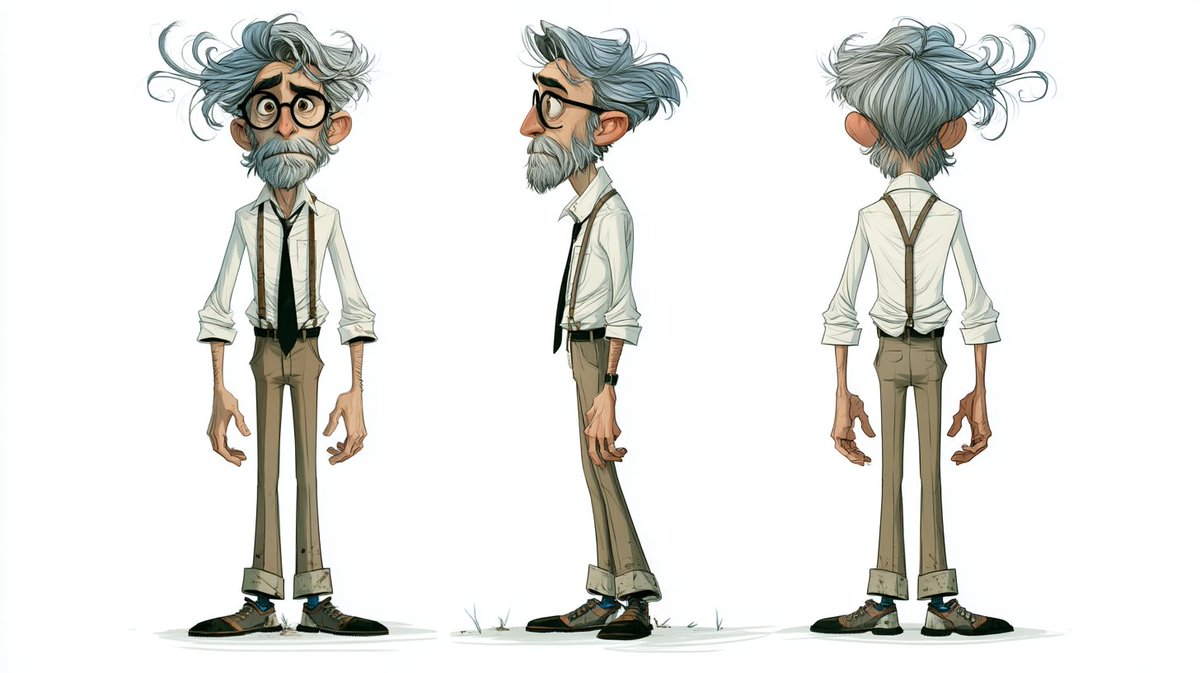
A realistic fantasy cinematic scene where Image_1 and Image_2 meet Image_3 on a magic circle in the middle of a forest, with high volumetric light, deep field, multiple dynamic camera angles across 15 cuts.
These example images come from the original source. DROPIDEA has not independently tested these examples; results depend on the model and settings.

Replace the red variables with your information. Copy the full prompt and use it with your preferred agent.
Realistic fantasy movieThe overall visual style.
«Realistic fantasy movie» at the start of the template.
Example valueRealistic sci-fi movie
high volumetric lightThe lighting type.
«high volumetric light» in the template.
Example valueSoft moonlight
multiple dynamic camera anglesThe camera style.
«multiple dynamic camera angles» in the template.
Example valueSmooth tracking camera motion
in the middle of a forestThe event location.
«in the middle of a forest» in the template.
Example valuein the heart of a barren desert
A photographic prompt crafted to generate hyper-realistic, unposed smartphone snapshots taken by a friend at a nigh...
Prompt generating an ultra-realistic photo of a young man wearing white Shalwar Kameez by a lake at sunset, specify...
An advanced cinematic AI video prompt crafting a 15-second seamless loop psychedelic Japanese horror music video fe...
Prompt to generate a photorealistic character reference sheet for a young medieval village woman featuring multi-an...