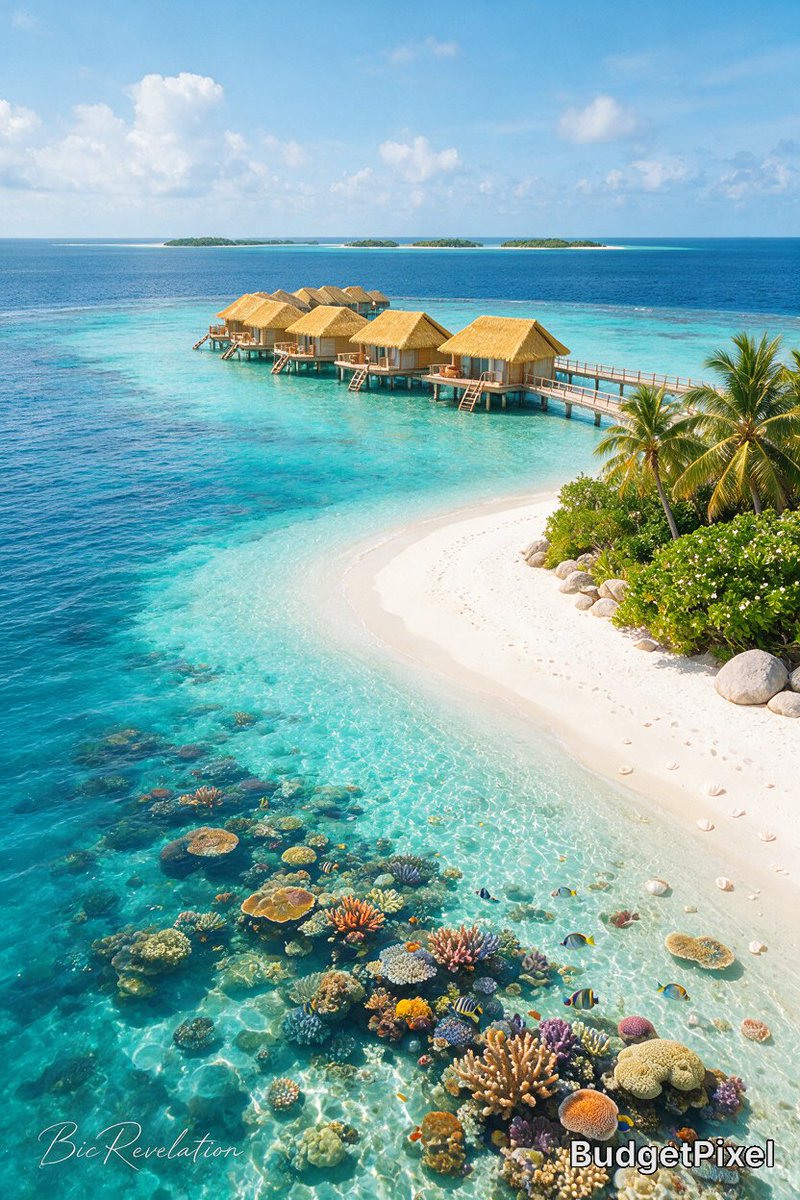
Result 1Image generation
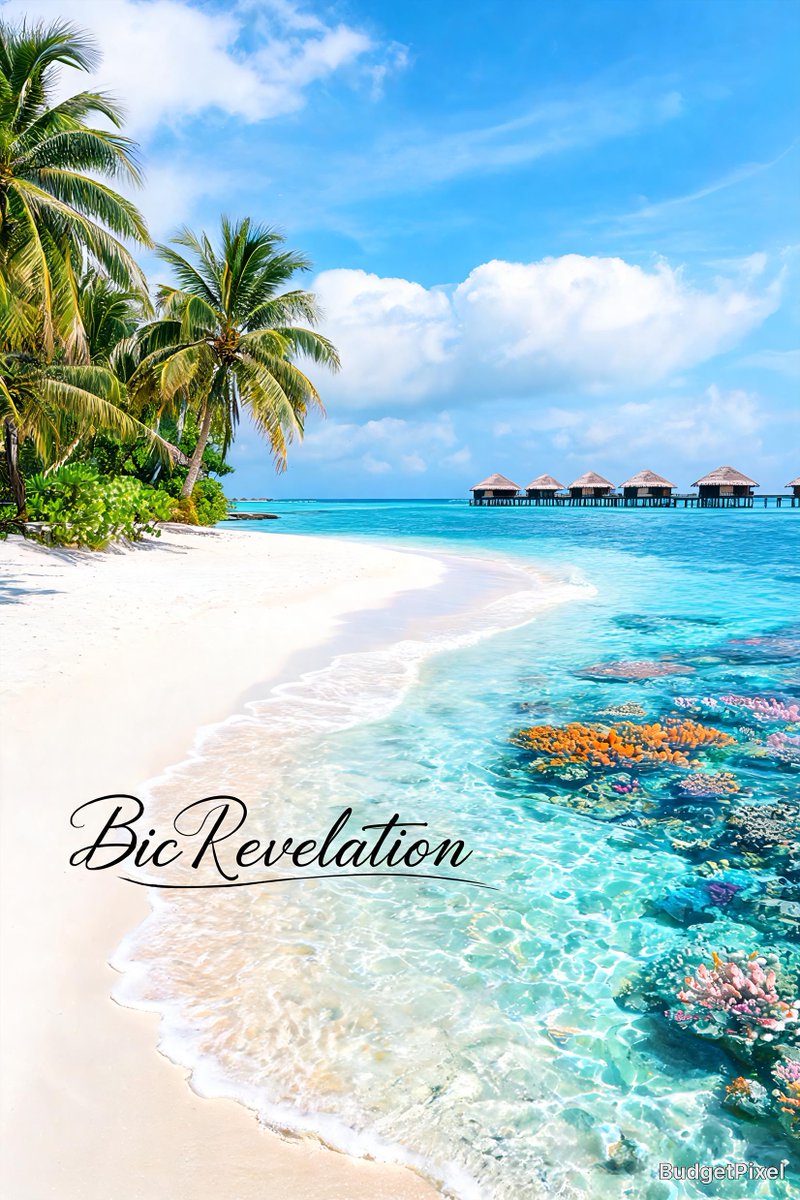
A social media caption comparing a previous model's image with Seedream 5.0 Pro, asking followers whether the upgrade is worth it, crediting the creator and hashtags.
These example images come from the original source. DROPIDEA has not independently tested these examples; results depend on the model and settings.
Replace the red variables with your information. Copy the full prompt and use it with your preferred agent.
Right: Previous modelLabel for the older model on the right side; replace with the model you compare against.
First line of the English template before the colon.
Example valueRight: Midjourney v6
@budgetpixelCreator account handle; replace with yours keeping the @ symbol.
The 'Created with' line in the English template.
Example value@myartpage
#Seedream5Pro #BudgetPixel #AIArtPost hashtags; keep #Seedream5Pro since it contains the digit 5.
Final line at the end of the template.
Example value#Seedream5Pro #MyBrand #AIArt
A detailed 30-second seamless video generation prompt capturing a handheld raw smartphone loop of three men partyin...
A brief post contains only a downward arrow symbol and an external link.
A detailed English prompt generating a hyper-realistic 9:16 front-camera selfie of a young woman against a festive...
Complete art-direction prompt generating a premium Nike running campaign poster: explosive editorial runner, hero s...