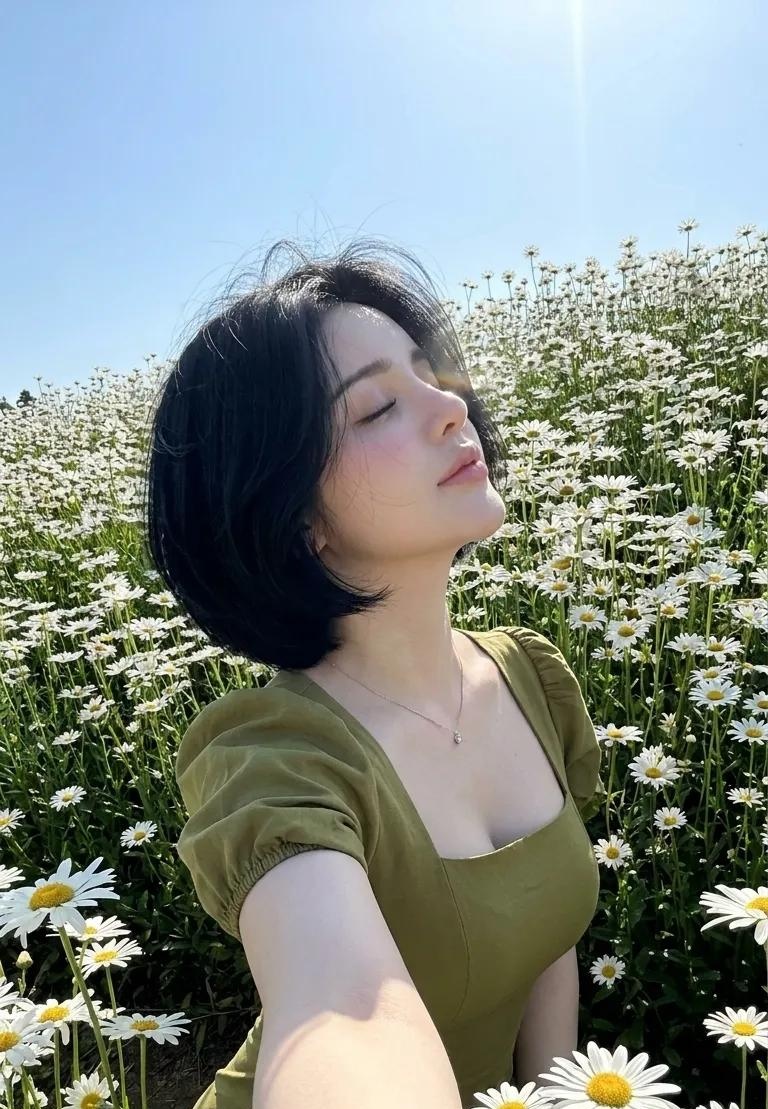
Result 1Gemini
Edits an attached photo while fully preserving identity, facial structure and proportions, applying short fluffy dark hair, realistic porcelain skin, and a vertical 9:16 low-angle selfie look in bright sunlight, surrounded by dense white daisies in front and a full flower wall behind.
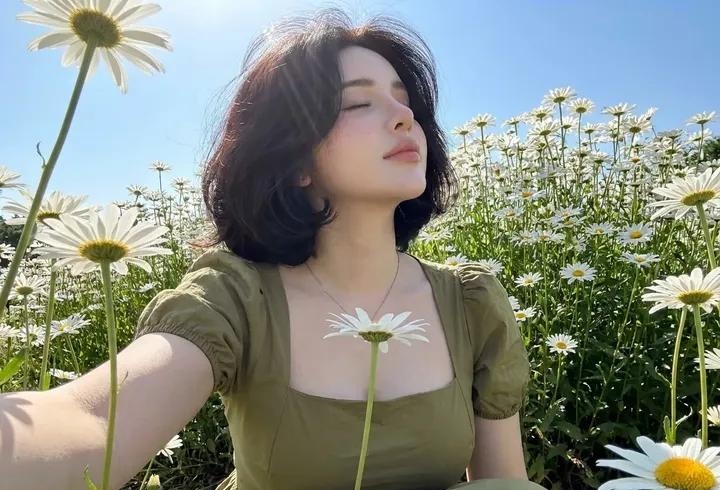
These example images come from the original source. DROPIDEA has not independently tested these examples; results depend on the model and settings.
Replace the red variables with your information. Copy the full prompt and use it with your preferred agent.
rich deep jet‑black with subtle soft brown undertonesBase hair color and its secondary undertones
Hair Specification section, the color phrase at the start
Example valuedeep chocolate brown with golden caramel highlights
ultra‑fair, luminous milky‑white base with subtle cool undertonesSkin base color, undertones and translucency description
Skin Specification section, the phrase right after the colon
Example valuewarm glowing tan skin with natural golden hints
olive‑greenColor of the fitted dress in the attire section
Attire & Accessories section, the word before 'dress'
Example valuelight sky blue
white daisies with bright golden‑yellow centersFlower type filling foreground and background
Setting & Floral Details section, the foreground flower description
Example valuedense purple lavender with dark centers
A photographic prompt crafted to generate hyper-realistic, unposed smartphone snapshots taken by a friend at a nigh...
Prompt generating an ultra-realistic photo of a young man wearing white Shalwar Kameez by a lake at sunset, specify...
An advanced cinematic AI video prompt crafting a 15-second seamless loop psychedelic Japanese horror music video fe...
Prompt to generate a photorealistic character reference sheet for a young medieval village woman featuring multi-an...