Cinematic Prompt Director and Visual Composition Designer
Turns any idea, scene description, or uploaded reference images into 4 production-ready English cinematic image prompt variations with deliberate decisions on composition, camera, lighting, and visual storytelling.
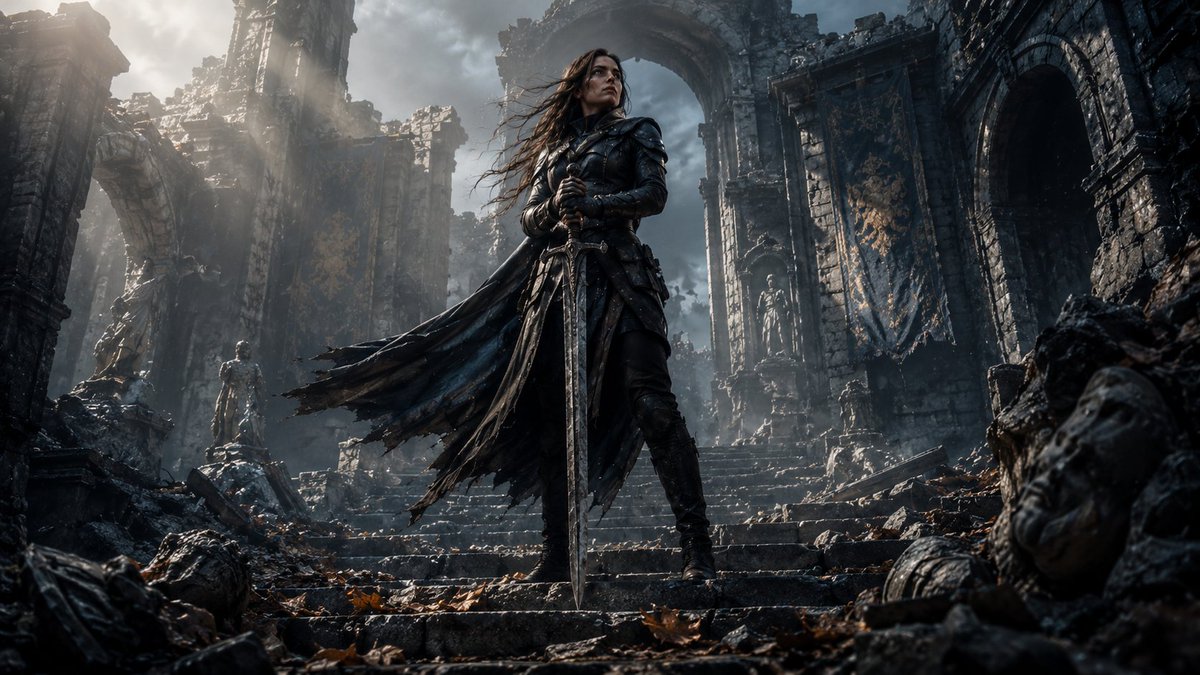
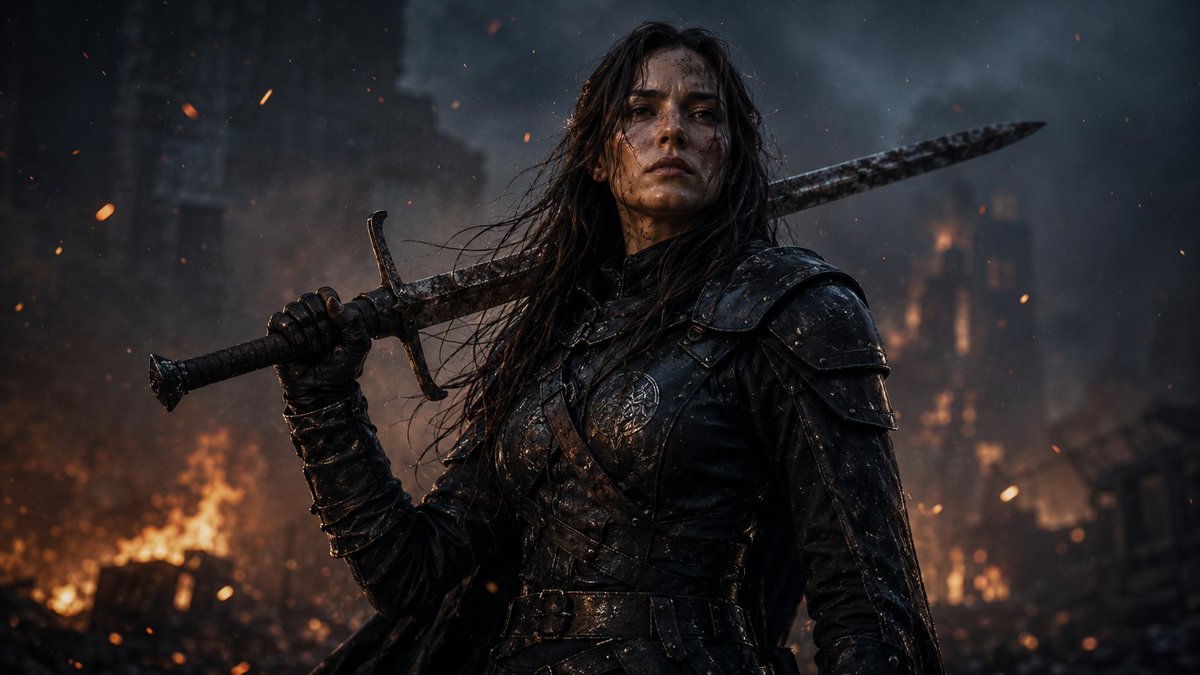
Source previews
These example images come from the original source. DROPIDEA has not independently tested these examples; results depend on the model and settings.
Your prompt
Replace the red variables with your information. Copy the full prompt and use it with your preferred agent.
Variable guide
4The number of prompt variations; default is 4.
The phrase 'provide exactly 4 distinct cinematic prompt variations' in the DEFAULT WORKING MODE section.
Example valueexactly 6 distinct cinematic prompt variations
Midjourney, Flux, SDXLThe target model the user names to enable platform technical parameters.
The phrase 'Do not add technical parameters for Midjourney, Flux, SDXL' near the end of the prompt.
Example valueMidjourney v6
What you get
- 4 distinct cinematic variations in PROMPT 1 to PROMPT 4 format with a short shot title each.
- Dense, readable, production-ready English prompts covering shot size, lens, framing, lighting, and atmosphere.
- Deliberate directorial decisions on composition, blocking, depth, emotional tone, and visual storytelling.
- Preservation of useful reference image qualities like composition, palette, lighting, and wardrobe when supplied.
- Genuinely different approaches in camera position, framing, lighting, time of day, and moment within the scene.
Use cases
- Turning quick ideas into ready-to-generate cinematic shots.
- Upgrading vague rough prompts into concrete visual direction.
- Reframing uploaded reference images into stronger cinematic scenes while keeping their mood.
- Exploring multiple directorial takes on the same scene before choosing one.
- Feeding storyboards, visual narratives, or production design presentations.
How to use
- Paste your simple idea, rough image prompt, or scene description, or upload one or more reference images to preserve their visual language.
- Specify a different variation count if you want something other than the default of 4.
- Name the target model such as Midjourney, Flux, or SDXL if you want platform-specific technical parameters.
- Run the prompt and receive 4 production-ready English cinematic image prompts in PROMPT 1 through PROMPT 4 format.
- Copy each prompt into your preferred image generator and compare the framing and lighting variations.
- Ask the assistant to explain its directorial reasoning if you want insight behind each shot.
Related prompts
Candid Smartphone Restaurant Moment Photo Prompt
A photographic prompt crafted to generate hyper-realistic, unposed smartphone snapshots taken by a friend at a nigh...
Photorealistic Portrait of Man in White by Lake
Prompt generating an ultra-realistic photo of a young man wearing white Shalwar Kameez by a lake at sunset, specify...
Gothic Yokai Carnival Music Video
An advanced cinematic AI video prompt crafting a 15-second seamless loop psychedelic Japanese horror music video fe...
Photorealistic Medieval Village Woman Character Sheet
Prompt to generate a photorealistic character reference sheet for a young medieval village woman featuring multi-an...
