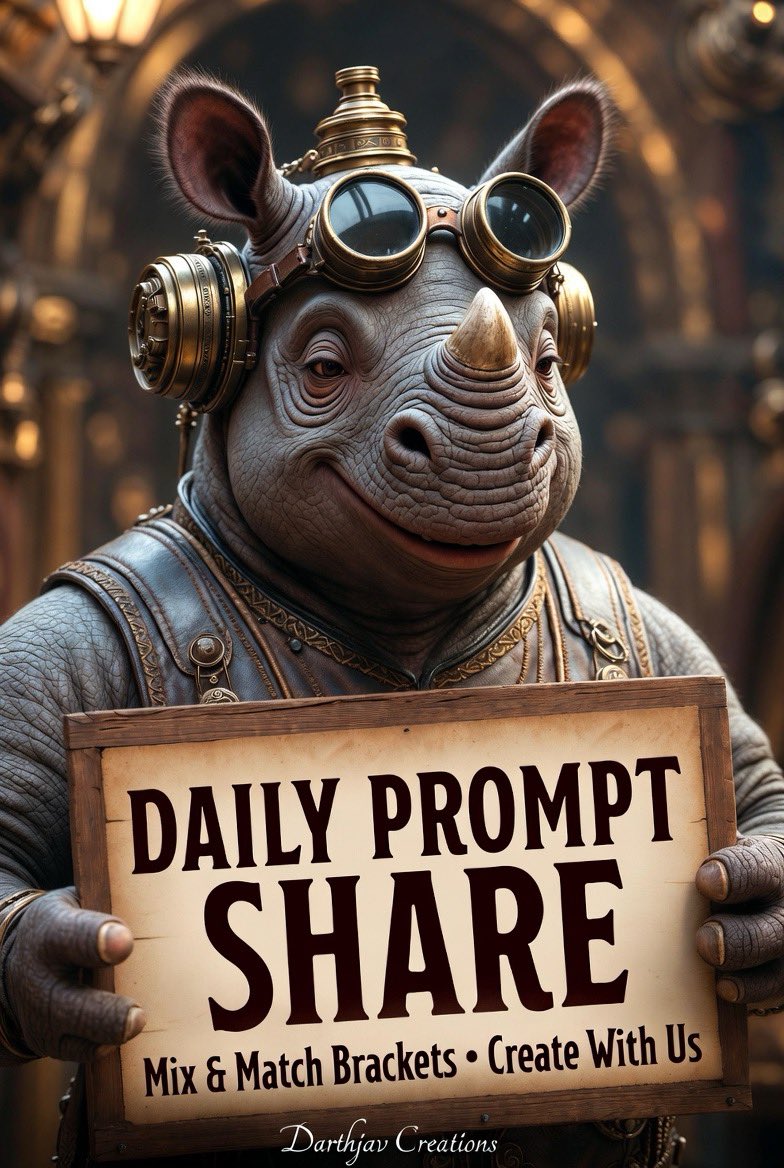
Result 1Image generation
A god-tier cinematic 8K surreal portrait template with customizable subject and location brackets, dramatic volumetric lighting and intricate details, designed for interactive social sharing of generated images.
These example images come from the original source. DROPIDEA has not independently tested these examples; results depend on the model and settings.
Replace the red variables with your information. Copy the full prompt and use it with your preferred agent.
[subject]The main character or creature in the portrait.
Replace [subject] in the portrait line or edit the Bracket 1 subject list.
Example valuesteampunk anthropomorphic fox
[location]The glowing place where the subject stands.
Replace [location] in the portrait line or edit the Bracket 2 location list.
Example valuerocket launchpad under starry sky
teal retro-futuristic Mindwanderer robot | steampunk anthropomorphic fox | cosmic baseball player | neon F1 speeder pilot | your custom ideaEditable list of subject choices.
The full Bracket 1 – Subject list line.
Example valueteal retro-futuristic Mindwanderer robot | steampunk anthropomorphic fox
interstellar crossroads portal | crypto cave entrance | Key West hurricane lighthouse | rocket launchpad under starry sky | your custom ideaEditable list of location choices.
The full Bracket 2 – Location list line.
Example valueKey West hurricane lighthouse | rocket launchpad under starry sky
A detailed 30-second seamless video generation prompt capturing a handheld raw smartphone loop of three men partyin...
A brief post contains only a downward arrow symbol and an external link.
A detailed English prompt generating a hyper-realistic 9:16 front-camera selfie of a young woman against a festive...
Complete art-direction prompt generating a premium Nike running campaign poster: explosive editorial runner, hero s...