Skip to content
ImagesFree

Consistent Scene Grid for Childhood Memories

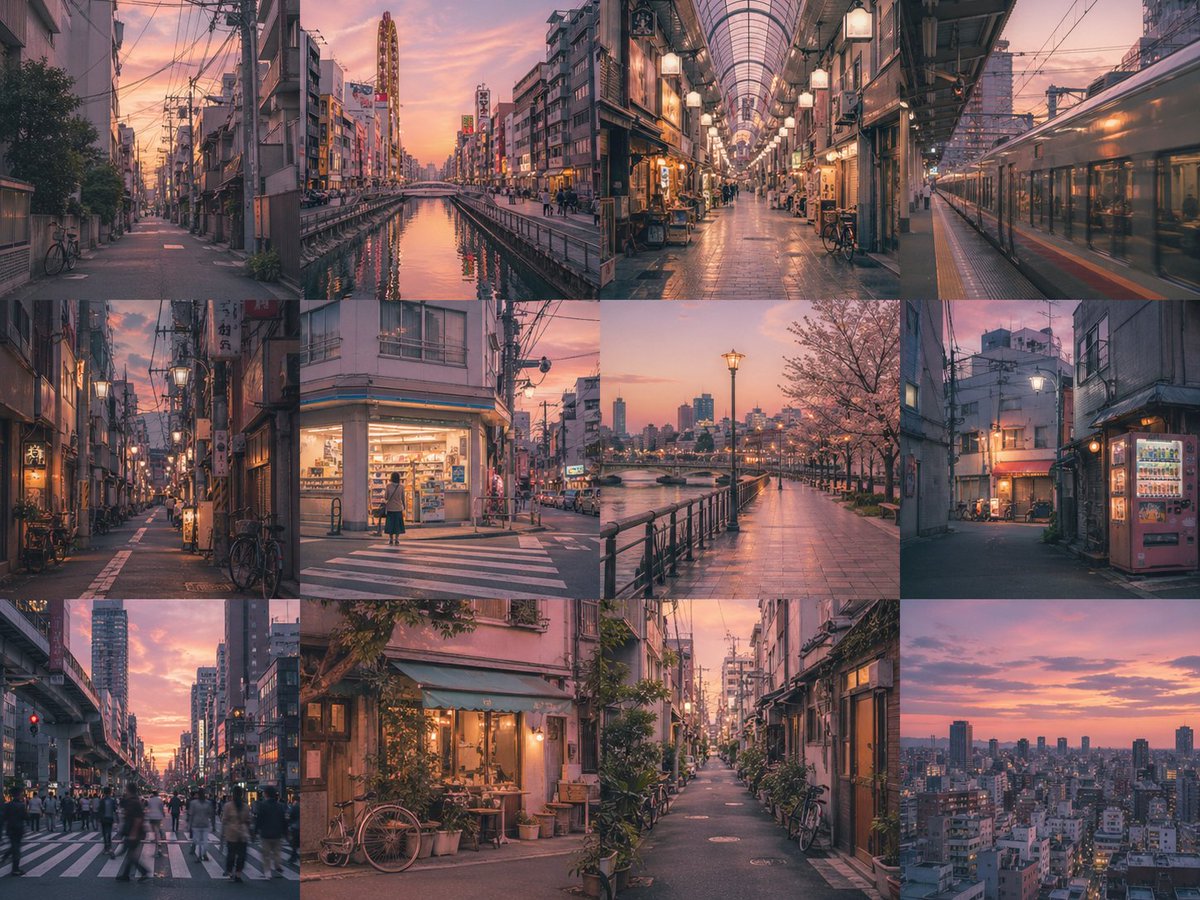
An image template producing a seamless multi-panel grid where each panel shows a separate scene of the same subject, keeping appearance, colors, and lighting perfectly consistent across panels, with customizable theme, mood, and style.

OpenAI

Source previews

These example images come from the original source. DROPIDEA has not independently tested these examples; results depend on the model and settings.

Ready to personalize

Your prompt

English

Replace the red variables with your information. Copy the full prompt and use it with your preferred agent.

TXT MD English version
{argument name="grid layout" default="4x3"} seamless grid layout where every panel shows a separate scene featuring the {argument name="subject" default="a young woman"}. Keep subject appearance, colors, and lighting perfectly consistent across all panels. Theme: {argument name="theme" default="childhood memories"}, mood: {argument name="mood" default="warm, nostalgic"}, style: {argument name="style" default="nostalgic cinematic realism"}. No text, no gaps. #AIart #GPTImage2
Preview results

Your prompt

{argument name="grid layout" default="4x3"} seamless grid layout where every panel shows a separate scene featuring the {argument name="subject" default="a young woman"}. Keep subject appearance, colors, and lighting perfectly consistent across all panels. Theme: {argument name="theme" default="childhood memories"}, mood: {argument name="mood" default="warm, nostalgic"}, style: {argument name="style" default="nostalgic cinematic realism"}. No text, no gaps. #AIart #GPTImage2

Variable guide

4x3

The grid format as columns x rows.

The default value inside the grid layout tag at the start of the template.

Example value

3x2

a young woman

The person or element appearing in every panel.

The default value inside the subject tag in the first sentence.

Example value

a golden retriever puppy

childhood memories

The unifying theme of the scenes.

The default value inside the theme tag after "Theme:".

Example value

summer beach days

warm, nostalgic

The overall mood of the image.

The default value inside the mood tag after "mood:".

Example value

dreamy, soft

nostalgic cinematic realism

The desired artistic style.

The default value inside the style tag after "style:".

Example value

watercolor illustration

What you get

  • A seamless grid layout with no gaps between panels.
  • A separate scene in each panel featuring the same subject.
  • Perfectly consistent subject appearance, colors, and lighting across all panels.
  • A final image without any written text.

Use cases

  • Childhood memory boards and visual story collections.
  • Eye-catching grid-format social media posts.
  • Storyboards showing multiple moments of the same character.

How to use

  • Decide the grid format you want (e.g., 4x3) and the number of panels that suits your project.
  • Choose the subject that will appear in every panel; describing its appearance clearly helps consistency.
  • Pick a theme, mood, and artistic style that match your creative vision.
  • Copy the template after replacing the default values with your own and paste it into your image generation tool.
  • Review the result to ensure there are no texts or gaps between panels, then regenerate if needed.

Related prompts